
PC Builder AI
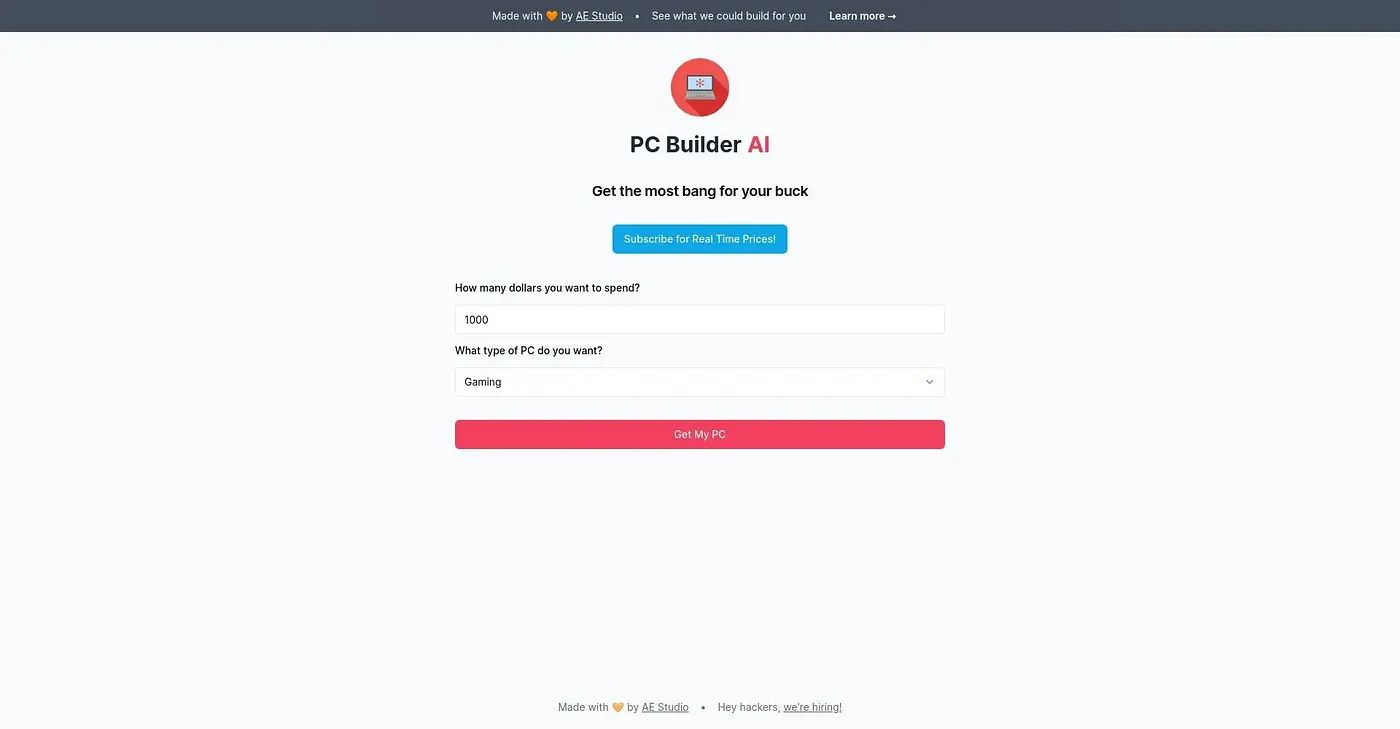
Pick a use for your custom PC and get a fully compatible build in seconds.
At a glance
3.9 out of 5
Scored by Alex after real useOur verdict
PC Builder AI helps you quickly design a compatible PC. It’s perfect for tech-savvy users and those who need to balance their budget between different components. If you prefer hands-on assembly or custom configurations with unique parts, this might not be the best choice.
✓What it does well
✕Where it falls short
Key features
Questions about PC Builder AI
How does PC Builder AI work?
Users pick a use for their custom PC, and PC Builder AI returns a fully compatible build in seconds. It allocates the budget across the necessary components, checks that all parts are compatible, and explains each component choice based on the chosen use case.
Is PC Builder AI free?
PC Builder AI is listed with a free tier at $0, and Toolio found no paid plan on the vendor's site in September 2026. Each part in a build links directly to Amazon, where users can see real prices and current availability and buy the parts.
Can PC Builder AI make highly customized builds?
Not really. The reviewer notes PC Builder AI does not allow highly customized builds with specific brands or models, and it designs a single fully compatible build per use case rather than multiple options. Users who prefer hands-on assembly or unique parts may want another tool.
Does PC Builder AI show reviews of the parts it suggests?
No. PC Builder AI does not provide user reviews or feedback on the components it suggests, which the reviewer lists as a shortcoming. It also shows only fully compatible parts and cannot suggest parts that are marginally compatible.
Who is PC Builder AI for?
PC Builder AI is aimed at tech enthusiasts, gamers and professionals, and the reviewer says it suits tech-savvy users who need to balance a budget between components. Toolio scores it 3.9 out of 5, rated by reviewer Alex after real use.