
Perfiles Para ChatGPT Chrome Extension
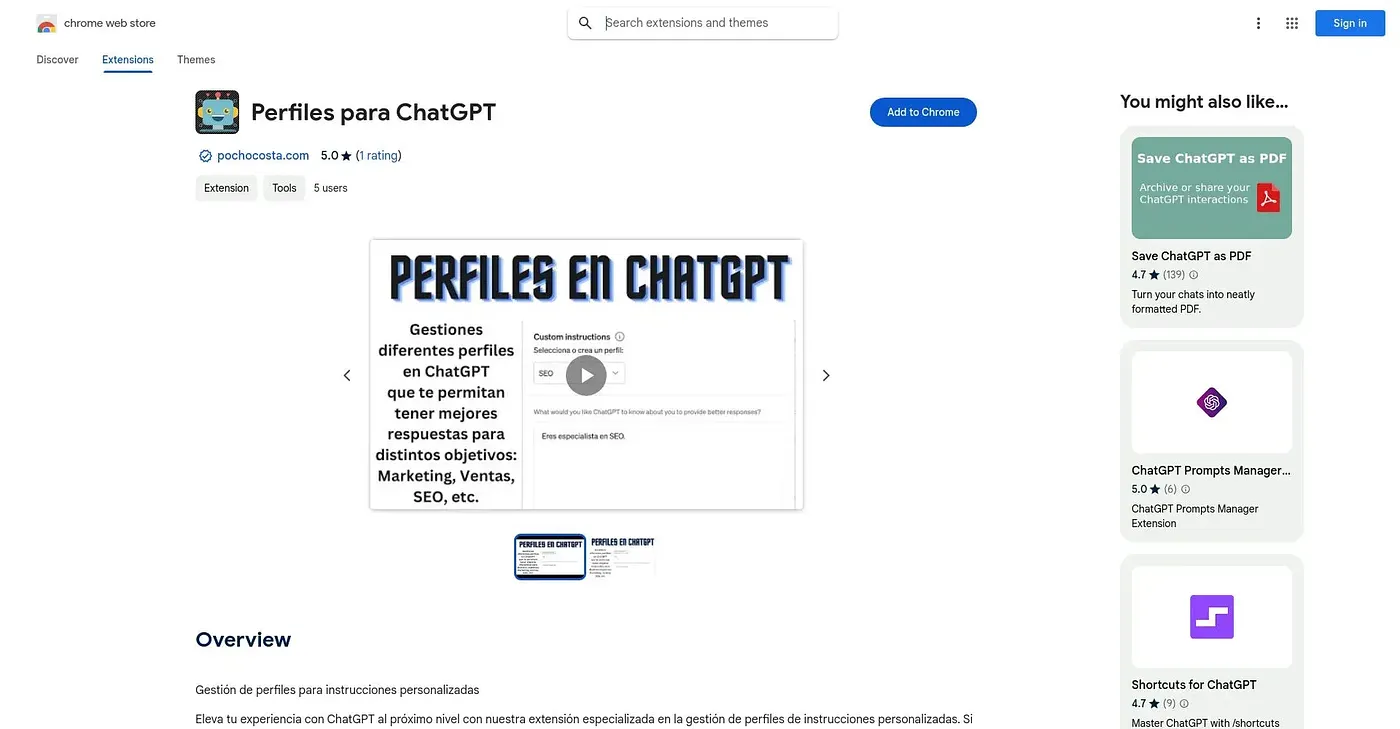
Lets you save several ChatGPT custom-instruction profiles and switch between them with one click.
At a glance
3.9 out of 5
Scored by Alex after real useOur verdict
This extension manages multiple custom-instruction profiles for ChatGPT, so you can switch between a professional tone, a casual one, or research-specific instructions without retyping anything. Everything is stored locally on your own device, and the extension states it doesn't extract any of your data. It's a narrow, single-purpose tool, currently backed by only one public rating, and its interface is offered in Spanish.
✓What it does well
✕Where it falls short
Key features
Questions about Perfiles Para ChatGPT Chrome Extension
What does Perfiles Para ChatGPT Chrome Extension do?
Perfiles Para ChatGPT Chrome Extension saves several ChatGPT custom-instruction profiles and switches between them with one click. Users can keep a professional tone, a casual one or research-specific instructions ready without retyping anything. It runs in Chrome.
Is Perfiles Para ChatGPT Chrome Extension free?
Yes. Toolio lists it as free at $0, and no paid plan was found on the Chrome Web Store in September 2026. Alex scored the extension 3.9 out of 5 after real use on 4 Oct 2026.
Does Perfiles Para ChatGPT Chrome Extension keep data private?
Profiles and instructions are stored locally on the user's own device rather than sent to an external server. The extension states that it does not extract any stored information, and the reviewer lists this local, private storage among its main strengths.
Is Perfiles Para ChatGPT Chrome Extension available in English?
No. The extension's interface is offered only in Spanish, with no English option listed, which the reviewer counts as a shortcoming. It also carries only a single public rating so far, giving it little track record.
Who should use Perfiles Para ChatGPT Chrome Extension?
Toolio lists it as best for ChatGPT users who switch between different conversation tones and not for anyone needing just one fixed set of instructions. The reviewer calls it a narrow, single-purpose tool without broader chat or writing features built in.