
Pixie Mint
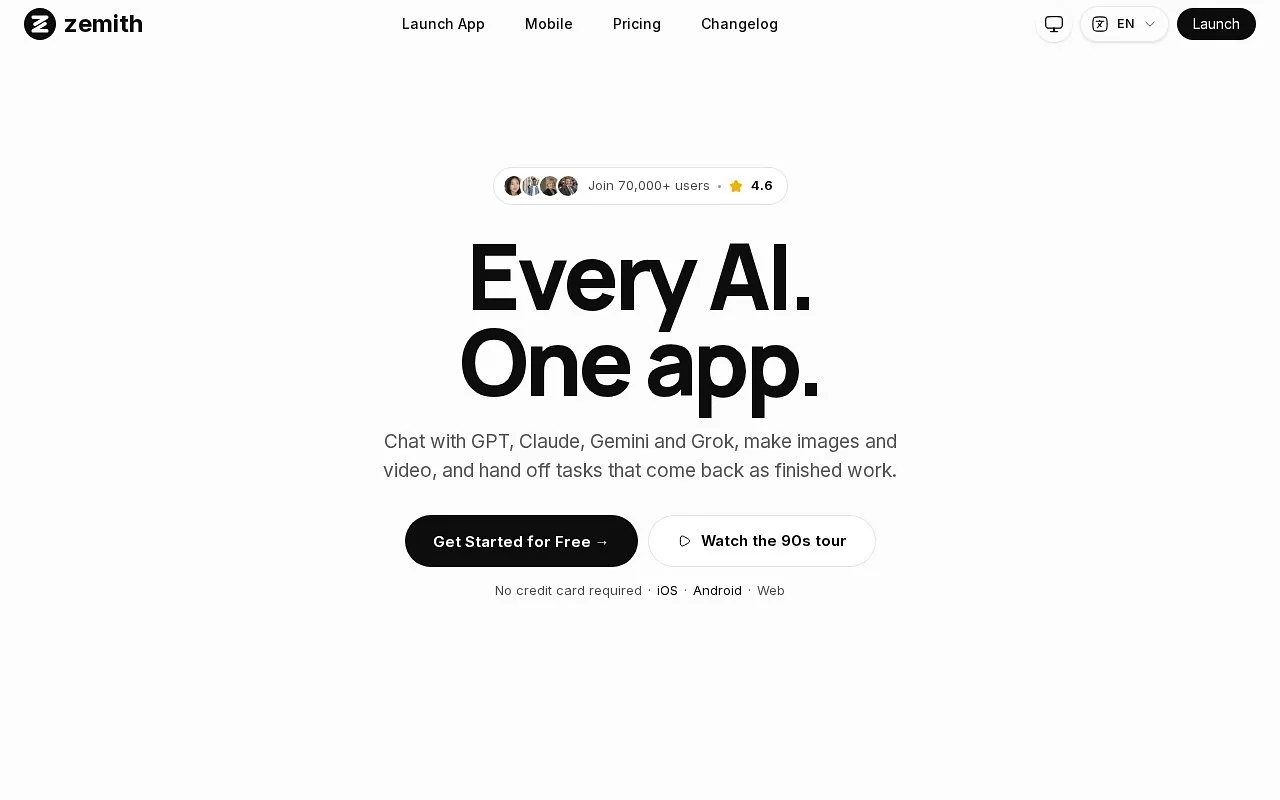
Combine multiple AI models in one workspace.
At a glance
4.0 out of 5
Scored by Alex after real useOur verdict
Zemith consolidates many AI models into a single platform, but lacks image editing for some users. For those needing comprehensive AI integration, it's worth the price; others might find individual solutions more cost-effective.
✓What it does well
✕Where it falls short
Key features
Questions about Pixie Mint
What does Pixie Mint do?
Pixie Mint combines multiple AI models in one workspace, with access to over 25 models on a single platform. It also lets users chat with documents and analyze content, automate tasks through Workflow Studio, and use an AI notepad that suggests code and text expansions.
Is Pixie Mint free?
Pixie Mint has a limited free tier at $0. Paid access starts at $14.99 per month billed yearly and includes multiple AI models, document tools and workflow automation. The reviewer notes that advanced features need additional subscriptions, which can raise the overall cost.
Does Pixie Mint have a mobile app?
Yes. Pixie Mint runs on the web and also has a mobile app for iOS and Android, so the same workspace is available across devices. Toolio lists it as best for teams that use various AI tools.
What are the drawbacks of Pixie Mint?
The reviewer says Pixie Mint lacks advanced image editing compared to dedicated tools like Adobe Illustrator, so it is not for individual image editors. Configuring the platform can be complex and time-consuming, and users who need only one kind of tool may find individual solutions more cost-effective.
How does Toolio score Pixie Mint?
Pixie Mint scores 4.0 out of 5 on Toolio, rated by Alex after real use on 5 Oct 2026. The reviewer considers it worth the price for those needing comprehensive AI integration. Toolio lists Image Prompt, Image to Prompt, Image Prompt Generator and FLUX.1 AI as alternatives.