
Popbox GPT Extension
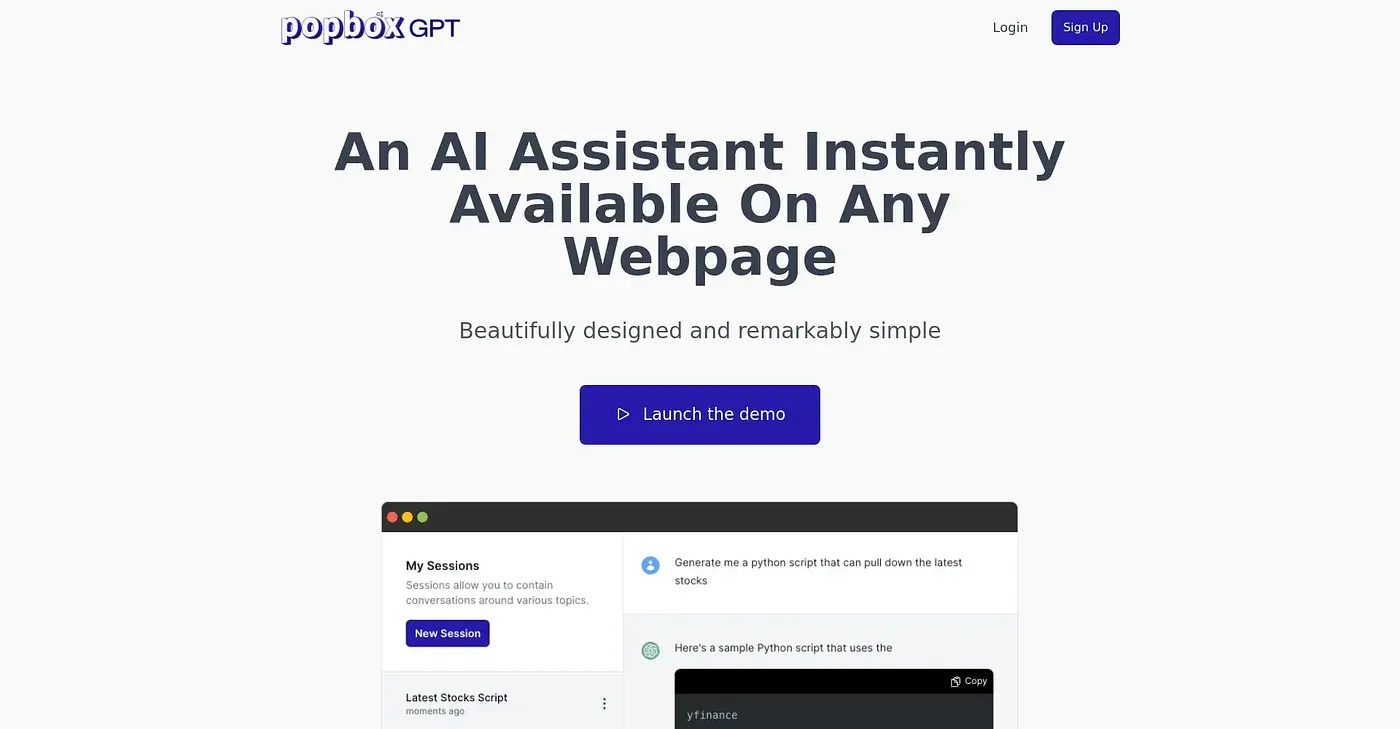
Access AI-powered assistance instantly within your browser.
At a glance
3.9 out of 5
Scored by Alex after real useOur verdict
PopboxGPT offers quick access to an AI language model but can be pricey for occasional use. It excels in simple tasks but may not suit complex projects that require extensive interactions.
✓What it does well
✕Where it falls short
Key features
Questions about Popbox GPT Extension
What is Popbox GPT Extension?
Popbox GPT Extension gives instant access to AI-powered assistance inside the browser. It opens with the Alt+J hotkey, works on any website without setup, and keeps a session history so work can be tracked across sessions. It runs on the web, in Chrome and through an API.
How much does Popbox GPT Extension cost?
Popbox GPT Extension has no free tier. Starter costs $9.99 per month with 300k words and 10 active sessions, Standard costs $19.99 per month with 625k words and 50 active sessions, and Premium costs $39.99 per month with 1.5M words and unlimited active sessions.
Who should use Popbox GPT Extension?
Toolio lists casual and daily users and professionals as the best fit for Popbox GPT Extension. The reviewer says it excels at simple tasks but may not suit complex projects that need extensive interactions, and it is not for heavy writers with extensive word limits.
What are the drawbacks of Popbox GPT Extension?
The reviewer notes that the Starter plan has a low word count limit and that extra features require upgrades for more usage. The reviewer also finds it can be pricey for occasional use. Popbox GPT Extension holds a Toolio score of 3.9 out of 5.
What alternatives to Popbox GPT Extension does Toolio list?
Toolio lists LiveMinder, Whenable and FlowSavvy as alternatives to Popbox GPT Extension. LiveMinder shows reminders on the lock screen but works only with Apple Reminders, Whenable suits goal-oriented individuals, and FlowSavvy auto-schedules tasks and reschedules them when plans change.