
Post Nitro AI
Design and publish AI carousels, image posts and videos.
At a glance
4.0 out of 5
Scored by Alex after real useOur verdict
Post Nitro offers quick designs with brand kits but lacks in advanced customization options for larger teams. It’s perfect for beginners who need to get started quickly; more complex workflows might struggle without upgrades.
✓What it does well
✕Where it falls short
Key features
Questions about Post Nitro AI
What can you do with Post Nitro AI?
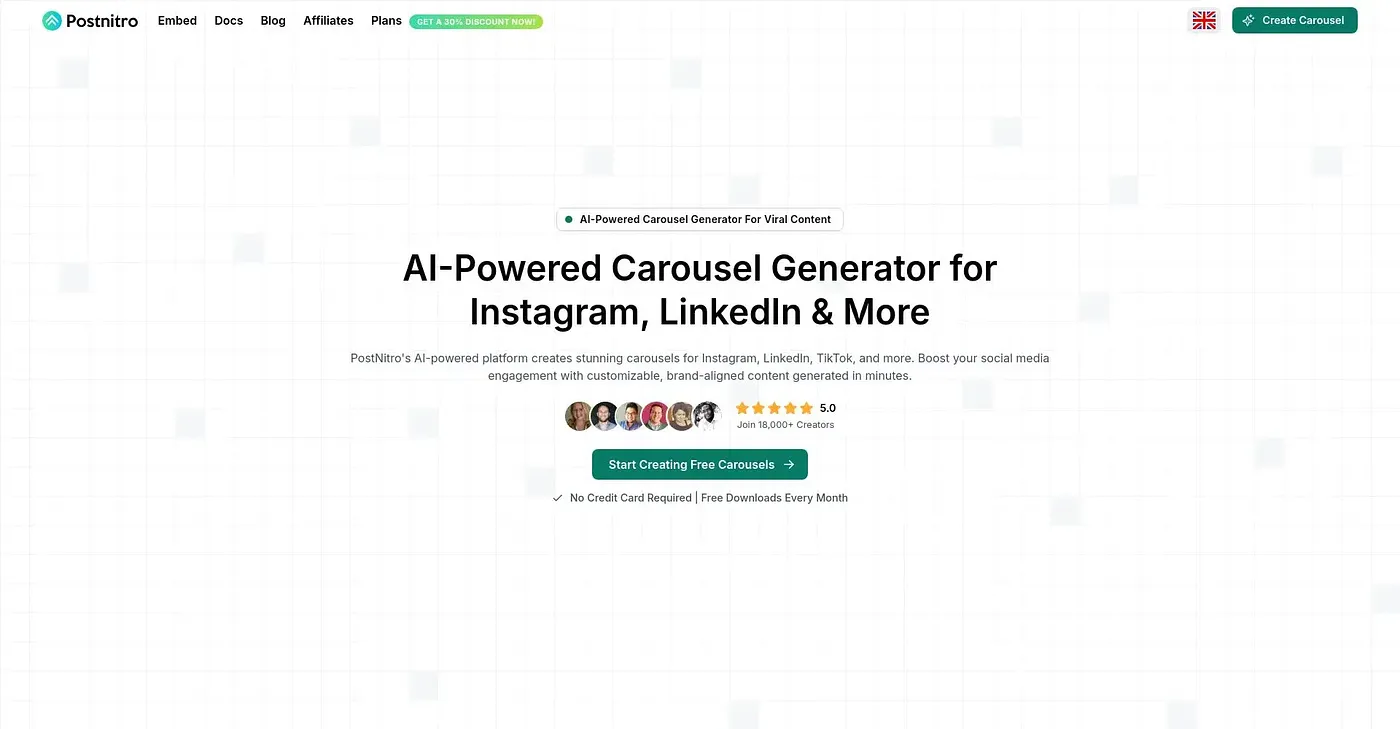
Post Nitro AI designs and publishes AI carousels, image posts and videos. Brand kits and templates speed up the work, and its Nitro Chat assistant helps draft and design posts through a chat. Users can apply their full brand identity, including logos, custom colors and fonts, and build multi-slide carousels.
Is Post Nitro AI free?
Post Nitro AI has a limited free tier at $0, and paid plans start at $10 per month. The reviewer notes that full access requires a subscription, even for basic features like scheduling, and AI use beyond the included monthly tokens needs API access at extra cost.
Can Post Nitro AI schedule social media posts?
Yes. With a paid plan, Post Nitro AI can schedule content for up to 10 social accounts. Scheduling is not part of the free tier, which the reviewer lists as a shortcoming since even basic features like this require a subscription.
Who is Post Nitro AI best for?
Toolio lists solo creators and small teams as the best fit for Post Nitro AI, and the reviewer says it is perfect for beginners who need to get started quickly. It is not for teams with multiple agents, and more complex workflows might struggle without upgrades.
What are the drawbacks of Post Nitro AI?
The reviewer notes that advanced edits in Post Nitro AI require creating a new template or waiting on AI drafts, and it lacks advanced customization for larger teams. Extra API costs apply beyond the included AI tokens. It holds a Toolio score of 4.0 out of 5 from Alex.