
InfinitAI
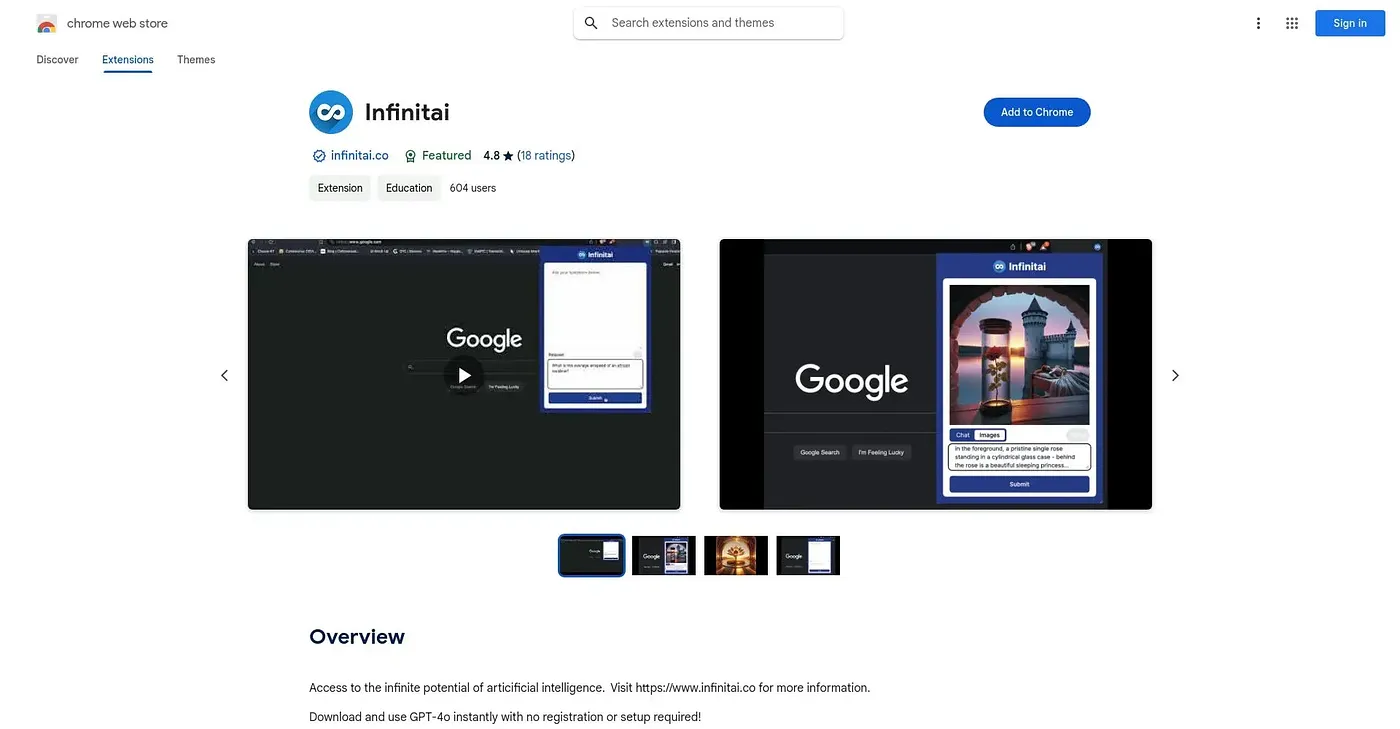
Generates or edits images through a chat-based AI assistant, no account required.
At a glance
4.8 out of 5
Scored by Alex after real useOur verdict
InfinitAI lets you paste in an existing photo or generate a new one from scratch, then edit it further just by chatting with the assistant about what to change. It's aimed at quick brainstorming and illustrating ideas rather than precise photo retouching, and there's no registration needed to start. At 4.8 out of 5 across 17 ratings, it's a small, well-received tool, though it's light on the kind of granular controls a dedicated image editor would offer.
✓What it does well
✕Where it falls short
Key features
Questions about InfinitAI
What does InfinitAI do?
InfinitAI is a Chrome extension that generates or edits images through a chat-based AI assistant. Users can paste in an existing photo or generate a new one from a written description, then refine it by chatting about what to change. The reviewer says it is aimed at quick brainstorming and illustrating ideas.
Do you need an account to use InfinitAI?
No. InfinitAI requires no registration, so users can start generating and editing images straight away, which the reviewer lists among its strengths. Toolio marks it as best for anyone editing or generating images without signing up.
Is InfinitAI free?
Yes. InfinitAI is free, and no paid plan was found on the Chrome Web Store in September 2026. It also offers a fullscreen mode for reviewing images in more detail.
What are the limitations of InfinitAI?
InfinitAI has no granular manual editing toolkit, only chat-based instructions, so it is not for anyone wanting dedicated photo-editing controls. The reviewer also notes that it is only available as a Chrome extension and not for other browsers.
How is InfinitAI rated?
InfinitAI holds a 4.8 out of 5 rating across 17 ratings, which the reviewer calls solid early ratings for a small, well-received tool, though the sample is small. Alex also scored it 4.8 out of 5 after real use on 3 Oct 2026.