
Profile Picture Maker
Upload a photo, remove the background, and download HD.
At a glance
3.9 out of 5
Scored by Alex after real useOur verdict
It's free for basic needs but lacks advanced features. Great for quick edits on Instagram or WhatsApp, but not suitable for complex projects without an account.
✓What it does well
✕Where it falls short
Key features
Questions about Profile Picture Maker
What can you do with Profile Picture Maker?
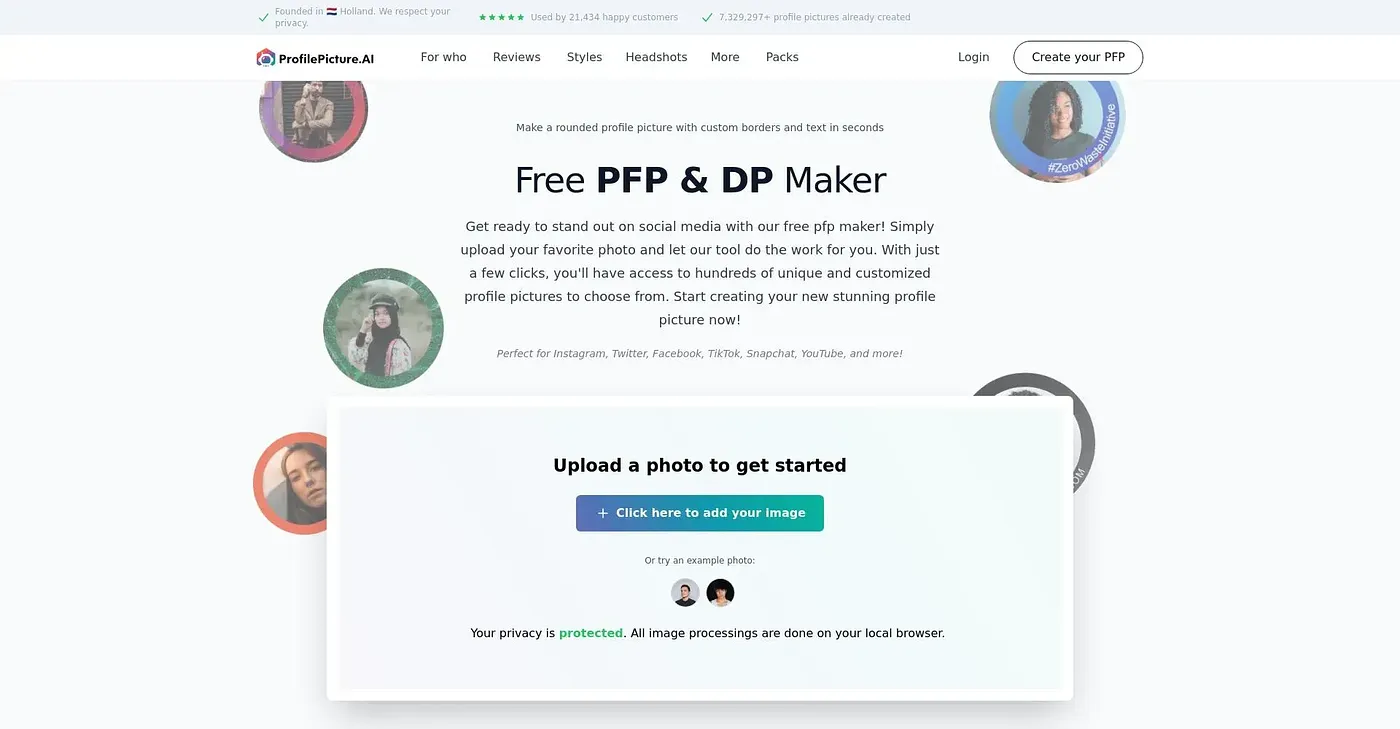
Profile Picture Maker lets users upload a photo, remove the background and download the result in HD. It also offers a circle crop with borders and a live preview, frames and backgrounds, and download sizes optimized for different social media platforms.
Is Profile Picture Maker free?
Yes. Profile Picture Maker is free for all basic features, and Toolio lists it at $0 with no paid plan found on the vendor's site in September 2026. No account or sign-up is needed, and the reviewer notes uploads and downloads take seconds.
Does Profile Picture Maker save your edits?
No. Profile Picture Maker has no account option for saved edits, so work is not stored and each picture has to be edited again from the start. The reviewer adds that it is not suitable for complex projects.
What are the limitations of Profile Picture Maker?
The reviewer notes that Profile Picture Maker lacks advanced editing tools such as retouching or extensive layer manipulation. It has no AI features, so it cannot generate an AI profile picture from an existing photo. Toolio lists it as not for photo editors with advanced needs.
Who is Profile Picture Maker best for?
Toolio lists Profile Picture Maker as best for social media profiles and professional headshots, and the reviewer calls it great for quick edits on Instagram or WhatsApp. Alex scored it 3.9 out of 5 after real use on 3 Oct 2026. Toolio lists PrismaAi, Jeda AI, PokeCut and Photo Enhancer as alternatives.