
PromptVault Chrome Extension
Manages and version-controls GPT prompts in a timeline organized by title.
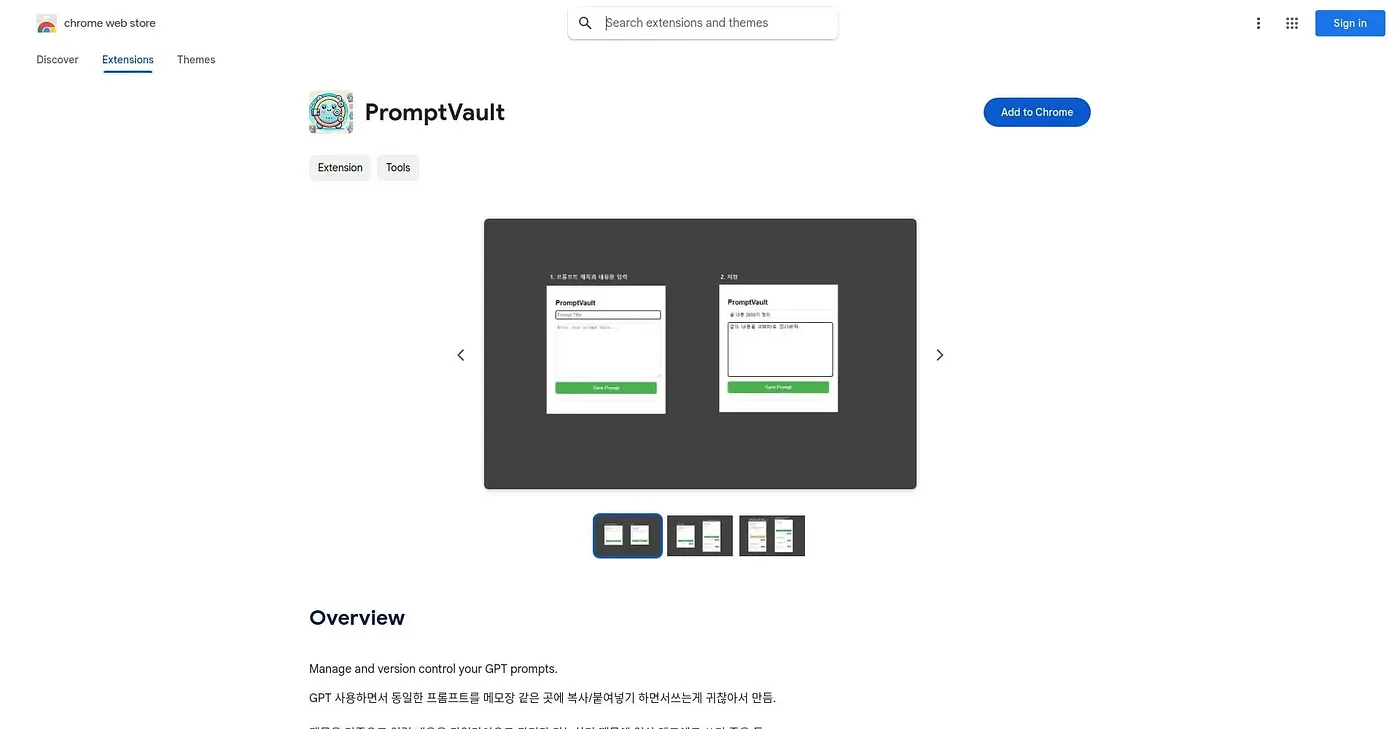
At a glance
Starts at
Free
No paid plan found on the Chrome Web Store, September 2026.
Free tier
Yes
Platforms
Chrome
Best for
People tired of copy-pasting the same GPT prompts
Not for
Anyone wanting a polished, widely tested tool
3.9 out of 5
Scored by Alex after real useOur verdict
PromptVault keeps GPT prompts organized in a timeline by title, so you stop copy-pasting the same text into a separate notes app while working with GPT. It doubles as a lightweight daily-memo tool since entries are tracked the same way regardless of what they contain. It's a small, single-developer project with zero public ratings so far, built out of one person's own daily annoyance rather than a fully polished product.
✓What it does well
Timeline-based organizationPrompts organize into a timeline by title rather than a flat list.
Version control for promptsIt tracks prompt versions so you're not overwriting earlier drafts.
Doubles as a memo toolThe same timeline system works for daily notes, not just GPT prompts.
✕Where it falls short
No public ratingsIt has zero public ratings, so there's no outside track record yet.
Solo developer projectIt's built by a single developer rather than a dedicated product team.
Korean-only listingThe extension's description is only available in Korean, without an English version.
Key features
Prompt version controlIt tracks and manages versions of your GPT prompts over time.
Title-based timelinePrompts organize into a timeline based on their title.
Quick prompt reuseIt removes the need to copy-paste the same prompt into a separate notes app.
Daily memo useThe same system doubles as a simple daily memo tracker.