
Recorditor Extension
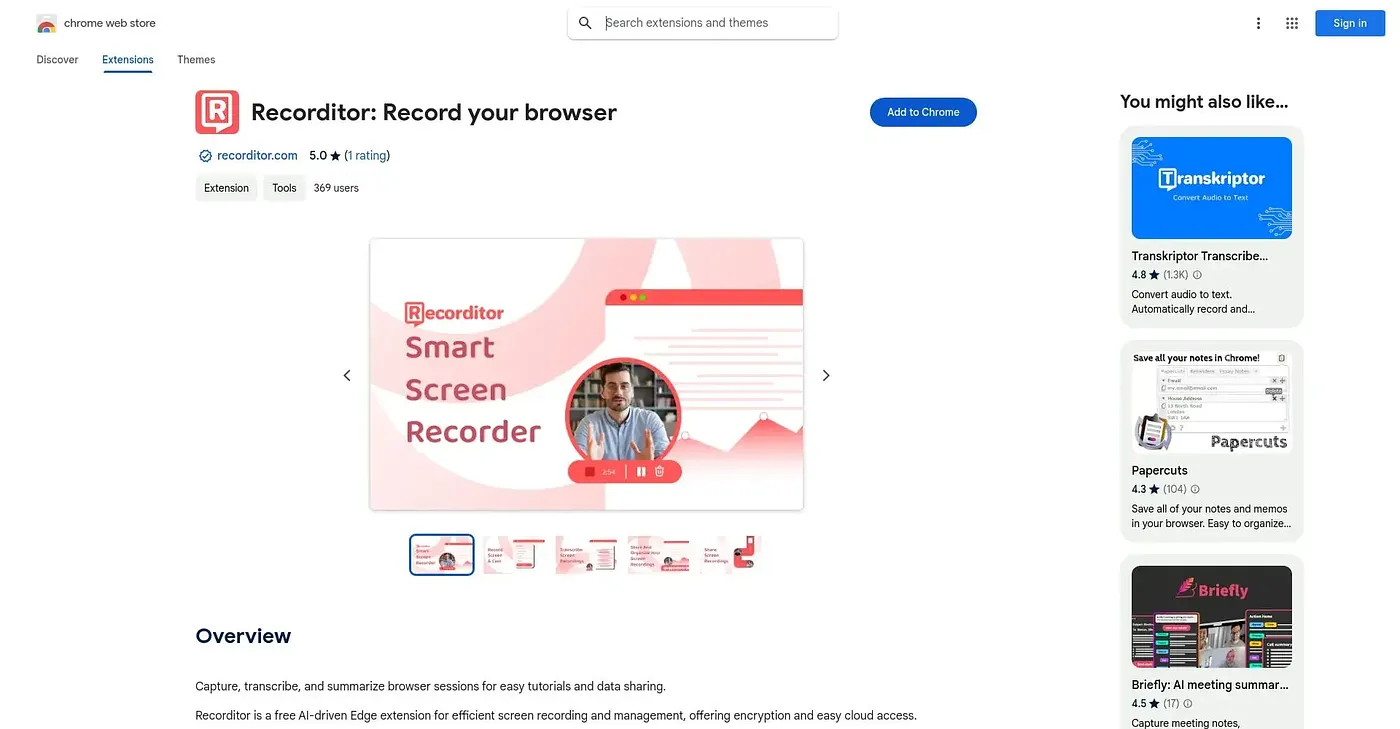
Records browser and camera sessions across major browsers, with built-in AI summarization.
At a glance
Starts at
Free
Listed as free on the Chrome Web Store.
Free tier
Yes
Platforms
Chrome
Best for
Teams recording tutorials and meetings across browsers
Not for
Anyone needing deep video editing after recording
3.9 out of 5
Scored by Alex after real useOur verdict
Recorditor captures screen and camera sessions with one click, working across Chrome, Safari, Firefox and other major browsers rather than locking you into one. It adds AI-driven summarization on top of the raw recording, aimed at tutorials, presentations and team meetings. Recordings are encrypted and stored in the cloud, but little is said about actual editing tools once you've captured a session.
✓What it does well
Cross-browser recordingWorks across Chrome, Safari, Firefox and other major browsers.
AI summarizationSummarizes recorded sessions using built-in AI technology.
Secure cloud storageEncrypts recordings and stores them accessibly via the cloud.
✕Where it falls short
Editing tools unclearOffers no visible editing tools once a recording is captured.
No pricing detailSays nothing about usage limits or paid tiers beyond calling itself free.
No user ratingsHas no reviews yet, so real-world reliability is unproven.
Key features
One-click recordingCaptures screen and camera sessions with a single click.
AI transcriptionTranscribes recorded sessions using built-in AI.
Team meeting captureRecords team meetings in high definition for later review.
Encrypted cloud accessStores recordings securely with SSL and SOC-compliant encryption.