
Review Reply AI
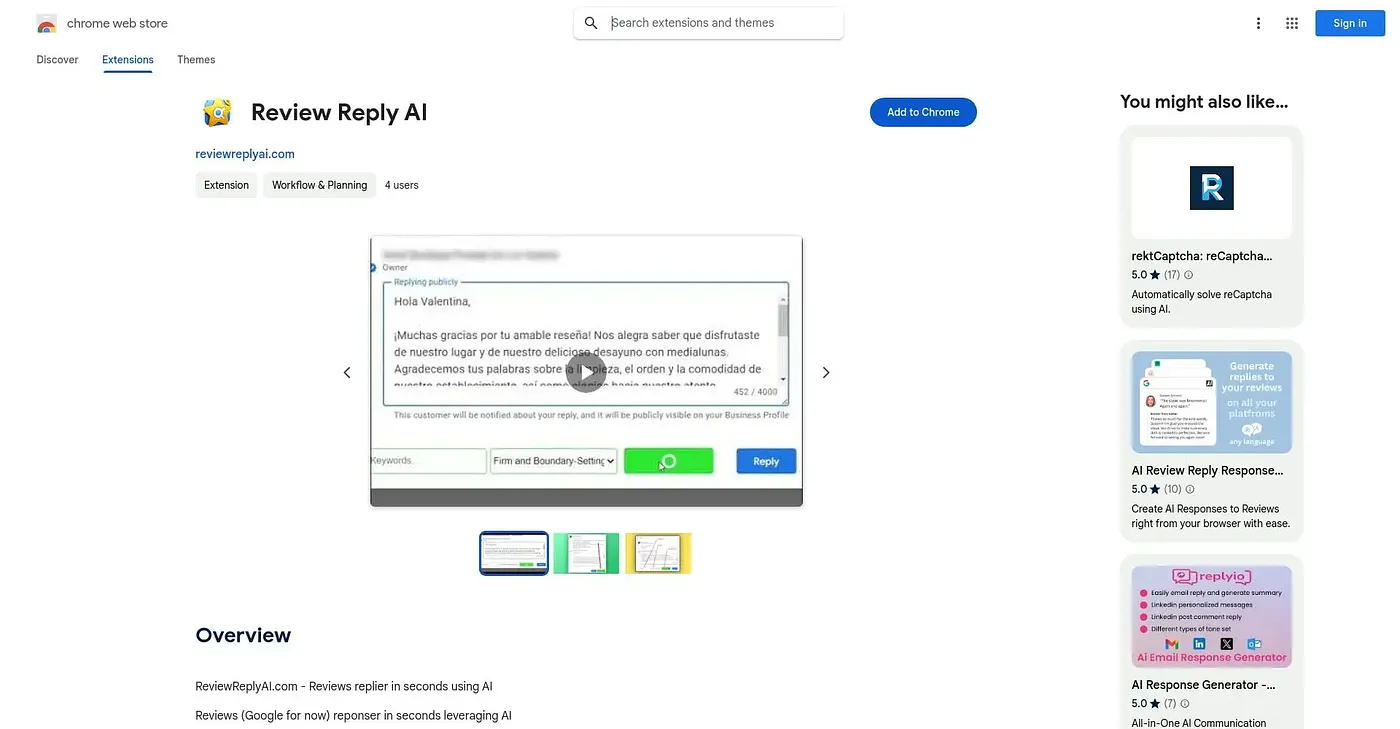
Drafts a Google review reply in one click, even for star ratings with no comment.
At a glance
3.9 out of 5
Scored by Alex after real useOur verdict
Review Reply AI reads a review's content, star rating and reviewer name, then generates a reply in your chosen tone and drops it straight into Google's own reply box. It even handles star-only ratings with no written comment, which most reply generators skip. It's a narrow, single-purpose tool built around Google review replies specifically, from a small developer with just one rating so far.
✓What it does well
✕Where it falls short
Key features
Questions about Review Reply AI
What does Review Reply AI do?
Review Reply AI is a Chrome extension that drafts a reply to a Google review in one click. It reads the review's content, star rating and reviewer name, writes a reply in a chosen tone, and places it straight into Google's own reply box. It even writes replies for star-only ratings with no comment.
Is Review Reply AI free?
Review Reply AI is free to use, and Toolio found no paid plan on the Chrome Web Store in September 2026. Users can pick from multiple reply tones and add optional keywords to shape each generated reply before it lands in Google's reply box.
Does Review Reply AI work with review sites other than Google?
No. Review Reply AI works only with Google reviews, not other review platforms, which the reviewer lists as a shortcoming. The reviewer describes it as a narrow, single-purpose tool built specifically around replying to Google reviews.
What are the downsides of Review Reply AI?
Beyond being limited to Google reviews, Review Reply AI has only one rating so far, which leaves little track record. It is also run by a non-trader developer, so EU consumer protections do not apply. Alex scored it 3.9 out of 5 after real use.
Who is Review Reply AI best for?
Toolio lists Review Reply AI as best for businesses replying to many Google reviews weekly. It is not meant for anyone who wants replies posted automatically without review, since it drafts each reply into Google's reply box for the business to check.