
SmartSlash
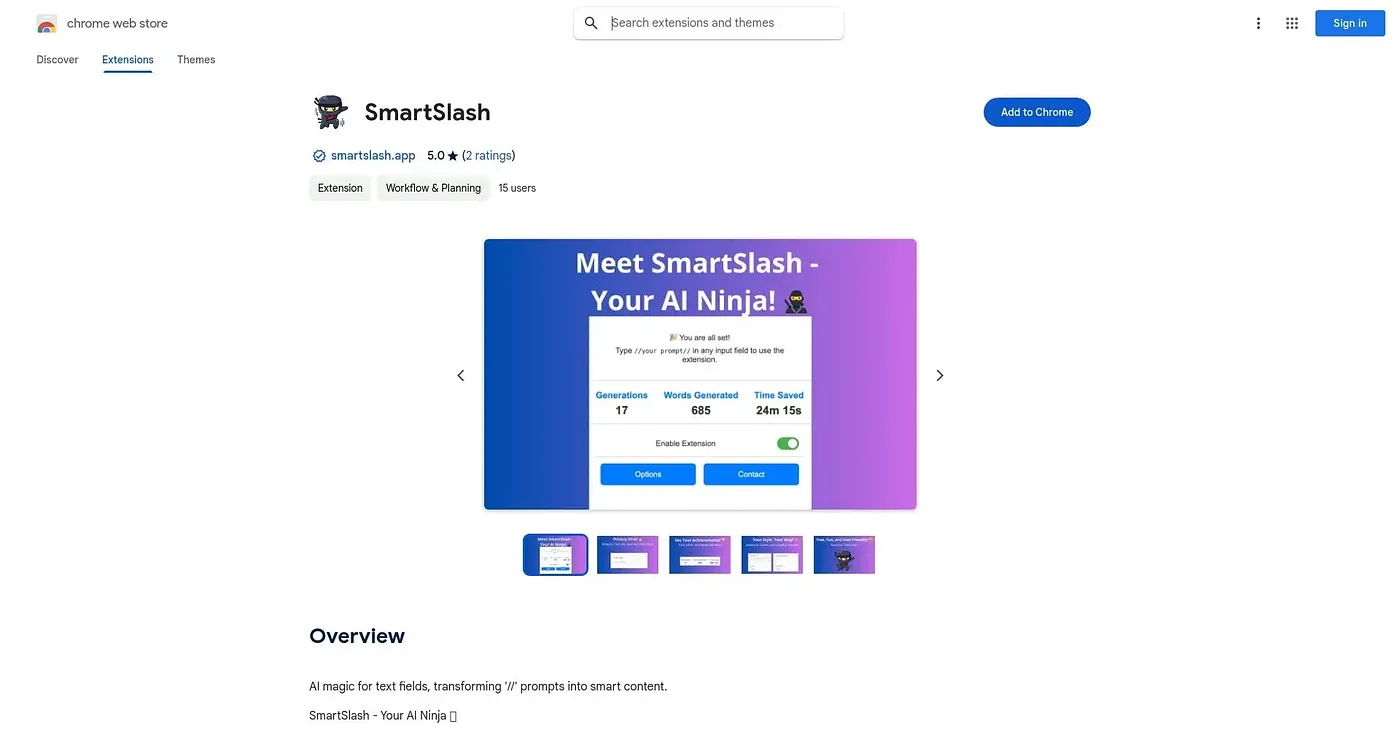
Turns slash commands typed in any text box into AI-drafted content using your own API key.
At a glance
Starts at
Free
Listed as free on the Chrome Web Store.
Free tier
Yes
Platforms
Chrome, API
Best for
Writers wanting quick AI drafts inside any text field
Not for
Anyone without their own OpenAI API key
3.9 out of 5
Scored by Alex after real useOur verdict
Type // followed by a command in almost any text field and SmartSlash drafts an email, blog post or social update on the spot, with tone, context and length adjustable to your style. It tracks usage stats like words generated and time saved, which appeals to people who like measuring their own productivity. Nothing is generated without your own OpenAI API key plugged in, so setup takes an extra step before the first draft.
✓What it does well
Universal text-field triggerWorks inside any text field rather than one specific app.
Customizable outputTone, context and length can be adjusted to match your style.
Usage trackingTracks how many times you've used it, words generated and time saved.
✕Where it falls short
Bring your own API keyContent generation only works after you add your own OpenAI API key.
Ongoing OpenAI costsEvery generation costs OpenAI API credits on top of the free extension.
No built-in review historyWith only one rating on record, its reliability at scale is unproven.
Key features
Slash-command triggerGenerates content when you type // followed by a command.
Style customizationLets you set tone, context and length for generated text.
Usage countersTracks uses, words generated and time saved over time.
Bring-your-own API keyRuns on your personal OpenAI key rather than a shared backend.