
Spacely AI
Create photorealistic renders instantly without a credit card.
At a glance
4.0 out of 5
Scored by Alex after real useOur verdict
Spacely AI creates realistic renders quickly, but can be complex for novice users to master the advanced features. It may not offer the best value for large teams or extensive projects.
✓What it does well
✕Where it falls short
Key features
Questions about Spacely AI
What does Spacely AI do?
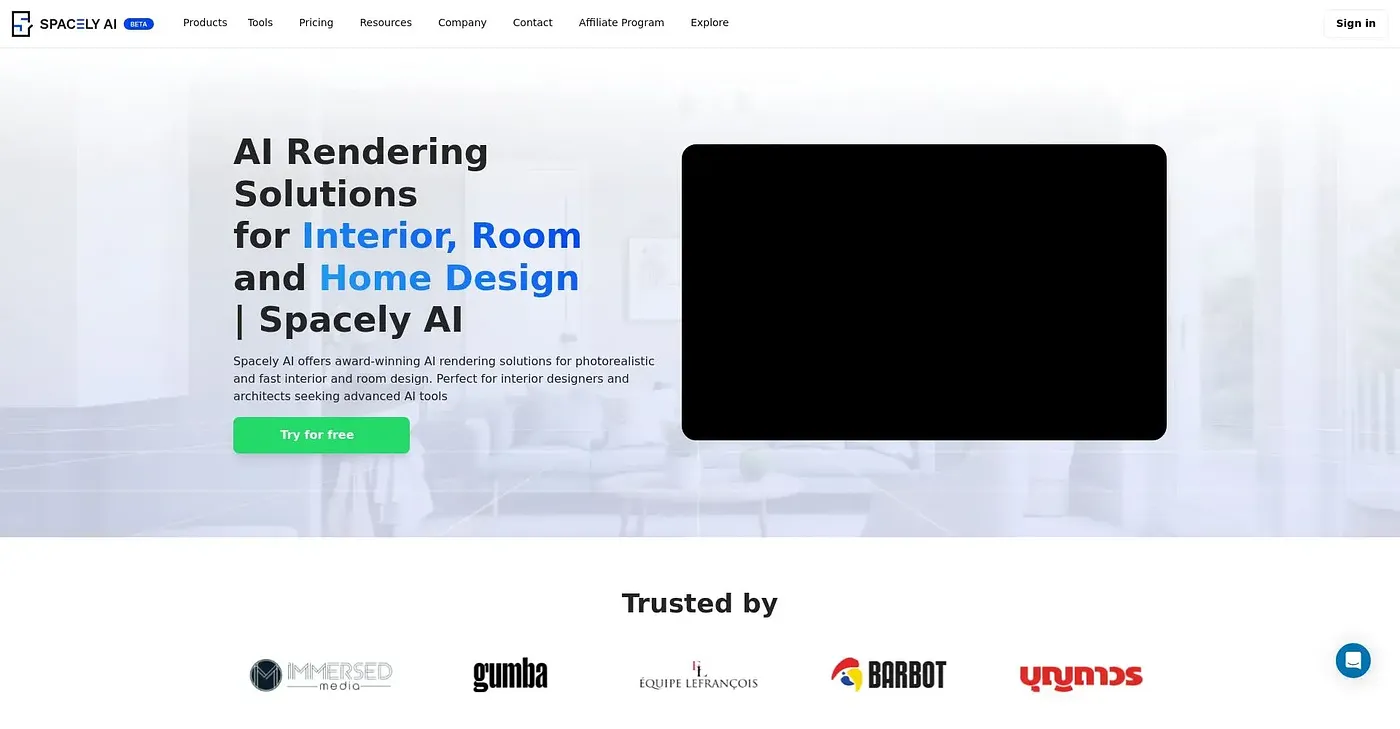
Spacely AI creates photorealistic renders in under a minute while keeping the original work intact during revisions. It renders directly from SketchUp models and works with other software tools, and a Team Canvas lets multiple users edit at the same time. It runs on the web.
Is Spacely AI free?
Spacely AI has a free plan with limited features, and no credit card is required to use it. Paid use starts with the Personal Plan at $9 per month, which includes pro features. A Studio Plan is also listed, priced for a block of 1,000 credits.
Who is Spacely AI for?
Toolio lists Spacely AI as best for interior designers and real estate professionals. It is not for architects with complex projects, and the reviewer says it may not offer the best value for large teams or extensive projects. Novice users may also find its advanced features complex to master.
Does Spacely AI integrate with SketchUp?
Yes. Spacely AI is compatible with SketchUp and other software tools, and it can produce renders from SketchUp models directly. It also offers API integration for larger workflows, which the reviewer lists alongside its speed and its ability to keep original work intact.
What are the downsides of Spacely AI?
The reviewer says Spacely AI may not handle complex scenes efficiently and lacks advanced material settings for detailed designs. Team collaboration is also capped by a limited number of seats per plan. Spacely AI holds a Toolio score of 4.0 out of 5, given by Alex on 5 Oct 2026.