
Swift Reply ChatGPT for LinkedIn
Drafts LinkedIn comments and replies tuned to the post and the profile you're responding to.
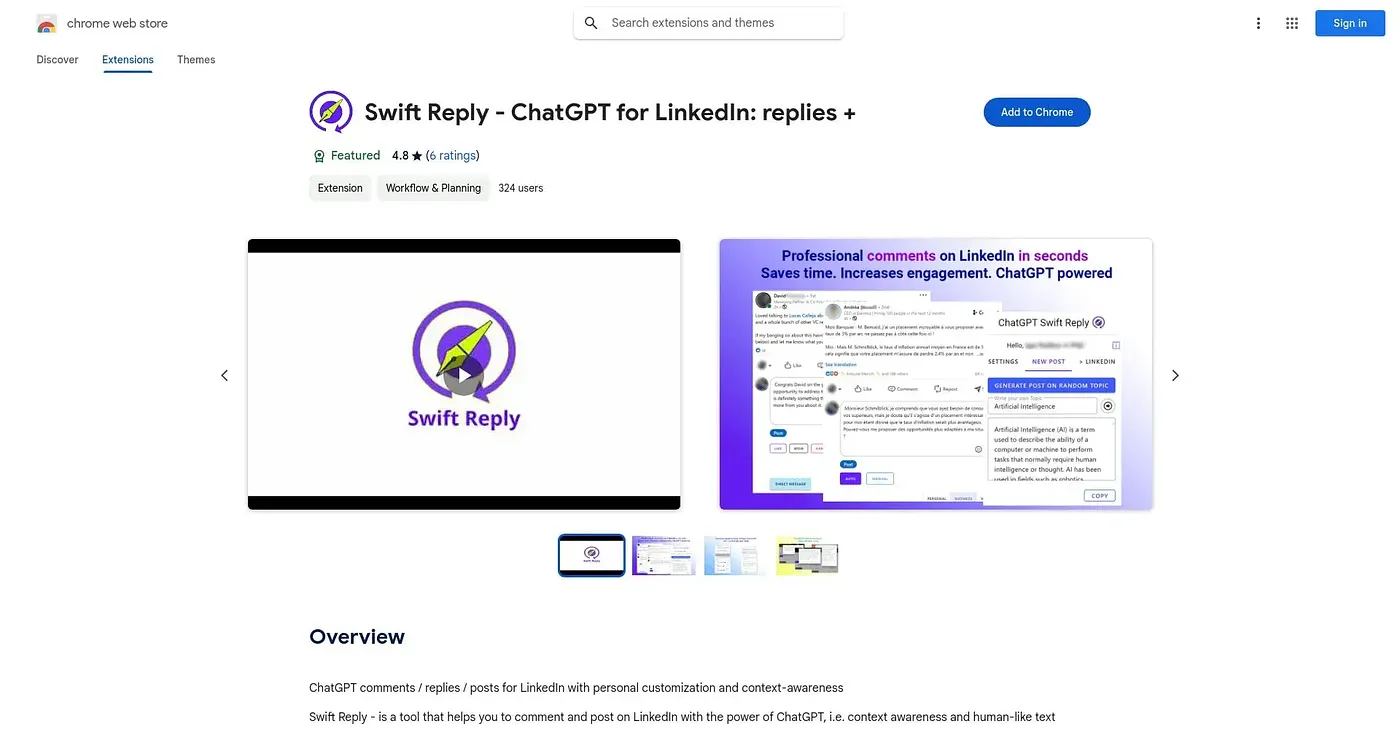
At a glance
Starts at
Free
The vendor's site is offline, so no current price was found.
Free tier
Yes
Platforms
Chrome
Best for
Professionals wanting quick, on-brand LinkedIn replies
Not for
Anyone needing nuanced takes on complex topics
3.9 out of 5
Scored by a Toolio reviewer after real useOur verdict
Swift Reply drafts LinkedIn comments and replies by reading the surrounding discussion and the profile involved, with keyword and topic settings to keep them on-brand. Professionals who want to stay active on LinkedIn without composing every reply from scratch get the clearest benefit. On complex topics the output tends toward generic phrasing that misses the person's actual voice.
✓What it does well
Context-aware repliesIt reads the ongoing discussion and profile details to shape a relevant response.
Tone customizationUsers can adjust tone, style and key messages to match their professional image.
Keyword and topic targetingKeyword integration and topic selection help replies track current industry conversations.
✕Where it falls short
Weak on complex topicsComplex subjects can produce generic responses that fail to capture the user's own voice.
Chrome onlyIt works only as a Chrome extension, with no other platform support.
Needs manual reviewDrafted replies still need a manual read-through before posting, since tone can miss the mark.
Key features
Personalized commentingIt generates comments and replies tailored to a user's tone and messaging.
Context-aware generationIt factors in the discussion thread and profile before drafting a reply.
Keyword integrationUsers can work specific keywords into generated replies.
Topic selectionReplies can be aimed at particular topics or industry trends.