
Vidyo.ai
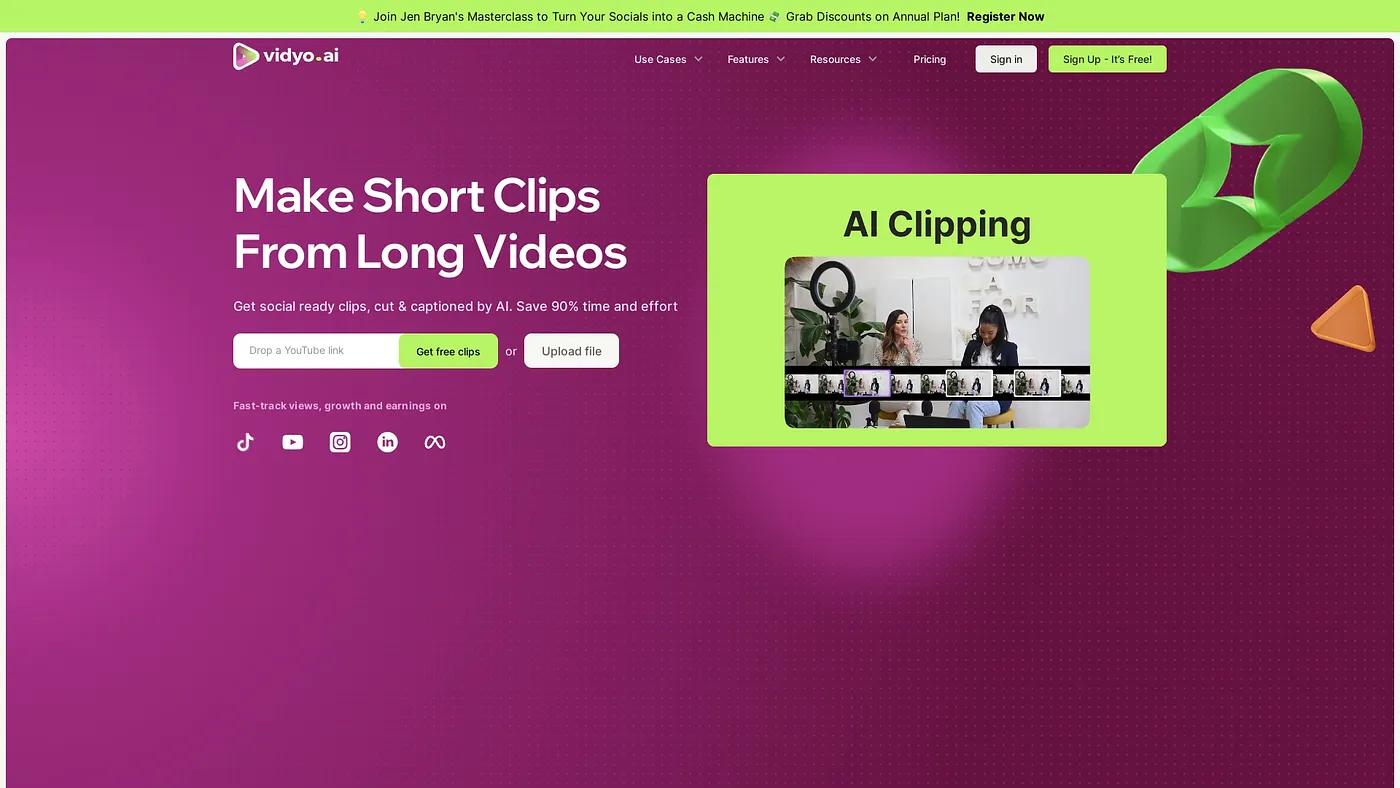
quso.ai turns long videos into short clips with AI. Free to start.
At a glance
4.0 out of 5
Scored by Alex after real useOur verdict
Turns long videos into short clips quickly and accurately for social media. Ideal for content creation but lacks advanced video editing features.
✓What it does well
✕Where it falls short
Key features
Questions about Vidyo.ai
What does Vidyo.ai do?
Vidyo.ai turns long videos into short clips with AI. It automatically finds the best moments in any long video, generates subtitles in over 100 languages, and schedules and posts clips to multiple social media channels. The reviewer says it works quickly and accurately for social media content.
Is Vidyo.ai free?
Yes, Vidyo.ai has a free plan with limited features and no credit card required. It includes one long video and ten viral clips per month. The paid Basic Plan costs $9 per month and includes up to 5 videos with unlimited clips per video.
Can Vidyo.ai replace a full video editor?
No. The reviewer notes that Vidyo.ai does not offer advanced video editing tools or effects, and customization beyond basic edits is limited. Extra features such as content repurposing and analytics also require paid subscriptions, and Toolio lists advanced video editors among those it does not suit.
Who should use Vidyo.ai?
Toolio lists Vidyo.ai as best for content creators and marketers who want to turn long videos into short clips for social media. It runs on the web. Alex scored it 4.0 out of 5 after real use, calling it ideal for content creation.
What are some alternatives to Vidyo.ai?
Toolio lists Reeler AI and Latte Social as alternatives to Vidyo.ai. Reeler AI turns ideas into videos but offers only basic features in its free version, while Latte Social is an AI-powered video editor that automates shorts and optimizes long-form videos.