
TextGPT Chrome Extension
Adds a one-click AI assistant to every text field, capped at 15 free uses a month.
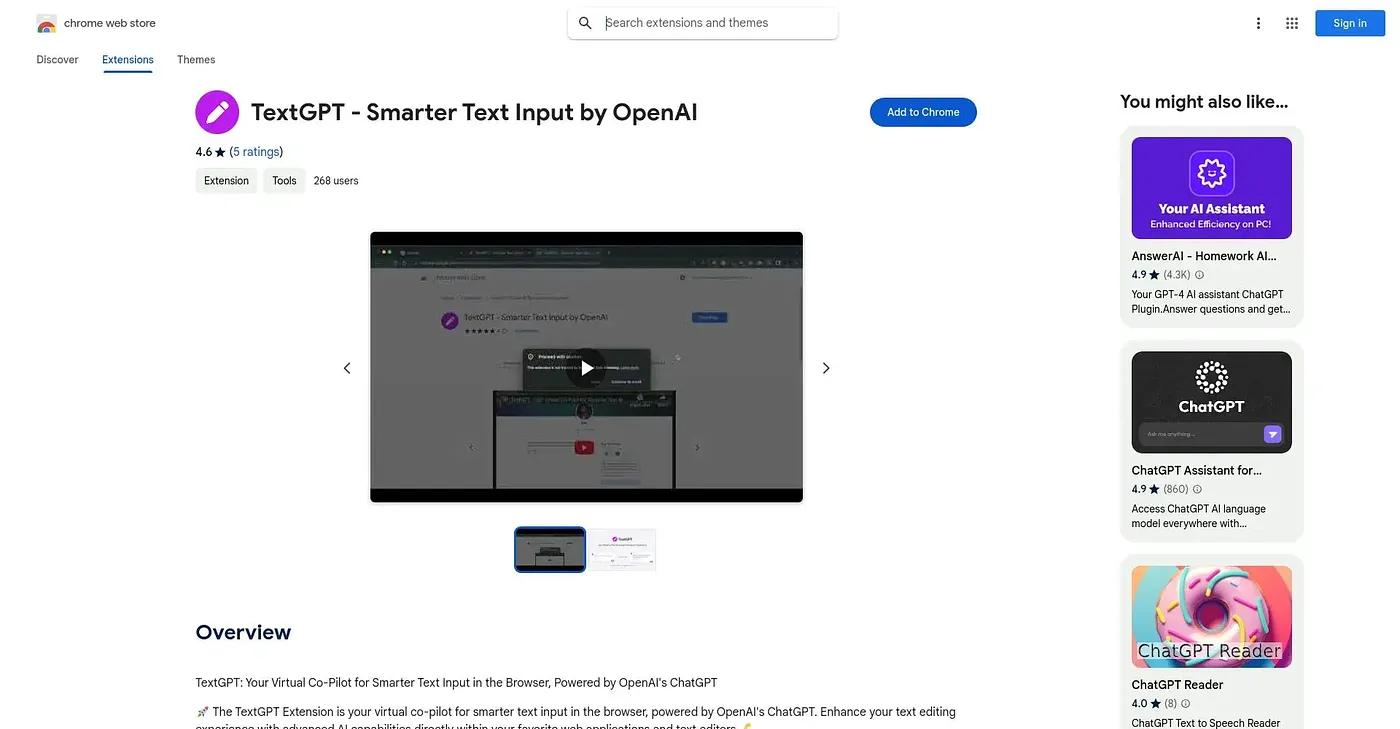
At a glance
3.6 out of 5
Scored by Alex after real useOur verdict
TextGPT drops a small icon into any text field on the web, letting you rewrite, reply, translate into 8 languages, change tone, fill out forms, or even generate a locally-created password without leaving the page. It works across inboxes, documents, social posts and chat apps rather than being tied to one site. The free plan caps out at 15 completions a month, after which unlimited use requires the $4.99-a-month Pro plan, and it's an independent product with no affiliation to OpenAI or Google despite the name.
✓What it does well
✕Where it falls short
Key features
Questions about TextGPT Chrome Extension
What does TextGPT Chrome Extension do?
TextGPT Chrome Extension adds a small icon to any text field on the web, offering one-click AI help without leaving the page. It can rewrite text, draft context-aware replies for email, chat and DMs, write in 8 languages, change tone and fill out job applications or sign-up forms.
How much does TextGPT Chrome Extension cost?
TextGPT Chrome Extension's paid Pro plan costs $4.99 per month, based on the price the vendor published in September 2026. Unlimited completions require that Pro plan, and the reviewer lists the extra cost for unlimited use among the extension's shortcomings.
Is TextGPT Chrome Extension made by OpenAI?
No. TextGPT Chrome Extension is an independent product and is not affiliated with or endorsed by OpenAI or Google, despite its name. The reviewer flags the branding as a shortcoming for that reason.
Can TextGPT Chrome Extension generate passwords?
Yes. TextGPT Chrome Extension can generate strong passwords locally, and the vendor says they never leave the user's device. The reviewer lists this local password generation among its strengths, alongside working in any text field and offering multiple writing actions from one click.
Which sites does TextGPT Chrome Extension work on?
TextGPT Chrome Extension works in any text field on the web rather than being tied to one site, including inboxes, documents, social posts, forms and chat apps. It runs in Chrome and holds a Toolio score of 3.6 out of 5.