
Verve AI: Interview Copilot Chrome Extension
Feeds real-time coding hints during live technical interviews, but only alongside the full Verve AI account.
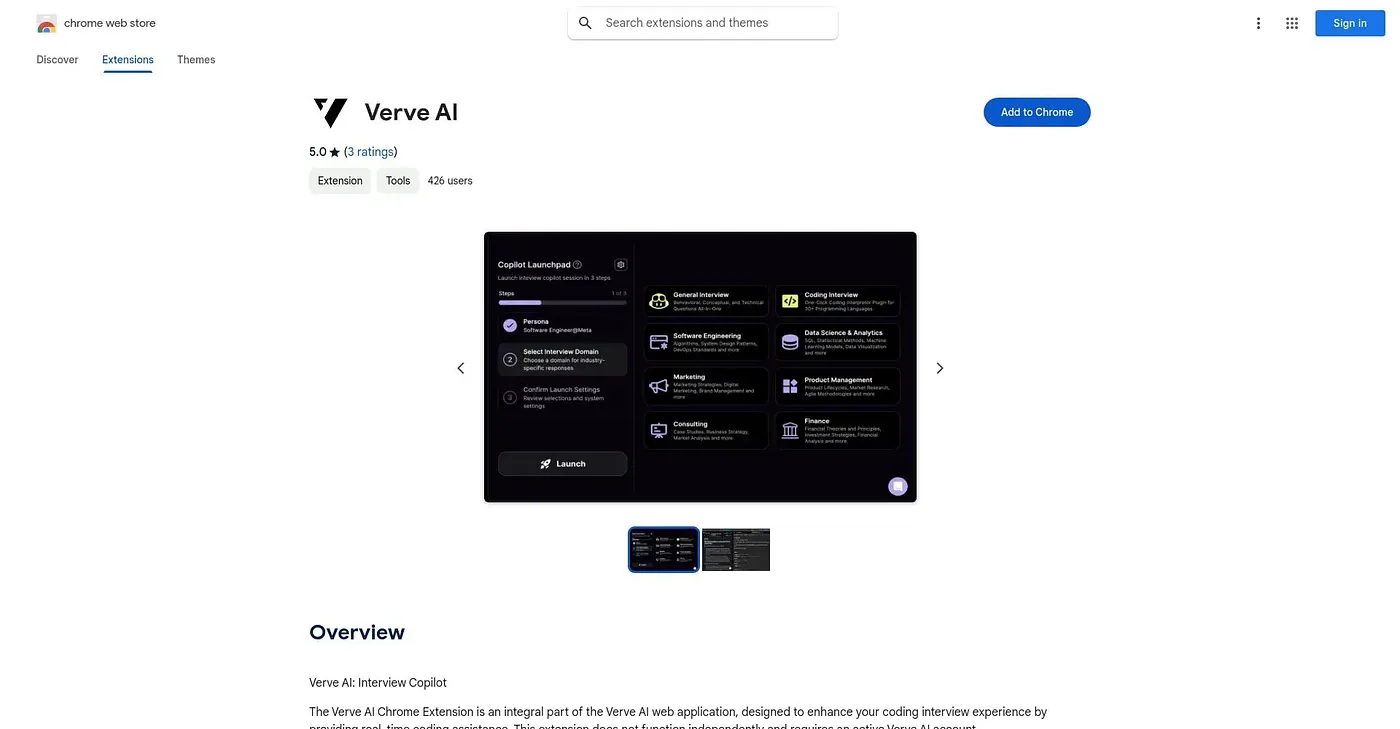
At a glance
4.8 out of 5
Scored by Alex after real useOur verdict
Verve AI's Chrome extension reads the coding question on screen during a live technical interview and surfaces a suggested answer or guidance in the moment. It's built for job seekers doing coding interviews who want in-the-moment support rather than prep beforehand. It does nothing on its own: an active Verve AI account and a running interview session are required, and it won't function outside of that context.
✓What it does well
✕Where it falls short
Key features
Questions about Verve AI: Interview Copilot Chrome Extension
What does the Verve AI: Interview Copilot Chrome Extension do?
The extension reads the coding question on screen during a live technical interview and surfaces a suggested answer or guidance in the moment. It activates from the toolbar icon once a coding interview session is running, and it works as a companion to the full Verve AI web application dashboard.
Does the Verve AI: Interview Copilot Chrome Extension work without a Verve AI account?
No. The extension does nothing on its own: it needs an active Verve AI account and a running interview session, and it will not function outside that context. A guided sign-up flow walks new users through creating an account and starting a session step by step.
Is the Verve AI: Interview Copilot Chrome Extension free?
The extension is listed as free at $0, and no paid plan was found on the Chrome Web Store in September 2026. It still needs an active Verve AI account and a running interview session to work at all, so it cannot be used as a standalone tool.
Who should use the Verve AI: Interview Copilot Chrome Extension?
The extension suits job seekers doing live coding interviews online who want in-the-moment support rather than preparation beforehand. It only activates during a live coding interview session, so it does not help with general coding practice, and it is not for anyone wanting a standalone tool without an account.
How does Toolio rate the Verve AI: Interview Copilot Chrome Extension?
Alex scored the extension 4.8 out of 5 after real use, on 5 Oct 2026. The reviewer credits its real-time coding help and step-by-step sign-up flow, while noting that it runs only in Chrome, depends on a Verve AI account and works only inside a live coding interview session.