
Artimator
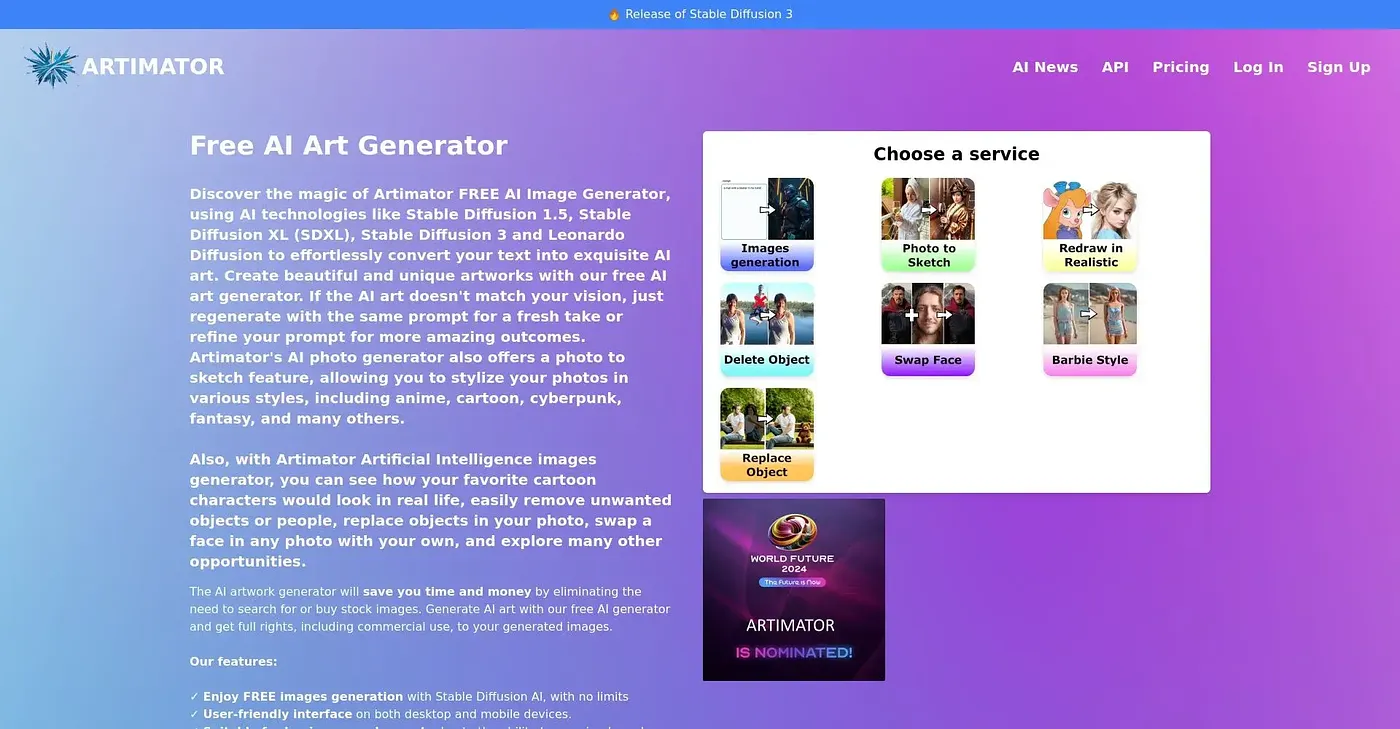
Artimator generates unique AI images from text, but limited styles are available.
At a glance
3.9 out of 5
Scored by Alex after real useOur verdict
Generates creative and diverse AI art. But lacks advanced customization options for professional use.
✓What it does well
✕Where it falls short
Key features
Questions about Artimator
What is Artimator?
Artimator is a web-based AI image generator that creates unique images from simple text descriptions. Toolio's reviewer, Alex, says it generates creative and diverse AI art and works well for quickly producing initial image concepts, but it lacks the advanced customization options that professional work tends to need.
Is Artimator free?
Yes, Artimator has a free tier, and Toolio lists it at $0 with no paid plan listed. The free version offers basic functionality for trying the tool, though the reviewer notes it is limited in output quantity and size, which pushes users toward upgrades.
What are the downsides of Artimator?
Artimator offers only a few artistic styles, so it does not suit specialized projects. It also lacks advanced customization options such as color palettes or layers, and its free tier is limited in output quantity and size. These limits make it a weaker fit for professional or custom-style work.
Who should use Artimator?
Artimator is best for casual users who want quick image generation from text prompts, and its simple, accessible interface keeps the process easy. It is not meant for specialized projects that require custom styles, since only a few artistic styles are available.
How does Toolio rate Artimator?
Toolio gives Artimator a score of 3.9 out of 5, scored by Alex after real use on 3 Oct 2026. The rating reflects creative, diverse output and a user-friendly interface, weighed against limited styles and the lack of advanced customization for professional use.