
Icon Wizard AI
IconWizardAI suits creatives and small teams, but may not suit complex design needs.
At a glance
3.8 out of 5
Scored by Alex after real useOur verdict
Simplifies icon generation with AI. Great for quick projects; pricey for bulk designs.
✓What it does well
✕Where it falls short
Key features
Questions about Icon Wizard AI
What does Icon Wizard AI do?
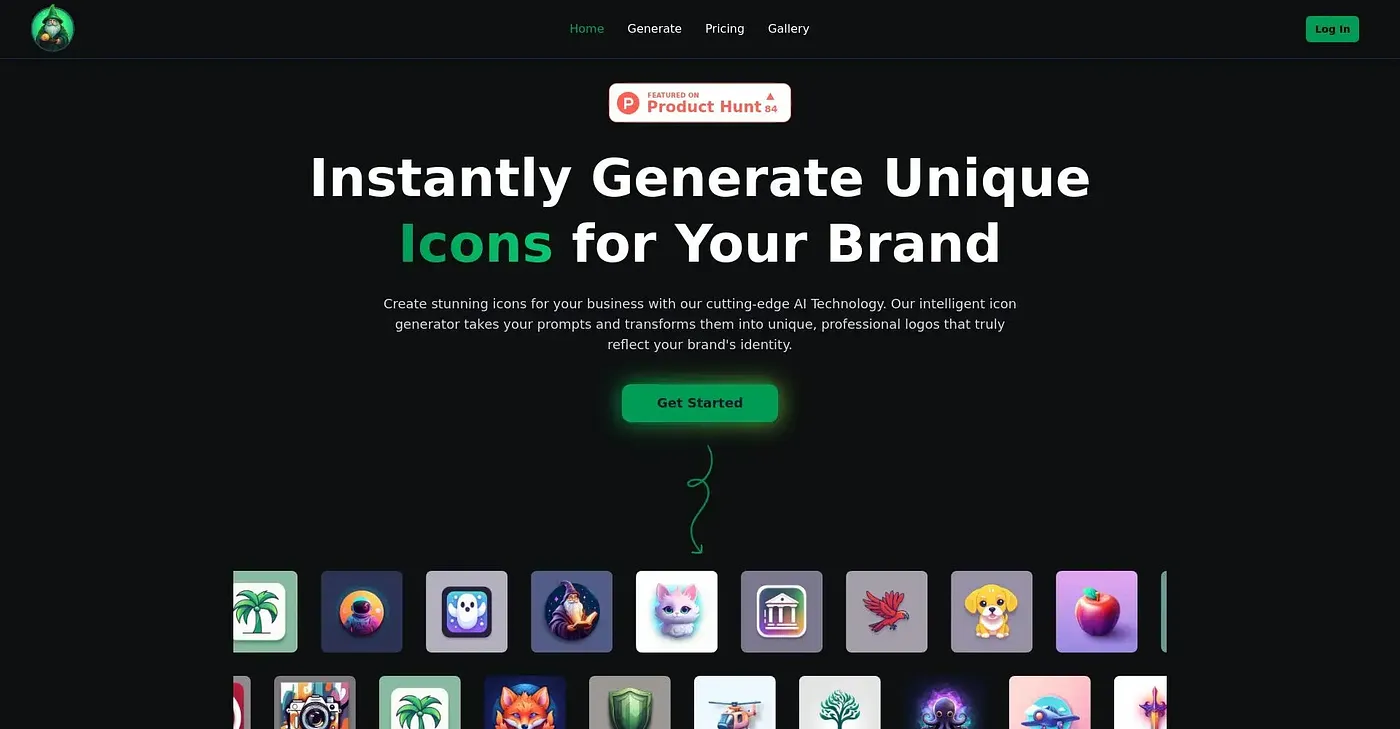
Icon Wizard AI simplifies icon generation with AI, creating custom icons quickly from simple prompts. Users can pick from a variety of colors to match their vision, and generated icons are stored automatically in the cloud for easy access and sharing. It runs on the web.
How much does Icon Wizard AI cost?
Icon Wizard AI starts from $7 for 100 credits, and there is no free tier. It uses a credit system for designs, which the reviewer finds inconvenient and potentially extra costly when credits are used up quickly, calling the tool pricey for bulk designs.
Who is Icon Wizard AI best for?
Toolio recommends Icon Wizard AI for creatives and small teams, and the reviewer calls it great for quick projects. It does not suit designers who need complex custom styles, since it offers only a set number of design styles.
Can you edit icons in Icon Wizard AI after they are generated?
No. The reviewer notes that Icon Wizard AI does not offer automatic adjustments or editing once an icon is generated, and lists this manual-only generation among its shortcomings. Its design styles are also not customizable beyond basic choices.
How does Toolio score Icon Wizard AI?
Alex scored Icon Wizard AI 3.8 out of 5 after real use, on 5 Oct 2026. Toolio lists Pay Icon Kit AI, Sologo AI, Anylogo AI and Landing AI as alternatives, with Anylogo AI noted for generating professional logos quickly.