
BackupLABS
Suits businesses needing independent backups, does not handle complex enterprise needs.
At a glance
3.9 out of 5
Scored by Alex after real useOur verdict
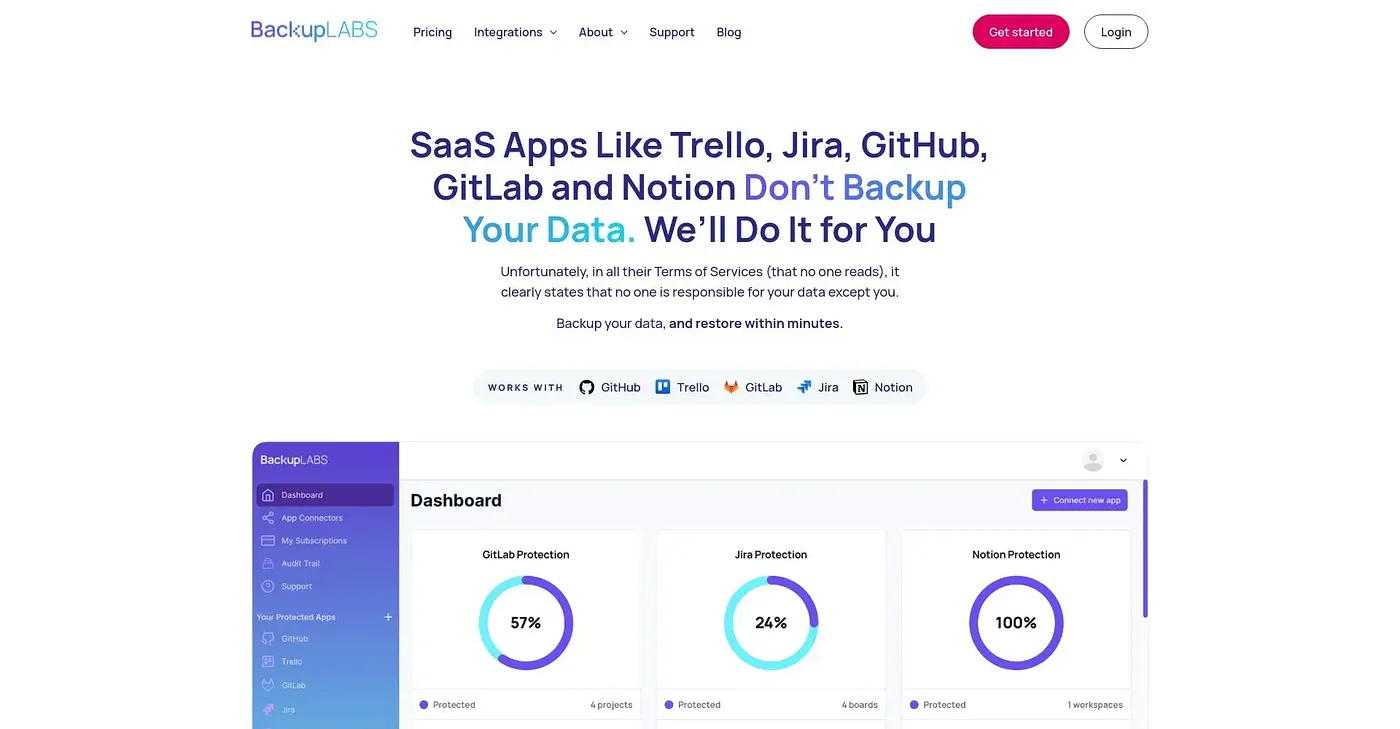
BackupLABS offers automated, secure backups for Trello, Notion & GitLab. Best for those who need a reliable backup solution but don't want to manage manual exports. Larger enterprises might find it lacking.
✓What it does well
✕Where it falls short
Key features
Questions about BackupLABS
What does BackupLABS back up?
BackupLABS offers automated, secure backups for Trello, Notion and GitLab. Backups include full metadata, files, links and attachments for point-in-time recovery, and multiple versions are kept for flexible restores. The reviewer says it suits anyone who wants a reliable backup without managing manual exports.
Is BackupLABS free?
Toolio lists BackupLABS as starting at $0 / month with a limited free tier. The Essentials plan, at $0 per month, includes one backup per day with 30-day retention. The Pro plan, also listed at $0 per month, adds backups every 12 hours, 90-day retention and the option to save backups to the customer's own cloud storage.
How secure is BackupLABS?
BackupLABS uses AES-256 encryption for data in transfer and at rest. Customers can choose to store data in the UK, USA, EU or Australia, and the reviewer notes it supports SOC2 and ISO 27001 compliance requirements without extra effort. Rules can also be set for when backups are deleted.
Is BackupLABS a good fit for large enterprises?
Not really, according to the reviewer, who says larger enterprises might find it lacking. BackupLABS does not offer dedicated account managers or custom SLAs, and backup intervals cannot be set beyond daily and every 12 hours. Toolio lists developers and small teams protecting cloud apps as its best fit.
How does Toolio score BackupLABS?
BackupLABS scores 3.9 out of 5 on Toolio, rated by Alex after real use on 5 Oct 2026. The reviewer praises its simple setup with no complex scripting, its compliance readiness and its thorough data protection. Toolio lists Adcaptcha, a bot protection service for the modern web, as an alternative.