Inclusive Docs
Manual processes remain necessary.
At a glance
3.8 out of 5
Scored by Alex after real useOur verdict
InclusiveDocs uses AI for accessibility, but manual steps are still needed. It’s great for quick fixes but lacks full automation.
✓What it does well
✕Where it falls short
Key features
Questions about Inclusive Docs
What does Inclusive Docs do?
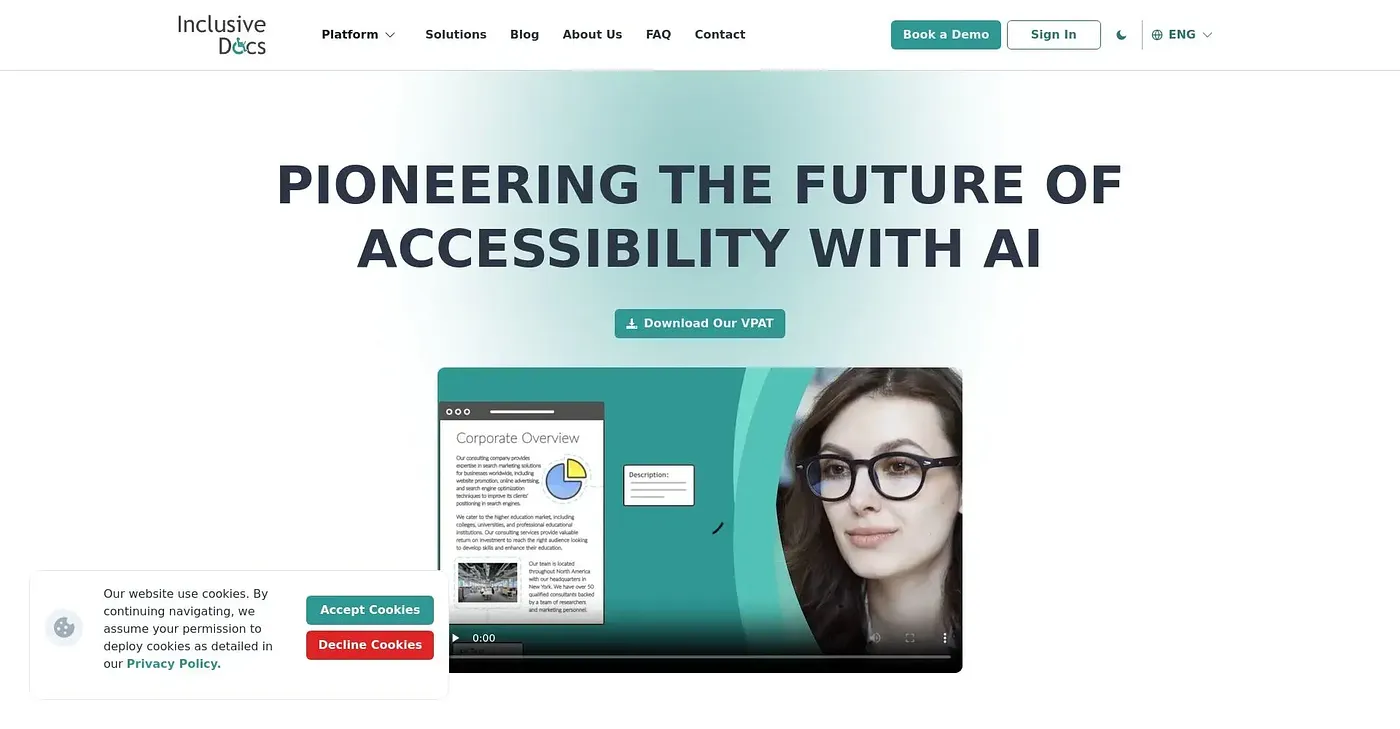
Inclusive Docs uses AI to make documents more accessible, automating many accessibility changes. It offers automated text modifications for better readability and automatic image enhancements for accessibility, all from a web-based platform that works in any browser. The reviewer finds it great for quick fixes.
How much does Inclusive Docs cost?
Inclusive Docs starts at $50 per month, which covers basic AI-driven corrections but excludes complex document fixes. There is no free tier, and the reviewer notes that certain accessibility features cost extra, which pushes up the cost per document.
Does Inclusive Docs fully automate accessibility fixes?
No. Inclusive Docs automates many accessibility changes, but manual steps are still needed, and complex documents require human input. The reviewer describes it as great for quick fixes but lacking full automation, and Toolio lists it as not for complex document requirements.
Who is Inclusive Docs best for?
Toolio lists Inclusive Docs as best for teams requiring AI assistance with document accessibility. It suits quick fixes rather than complex documents, and the reviewer notes it does not offer the deep customization that some competitors provide.
How does Toolio score Inclusive Docs?
Alex scored Inclusive Docs 3.8 out of 5 after real use on 3 Oct 2026. Toolio lists Berkshire Grey, EnsoConnect, Credo AI and Strimo Extension as alternatives, and the reviewer's main concerns are the manual remediation still required and the limited customization options.