
Cascadeur
Cascadeur generates AI-assisted animations, but lacks complex physics.
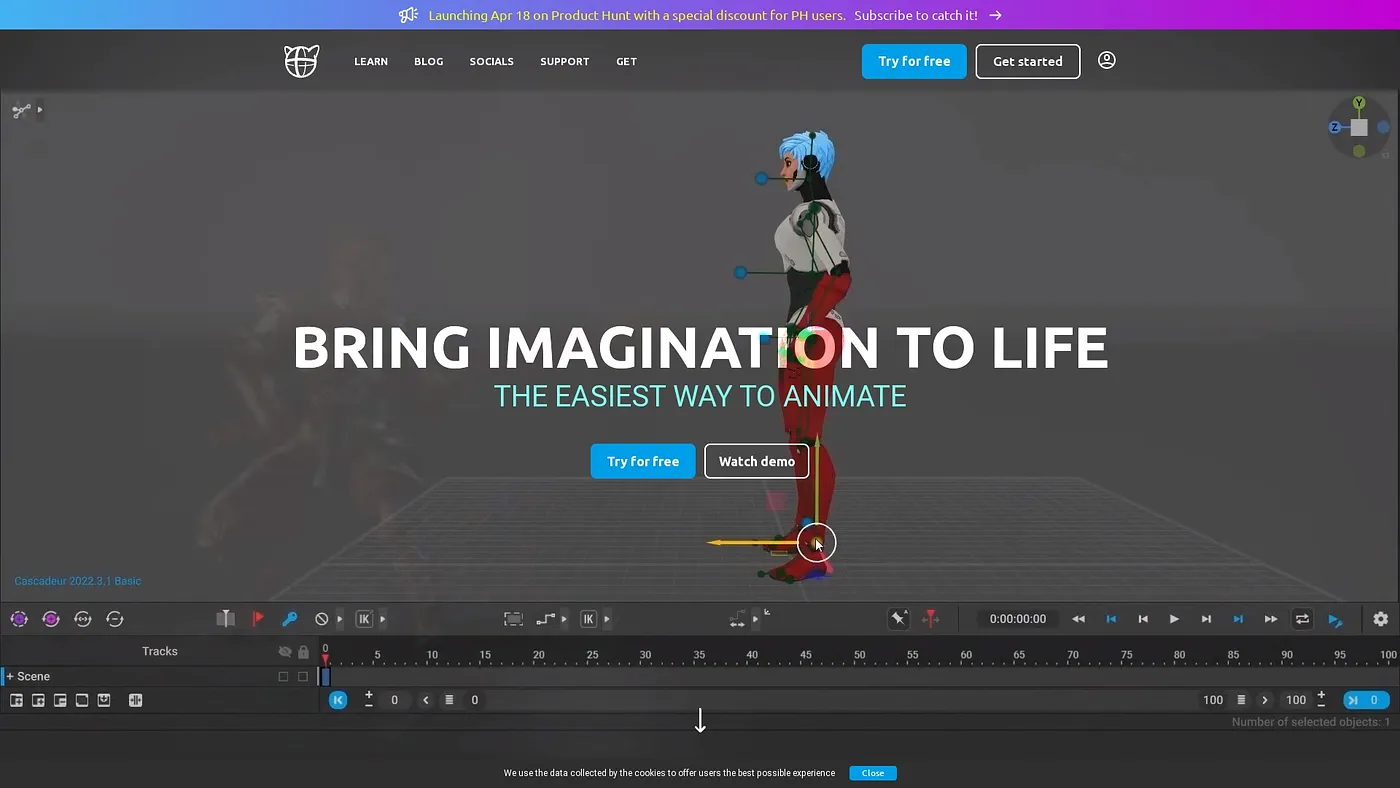
At a glance
4.0 out of 5
Scored by Alex after real useOur verdict
It's easy for beginners to use Cascadeur for basic animations. It suits hobbyists or small teams well due to its intuitive interface and free plan. However, it falls short with more advanced physics simulations.
✓What it does well
✕Where it falls short
Key features
Questions about Cascadeur
What is Cascadeur used for?
Cascadeur is a desktop tool for AI-assisted character animation. Its AI motion generation creates running and jumping animations, AI interpolation fills in motion between keyframes, and its rigging tools quickly generate rigs for humanoids and quadrupeds. It can also stream animation directly to Unreal Engine in real time.
Is Cascadeur free?
Cascadeur has a limited free version, but it only supports non-commercial use. Paid plans start at $16 per month billed annually and include a perpetual license for the Indie plan, plus access to new major versions during an active subscription.
Can Cascadeur be used for commercial projects?
Not on the free version. Cascadeur's free version is restricted to non-commercial projects, while the Pro plan includes commercial use, priority support and animation retargeting. A Teams plan for 2-6 users is also listed at $28 per user per month billed annually.
What are the limitations of Cascadeur?
The reviewer notes that Cascadeur does not offer detailed physics for realistic collisions and interactions. It also cannot handle complex deformation or advanced rigging beyond basic animation layers, so Toolio lists high-end deformation tasks under who it is not for. It runs only on macOS and Windows.
Who is Cascadeur best for?
Toolio lists Cascadeur as best for hobbyists and small teams, and the reviewer says it is easy for beginners to make basic animations thanks to its intuitive interface and free plan. Toolio scores it 4.0 out of 5, scored by Alex after real use.