Frameblox
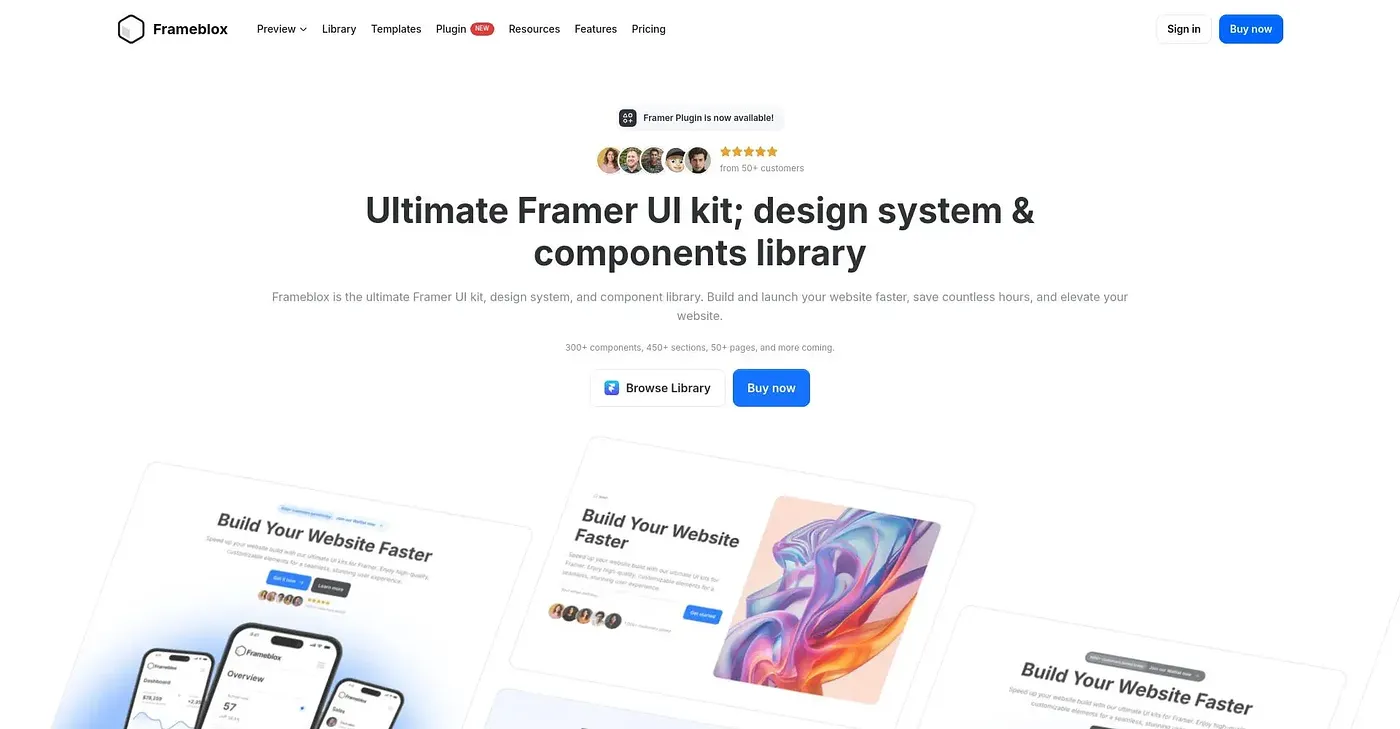
Frameblox offers a comprehensive Framer UI kit, saving time and money on website design.
At a glance
Starts at
$9 per month
Includes access to basic component library; Pro subscription required for advanced features and direct copying/pasting.
Free tier
No
Platforms
Web, macOS, Windows
Best for
Designers building websites with Framer
Not for
Designers needing deep customization
3.9 out of 5
Scored by Alex after real useOur verdict
Frameblox provides pre-built components for quick website design. It suits designers looking to save time but may not be ideal if you need more customization options or specific features.
✓What it does well
Rapid prototypingDrag-and-drop pre-built components for quick design iterations.
Regular updatesNew elements and pages added frequently to keep your designs fresh.
Extensive libraryOver 650 Framer components, sections, and templates available for use.
✕Where it falls short
Limited customization optionsDoes not support deep customization or complex designs out-of-the-box.
Requires Pro access to copy-and-paste featuresPro subscription needed for direct copying and pasting into projects.
Framer-specific use onlyOnly useful if you are already using Framer; not compatible with other design tools.
Key features
Pricing plansAvailable in different pricing tiers to suit various needs.
Component libraryOffers a wide range of pre-built sections and components for drag-and-drop use.
Regular updatesContinuously adds new components, sections, and templates to the library.
direct copy-pasterequires pro access for copying components