
Handwriting Ocr
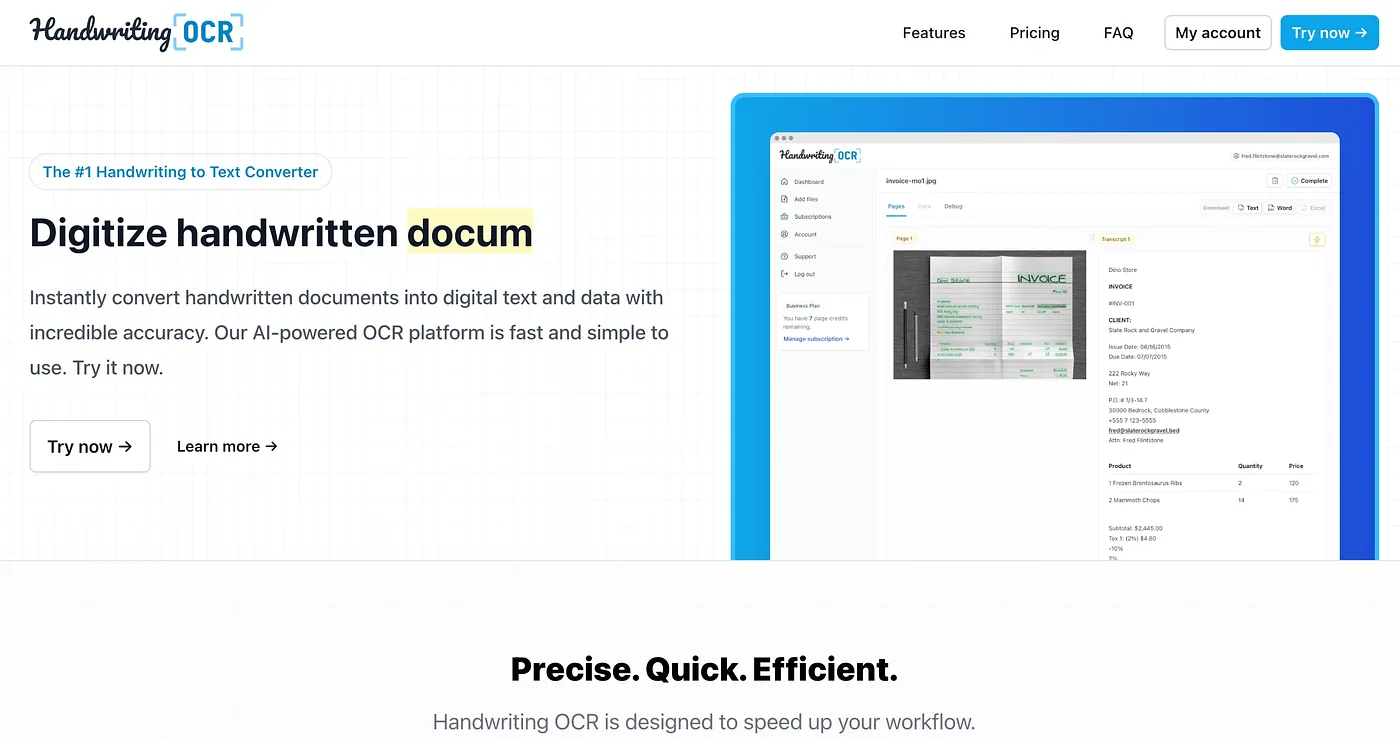
Converts messy handwriting to text.
At a glance
4.0 out of 5
Scored by Alex after real useOur verdict
HandwritingOCR excels at reading cursive and challenging writing, but struggles with layout preservation on very complex documents. It’s perfect if you need quick results, but might be too expensive for occasional use.
✓What it does well
✕Where it falls short
Key features
Questions about Handwriting Ocr
What does Handwriting Ocr do?
Handwriting Ocr converts messy handwriting into editable text in seconds. The reviewer says it excels at reading cursive and challenging writing, and it can process batches of scanned documents and export text in Word, Markdown or plain text formats.
How much does Handwriting Ocr cost?
Handwriting Ocr has a limited free tier, and paid use starts at $29 per month. That plan includes unlimited documents up to 10 pages each, with no setup or training required. The reviewer notes it may be too expensive for occasional use.
What are the weaknesses of Handwriting Ocr?
The reviewer notes that Handwriting Ocr may lose formatting on complex pages or layouts, so people needing layout preservation on complex documents are listed under Not for. It is also more expensive than simpler OCR tools for occasional use.
Does Handwriting Ocr have an API?
Yes. Handwriting Ocr offers an API for integration into custom applications. The vendor also says it never trains on users' content and keeps it private, and the reviewer notes that it handles large volumes efficiently and securely.
How does Toolio score Handwriting Ocr?
Handwriting Ocr has a Toolio score of 4.0 out of 5, given by Alex after real use on 5 Oct 2026. Toolio lists it as best for people needing accurate OCR for handwritten notes, and it runs on the web.