
InstantGPT Chrome Extension
Double-tap Shift to open an AI assistant with a personality you can customize.
At a glance
3.9 out of 5
Scored by Alex after real useOur verdict
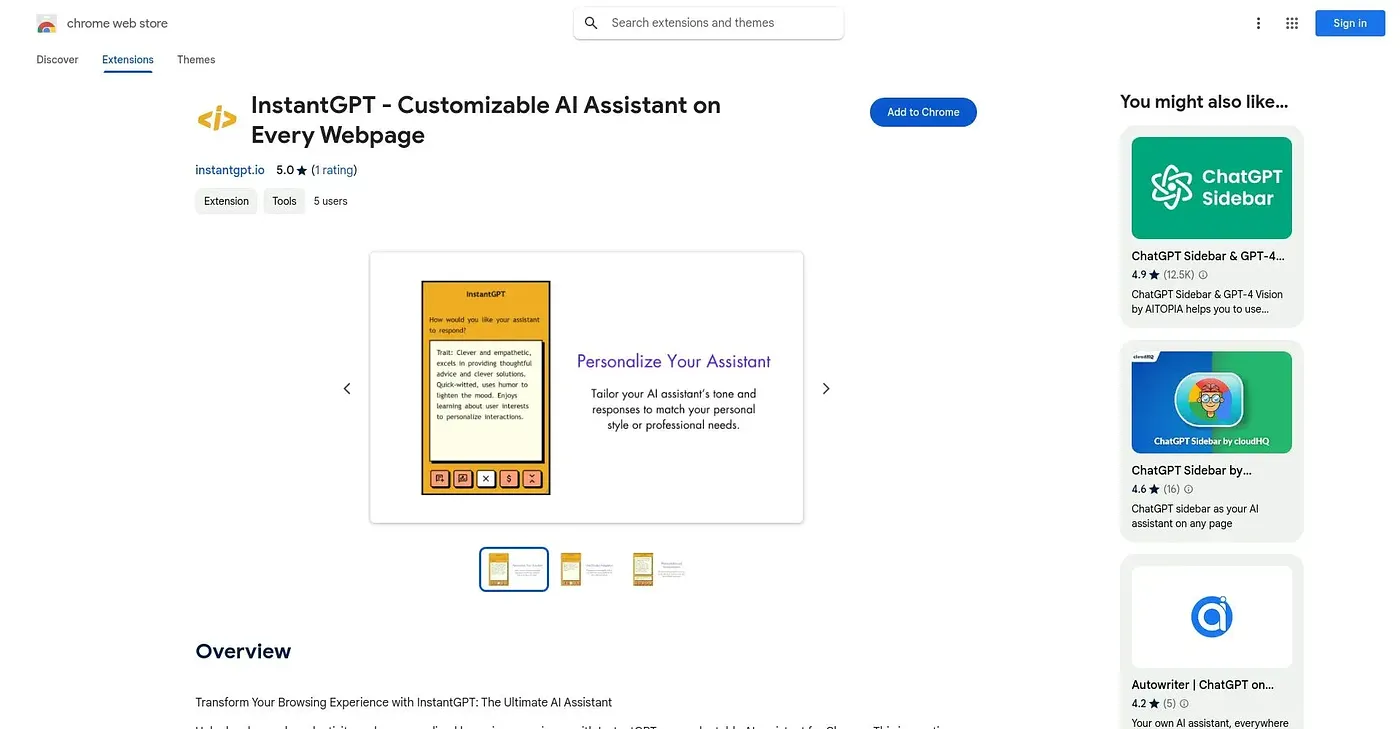
InstantGPT opens with a double tap of the Shift key on any webpage, giving you an AI assistant you can customize with its own character or tone. It works without switching tabs, so answers appear right where you're browsing. The free install includes in-app purchases, and with just one rating on record there's little outside evidence of how well it actually performs.
✓What it does well
✕Where it falls short
Key features
Questions about InstantGPT Chrome Extension
How do you open InstantGPT Chrome Extension?
A double tap of the Shift key opens InstantGPT Chrome Extension on any webpage. The AI assistant appears right on the page being browsed, so answers show up without switching to a new tab. The extension is designed to work on essentially any site.
Is InstantGPT Chrome Extension free?
InstantGPT Chrome Extension is free to install, and Toolio found no paid plan on the Chrome Web Store in September 2026. The reviewer notes, however, that the free install includes in-app purchases, so some features require a purchase.
Can you customize the assistant in InstantGPT Chrome Extension?
Yes. InstantGPT Chrome Extension lets users give the assistant its own character, tone or response style, and the reviewer lists this customizable persona as a main strength. Toolio names users wanting quick AI answers without opening a new tab as its best fit.
How reliable is InstantGPT Chrome Extension?
There is little outside evidence either way. InstantGPT Chrome Extension has just one rating on record, and the reviewer notes there is no independent information on how accurate its answers are. Toolio says it is not for anyone wanting more than a single rating as proof, though Alex scored it 3.9 out of 5 after real use.
What are some alternatives to InstantGPT Chrome Extension?
Toolio lists ChatGPT Powered Google Search - Chrome Extension, Free ChatGPT On New Tab S - Chrome Extension, Camoo Studio and GPT Search Helper Extension as alternatives. The first adds AI insights to Google searches, while GPT Search Helper Extension adds AI responses to Google and Stackoverflow results.