
Mp3Converter AI
Converts WAV, FLAC, or AAC audio files to MP3 in a few clicks online.
At a glance
Starts at
Free
Listed as free on the vendor's site.
Free tier
Yes
Platforms
Web
Best for
People converting a few audio files quickly
Not for
People wanting a guaranteed permanent free price
3.9 out of 5
Scored by Alex after real useOur verdict
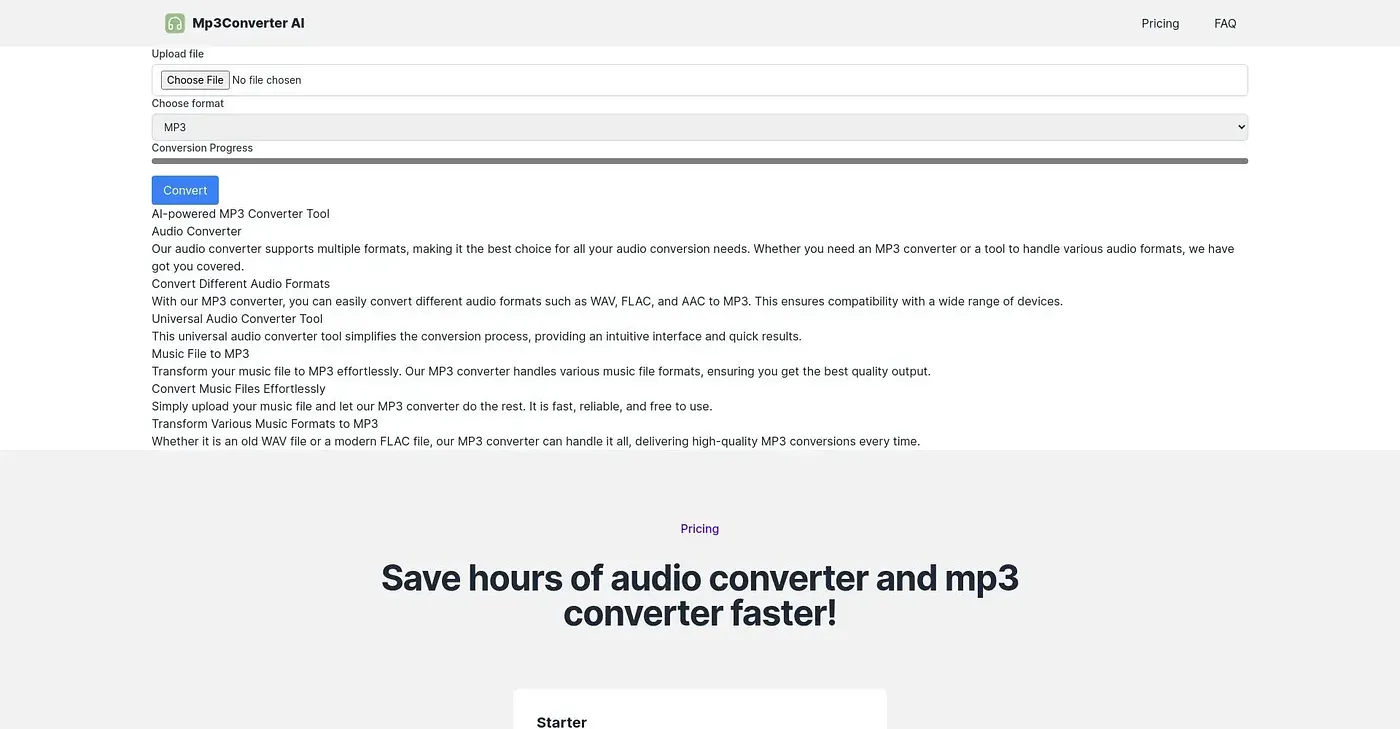
Mp3Converter AI takes a WAV, FLAC, or AAC file and converts it to MP3 (or AAC, OGG, WAV) directly in the browser, handling single files or batches. It's free to use right now, though its own pricing page shows a $29 price struck through down to $0, leaving it unclear whether that's a permanent rate or a temporary promotion. It's a web-only tool with no separate app to install.
✓What it does well
Multi-format supportIt converts between MP3, AAC, OGG, and WAV without extra software.
Batch conversionIt handles a single file or multiple files in batch.
Simple browser workflowUploading a file and picking a format is all it takes to convert.
✕Where it falls short
Pricing is unclearThe pricing page shows a struck-through $29 down to $0, without saying if that's permanent.
Web onlyIt's a web-based tool only, with no separate desktop or mobile app.
Limited output formatsIt only outputs to MP3, AAC, OGG, or WAV, not more specialized audio formats.
Key features
Format conversionIt converts WAV, FLAC, and AAC files into MP3.
Batch uploadIt supports converting multiple audio files in one batch.
Browser-based processingConversion runs entirely through the browser with no install needed.
Fast turnaroundIt's built to process conversions quickly rather than in the background.