
Unmixr
Clones voices for consistency, but expensive.
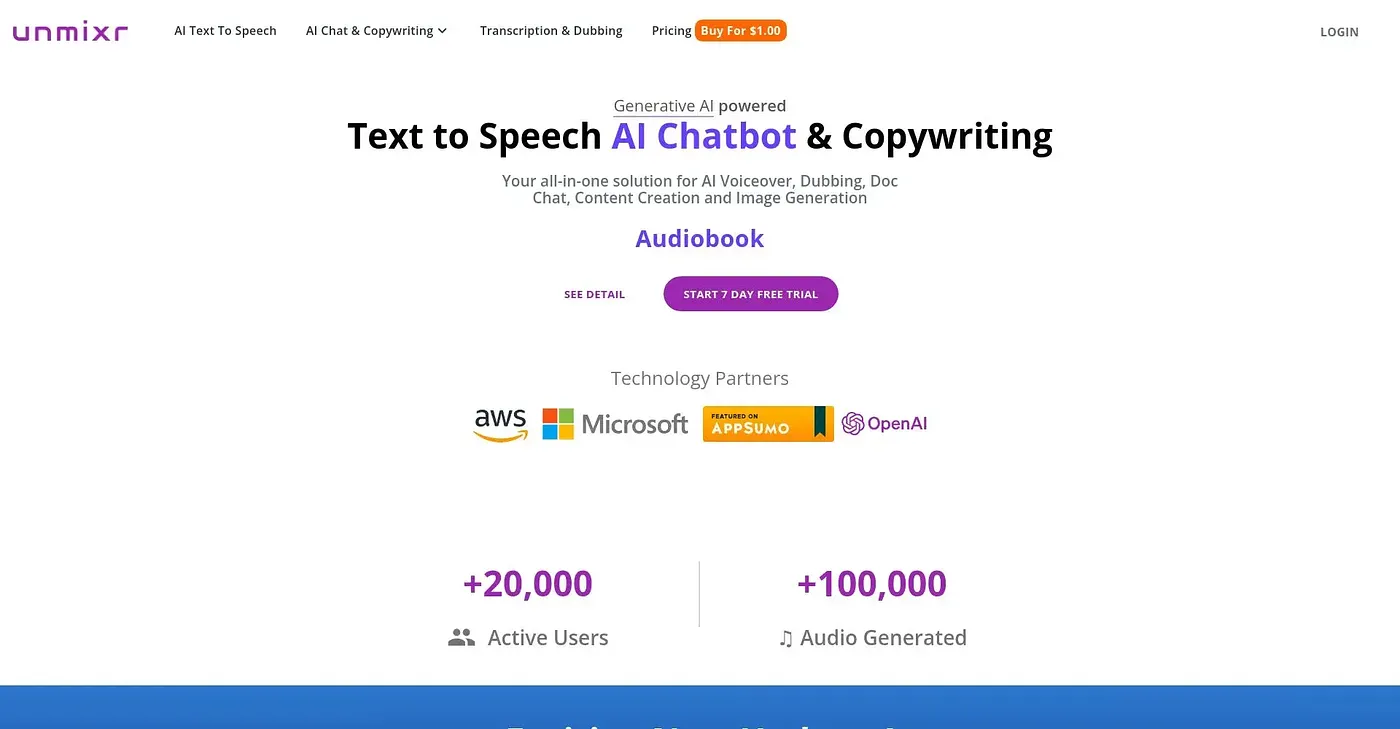
At a glance
3.8 out of 5
Scored by Alex after real useOur verdict
Unmixr excels at voice cloning and creating consistent narration across languages. It is best suited for e-learning and training video projects. For simple tasks or budget-conscious users, it may be too costly.
✓What it does well
✕Where it falls short
Key features
Questions about Unmixr
What is Unmixr used for?
Unmixr clones voices and generates AI narration that stays consistent across languages. It produces expressive AI voices for videos, lessons and product content, turns slide decks into narrated training videos, and creates consistent narration for course modules and LMS content. The vendor says it offers realistic AI voices in over 100 languages.
Is Unmixr free?
No. Unmixr has no free tier, and paid plans start at $19 per month, a price published by the vendor in September 2026. The reviewer notes that the free trial offers limited features with no credits, and additional voice credits can be bought on top of a plan.
Who should use Unmixr?
The reviewer considers Unmixr best suited to e-learning and training video projects, where consistent narration across languages matters. It is a poor fit for large, budget-constrained projects, and the verdict adds that people with simple tasks or tight budgets may find it too costly.
What are the drawbacks of Unmixr?
Cost is the main concern in the review: Unmixr's plans are expensive per minute generated, so large projects need careful budget planning. The reviewer also finds the advanced customization and fine-tuning options cumbersome and costly. Even so, Alex scores it 3.8 out of 5 for its voice cloning and multilingual narration.
What are some alternatives to Unmixr?
Toolio lists Cadence, which fixes a voice in one click, and Moises AI, which separates vocals, drums and instruments. It also lists Decrackle for audio editing and captioning, and Descript, which turns video and audio editing into text-based work but lacks advanced visual effects.