
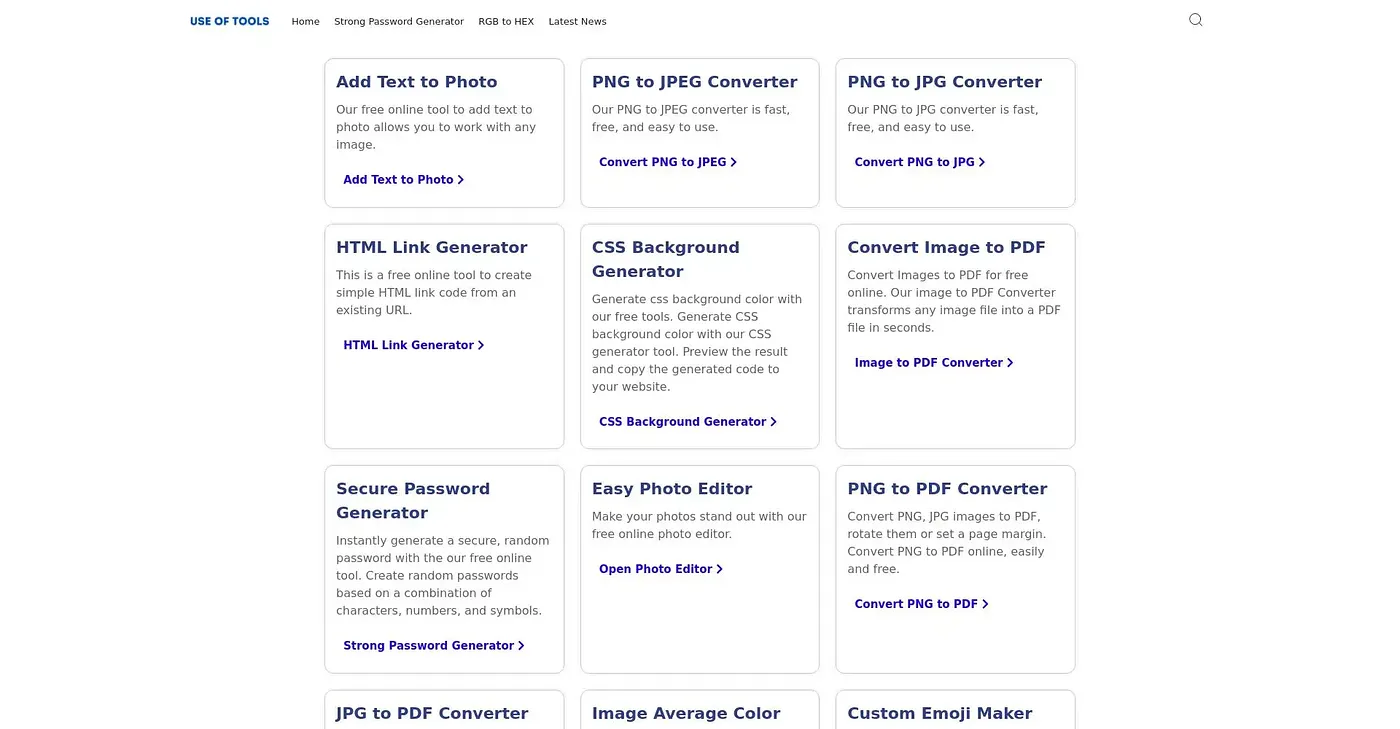
Add Text to Photo
Adds text to photos, but lacks advanced editing features.
At a glance
Starts at
Free
No paid plan found on the vendor's site, September 2026.
Free tier
Yes
Platforms
Web
Best for
Photographers and designers needing quick text overlays.
Not for
Graphic designers with complex needs
3.9 out of 5
Scored by Alex after real useOur verdict
UseOfTools' Add Text to Photo tool allows adding simple text to images. It’s easy and free for basic needs. However, it doesn't offer complex editing capabilities or layers that more professional tools do.
✓What it does well
EasySimple drag-and-drop interface makes adding text straightforward.
FreeNo cost for users looking to add text occasionally.
QuickInstantly adds text with minimal setup time.
✕Where it falls short
Limited featuresDoesn't offer advanced editing tools like layers or filters.
No support for multiple fontsText styling options are limited to a few basic choices.
Basic formatting onlyCannot apply complex text effects such as shadows or rotations.
Key features
Add TextAllows adding custom text to images.
Resize TextAdjusts the size of added text easily.
Text AlignmentCan align text horizontally and vertically within an image.
Custom FiltersApply various text effects such as shadows and rotations.