
Riku
Not suitable for those who need advanced AI functionality.
At a glance
3.8 out of 5
Scored by Alex after real useOur verdict
Riku AI allows you to build simple AI apps quickly with a no-code interface. However, it may lack the depth and flexibility needed for more complex projects.
✓What it does well
✕Where it falls short
Key features
Questions about Riku
What can you build with Riku?
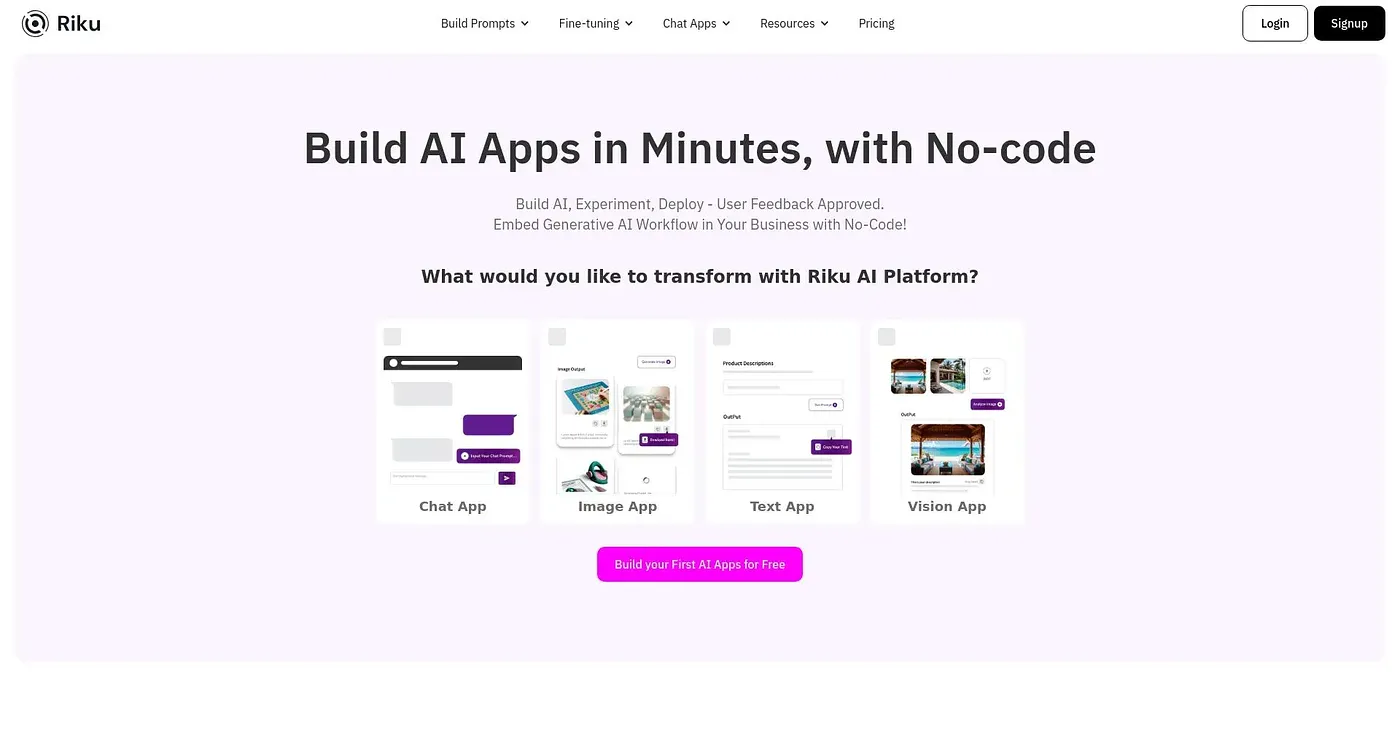
Riku lets users build simple AI apps quickly through a no-code interface with drag-and-drop functionality. Users choose from a variety of pre-built AI models and can deploy an app rapidly without extensive setup, with no coding knowledge needed.
What platforms does Riku run on?
Riku runs on the web, macOS and Windows. The reviewer describes it as easy to set up even for beginners, and Toolio lists it as best for no-code enthusiasts and quick prototypers.
Is Riku good for advanced AI projects?
Not really. The reviewer says Riku may lack the depth and flexibility needed for complex projects, and it does not offer advanced coding capabilities or deep model customization. Toolio lists it as not for users who require complex AI features.
How much does Riku cost?
Riku is listed at $0, with no paid plan found on the vendor's site in September 2026. The reviewer notes that it charges extra for certain advanced services and features beyond the no-code core.
What score does Toolio give Riku?
Riku holds a Toolio score of 3.8 out of 5, given by Alex on 4 Oct 2026 after real use. The reviewer praises its no-code approach, quick setup and choice of AI models, but notes it is mainly for simple, straightforward applications.