Shottr
Tiny, fast macOS app for screenshots and annotations.
At a glance
3.9 out of 5
Scored by Alex after real useOur verdict
Shottr excels at capturing long pages with scrolling capabilities. Ideal for designers but limited compared to full-fledged alternatives.
✓What it does well
✕Where it falls short
Key features
Questions about Shottr
What is Shottr?
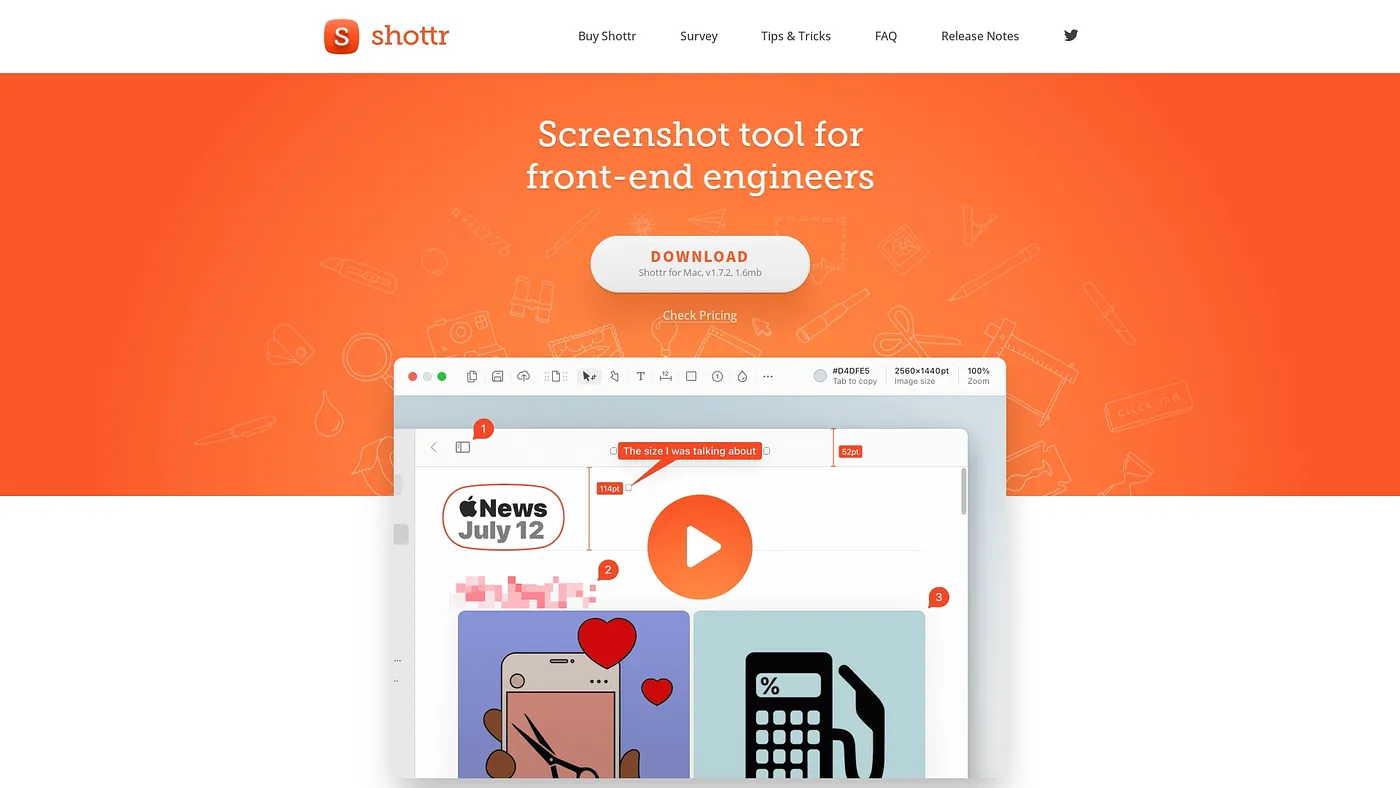
Shottr is a tiny, fast macOS app for screenshots and annotations. It captures scrolling screenshots of long pages, adds text, drawings and highlights, reads text and QR codes from images with OCR, and can upload screenshots to S3.
How big and fast is Shottr?
Shottr is only 2.3mb with no bloatware, and it captures a screenshot in just 17ms and shows it instantly. The reviewer counts its tiny size and fast capture among its main strengths, along with gradient backgrounds and rounded corners.
Is Shottr free?
Shottr is listed as free on the vendor's site, with a free tier and no paid plan listed. The reviewer describes the free version as quite basic, and the app runs only on macOS.
Can Shottr record video?
No. Shottr does not record videos or live screen sessions, so it is limited to still screenshots. It also has no cloud storage and saves files locally only, which the reviewer flags as a file management drawback.
How does Toolio score Shottr?
Toolio scores Shottr 3.9 out of 5, scored by Alex after real use on 5 Oct 2026. The reviewer says it excels at capturing long pages with scrolling and is ideal for designers, but it is limited compared to full-fledged alternatives.