Statement Sheet
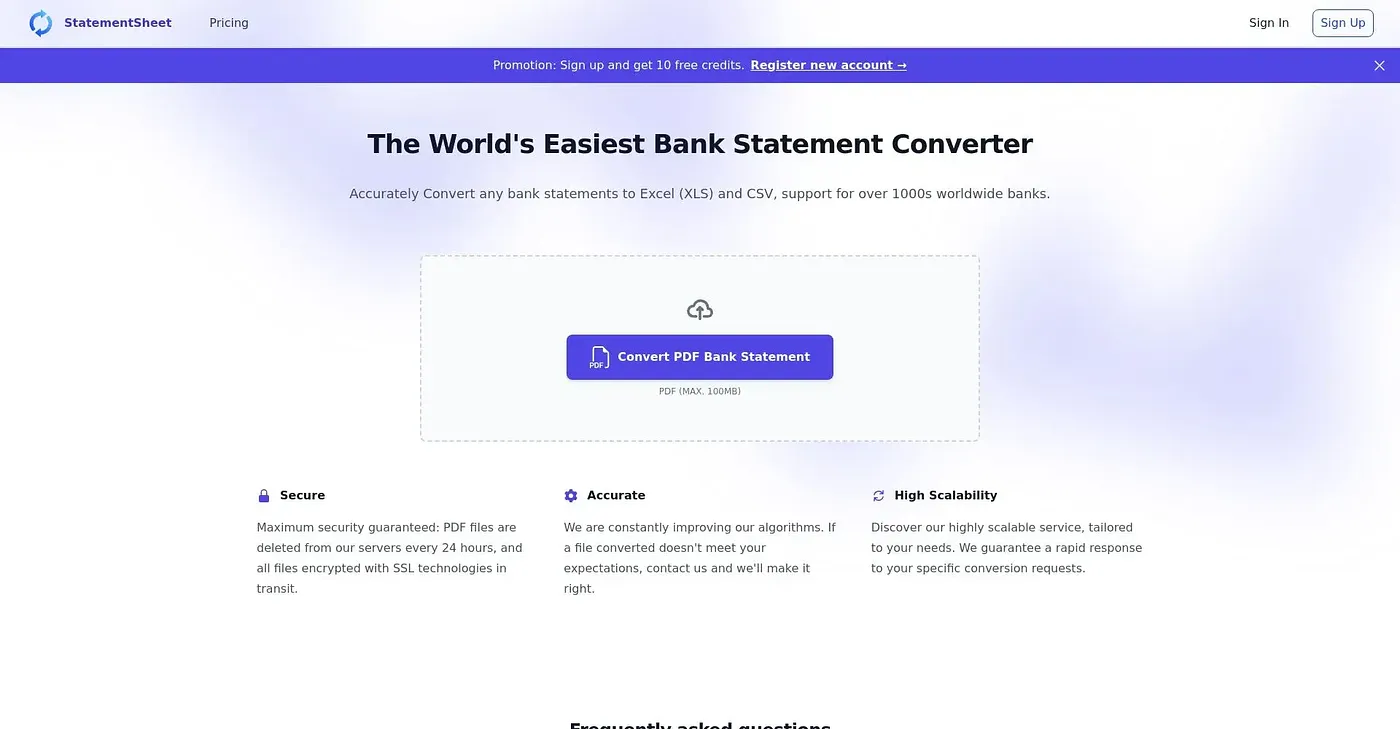
Convert PDF bank statements to clean Excel or CSV files instantly.
At a glance
4.0 out of 5
Scored by Alex after real useOur verdict
Great for converting bank statements, but lacks support for all banks. Not ideal for complex layouts.
✓What it does well
✕Where it falls short
Key features
Questions about Statement Sheet
What does Statement Sheet do?
Statement Sheet converts PDF bank statements into clean Excel or CSV files on the web. The vendor says it handles statements from over 200 banks worldwide and offers step-by-step guides for banks such as HSBC or RBC. Files are encrypted and deleted after processing, and conversion takes seconds with no signup needed.
How much does Statement Sheet cost?
Statement Sheet's Basic Plan costs $29 per month for 400 pages, the Essential Plan $59 per month for 1200 pages, and the Professional Plan $99 per month for 3000 pages with priority support. A limited free tier is also available.
Does Statement Sheet work with scanned bank statements?
Not well. The reviewer notes that Statement Sheet works poorly with scanned or digitized bank statements, and that OCR accuracy depends on document quality. File size limits may also affect conversion time or success, and the verdict calls it not ideal for complex layouts.
Who is Statement Sheet for?
Toolio lists Statement Sheet as best for individuals and small businesses, and not for large enterprises with complex financial needs. The reviewer calls it great for converting bank statements but notes that it lacks support for all banks.
What is Statement Sheet's Toolio score?
Statement Sheet scores 4.0 out of 5 on Toolio, rated by Alex after real use on 4 Oct 2026. Toolio lists Mebot, Cpapilot, Celeste AI and Harriet CFO as alternatives, with Harriet CFO described as limited to flat-fee bookkeeping.