
Mebot
Automate web, desktop and cloud workflows.
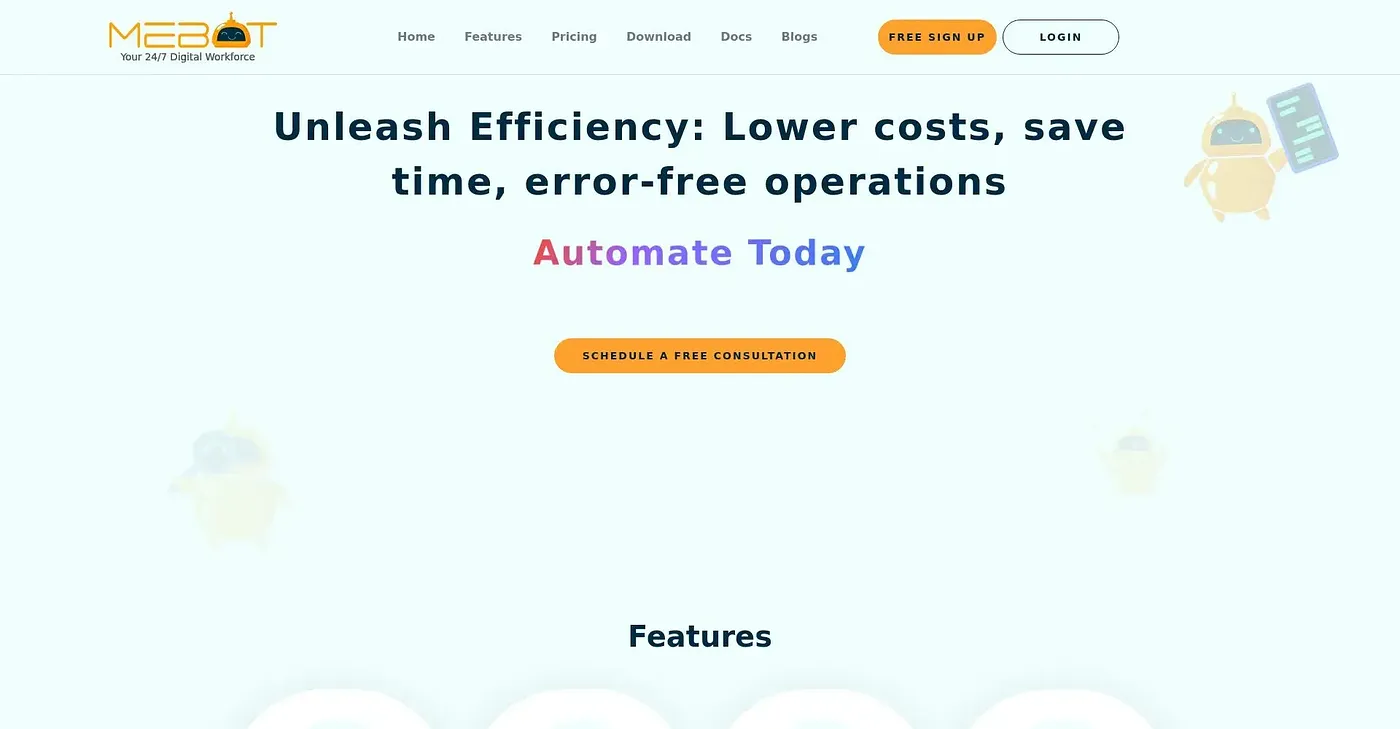
At a glance
4.1 out of 5
Scored by Alex after real useOur verdict
Mebot automates repetitive tasks with no-code solutions for invoice processing, claim submissions, and legacy app operations. Not ideal if you need complex custom integrations or real-time human interaction.
✓What it does well
✕Where it falls short
Key features
Questions about Mebot
What can Mebot automate?
Mebot automates repetitive web, desktop and cloud workflows without code, such as invoice processing, claim submissions and work in legacy apps. It can click, type and read in desktop applications like SAP, QuickBooks and Tally, and automate tasks in Chrome, Firefox and Safari.
What platforms does Mebot run on?
Mebot runs on the web, macOS, Windows and Linux. Bots can also run in ephemeral cloud instances in parallel, so teams scale up without provisioning on-premises resources and pay only for executed tasks.
How much does Mebot cost?
Mebot offers a limited free tier and a free trial with limitations. The Pro Plan costs $29 per month, and the Enterprise Plan is priced on contact. The reviewer notes that the free tier's significant limits make it unsuitable for large-scale operations.
What are the downsides of Mebot?
The reviewer notes that Mebot does not support custom API integrations, which limits some automation. It also cannot handle tasks that need human decision-making or quick responses, so Toolio lists it as not for teams needing real-time human interaction.
Who is Mebot for?
Toolio lists Mebot as best for finance and legal teams, and scores it 4.1 out of 5 after real use by Alex. The reviewer highlights no-code UI-level automation and scalable cloud execution as its main strengths.