
Visualize AI
AI transforms any room in seconds, but lacks detailed customization options.
At a glance
4.0 out of 5
Scored by Alex after real useOur verdict
VisualizeAI quickly reimagines rooms with AI. Ideal for beginners, not as deep for professionals or those needing extensive design options.
✓What it does well
✕Where it falls short
Key features
Questions about Visualize AI
What does Visualize AI do?
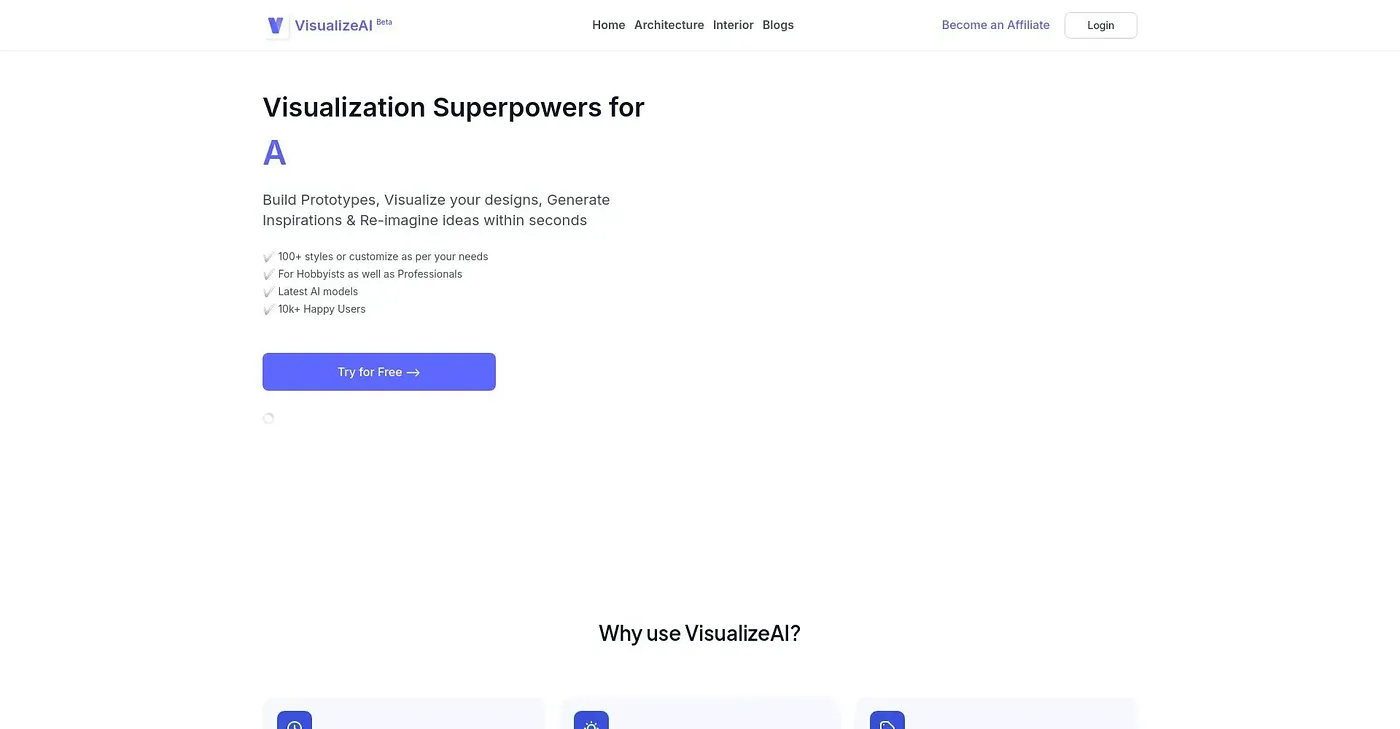
Visualize AI uses AI to reimagine rooms in seconds. A user uploads a photo and quickly gets photorealistic room redesign images back, with more than 30 design styles to choose from. Paid plans include commercial usage rights for the results.
Is Visualize AI free?
Visualize AI has a limited free tier. New users start with 6 free credits, which the reviewer says is not enough for a full design project, since each redesign variant uses one credit. More credits come in one-time packs, starting with the Small plan at $9.
How much does Visualize AI cost?
Visualize AI sells one-time credit packs rather than a subscription. Small costs $9 for 60 credits, Popular costs $19 for 150 credits, and Large costs $39 for 350 credits. Purchased credits last indefinitely, though the reviewer notes that paying one credit per redesign variant can get expensive per project.
Who is Visualize AI best for?
Visualize AI is aimed at DIY homeowners and casual designers. The reviewer calls it ideal for beginners but not as deep for professionals or anyone who needs extensive design options, and Toolio lists professional interior designers as people who should look elsewhere.
How does Toolio rate Visualize AI?
Alex scored Visualize AI 4.0 out of 5 after real use, on 5 Oct 2026. The reviewer praises its quick results, its wide range of design styles and credits that never expire. Toolio has listed the tool since October 2024.