
Zivy
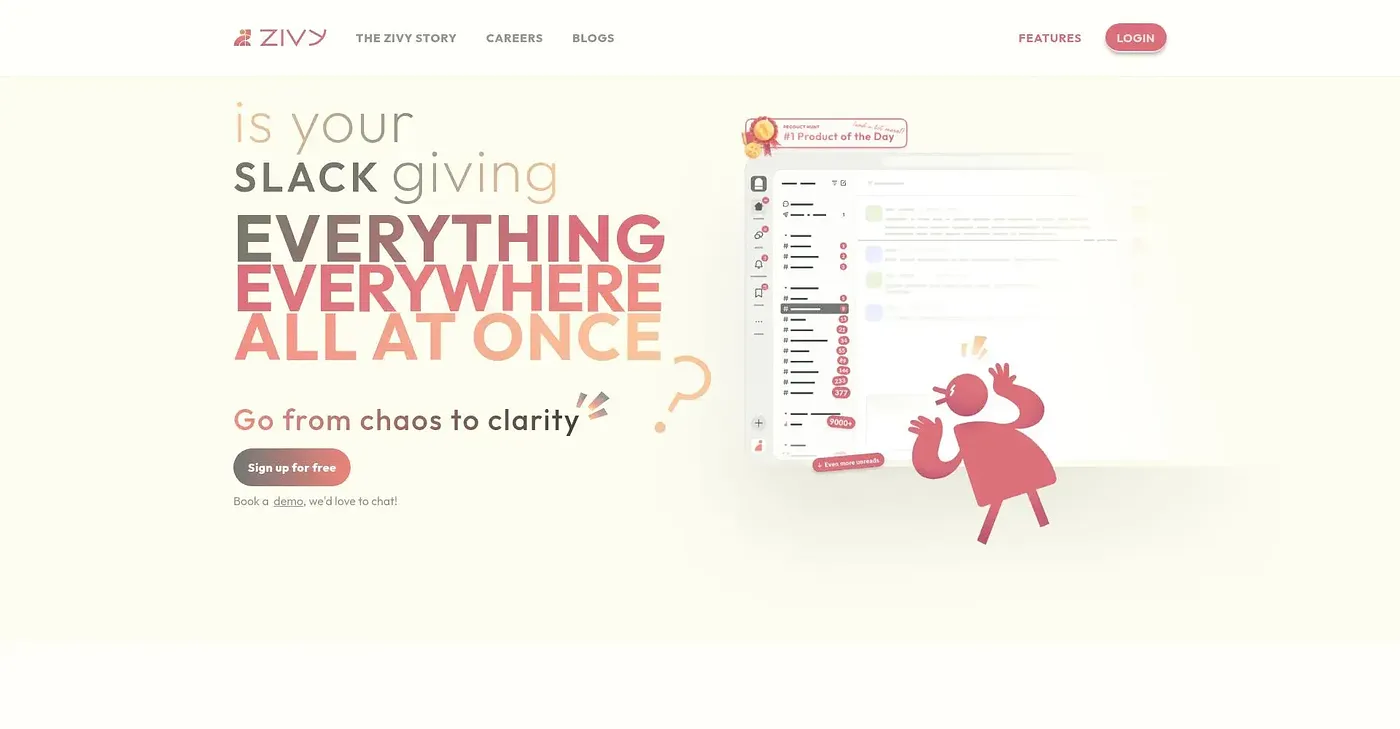
Zivy organizes Slack communication into simple piles.
At a glance
3.8 out of 5
Scored by Alex after real useOur verdict
Zivy transforms chaotic Slack into clear action items and tasks. Best for remote or busy teams needing focused notifications. Not ideal if you prefer a simpler tool.
✓What it does well
✕Where it falls short
Key features
Questions about Zivy
What does Zivy do?
Zivy organizes Slack communication into simple piles, turning chaotic channels into clear action items and tasks. It uses AI sorting to cut through clutter, nudges people about overdue updates and requests, and summarizes long threads so they do not have to be read in full. A Slackbot brings its insights directly into Slack channels.
Does Zivy have a free plan?
No. Zivy has no free tier, and its Pro plan starts at $18 per month. Pro includes curated classifications, auto followups, reply with AI, AI summarized threads, calendar connect, task management, the Zivy Slackbot, message composing and personal analytics. Enterprise plans use custom pricing available on contact.
Does Zivy integrate with Google Calendar?
Yes. Zivy offers one-click scheduling that sends tasks straight to Google Calendar, and its Pro plan includes calendar connect. It also brings insights into Slack through its Slackbot and offers personal analytics with metrics tailored to user roles and contexts.
Who is Zivy for?
Toolio lists Zivy as best for remote teams and managers, and the reviewer recommends it for busy teams needing focused notifications. It is not for enterprise teams without custom support, and the reviewer says it is not ideal for anyone who prefers a simpler tool.
What are the drawbacks of Zivy?
The reviewer notes that custom prioritization rules are not directly available in the basic plan, enterprise support comes only with custom enterprise plans, and on-prem deployment needs additional setup and costs extra. Alex scored Zivy 3.8 out of 5 after real use on 5 Oct 2026.