
AI Email Writer for Gmail - Chrome Extension
Suggests context-aware phrasing in Gmail and gives real-time feedback as you write.
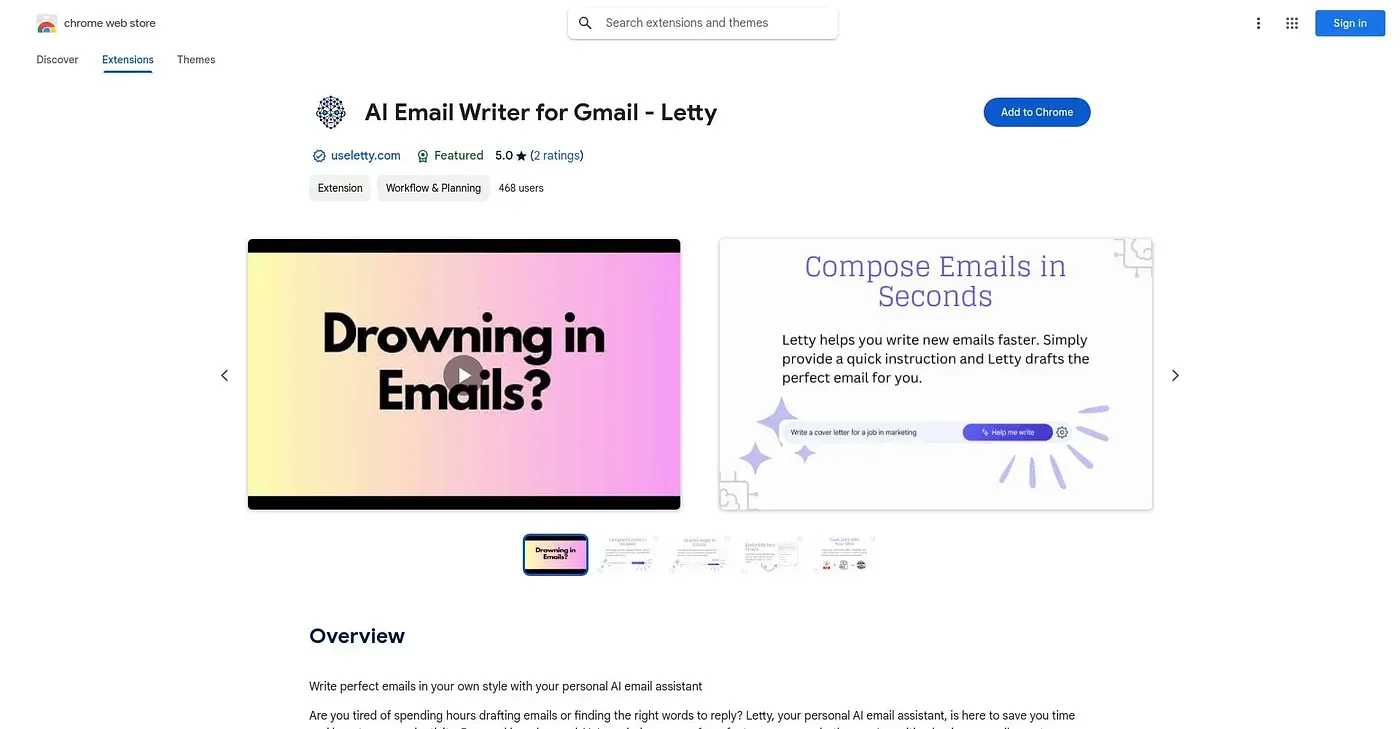
At a glance
3.9 out of 5
Scored by Alex after real useOur verdict
AI Email Writer for Gmail sets tone preferences like formal or casual, suggests context-aware phrasing based on the message and recipient, and gives real-time feedback to catch errors while writing. Gmail users who want quick polish without losing their own style fit best. It can misread tone or context, which risks emails that feel a little off from what was intended.
✓What it does well
✕Where it falls short
Key features
Questions about AI Email Writer for Gmail - Chrome Extension
What does AI Email Writer for Gmail - Chrome Extension do?
It works inside the Gmail interface to help polish emails while they are written. It suggests context-aware phrasing based on the message and the recipient's profile, and it gives real-time feedback with instant edits to catch errors during composing.
Can AI Email Writer for Gmail - Chrome Extension change the tone of an email?
Yes. Users can set a preferred tone such as formal, casual or persuasive, and the extension shapes its suggestions around it. The reviewer warns that it can misinterpret tone or context, so some emails may feel a little off from what was intended.
Is AI Email Writer for Gmail - Chrome Extension free?
Toolio lists it as free, with a free tier and no paid plan listed. The vendor's site is offline, so no current price was found, and the pricing has not yet been confirmed against the vendor's page.
Does AI Email Writer for Gmail - Chrome Extension work with other email clients?
No. It is built specifically for Gmail, with no support for other email clients, and it only runs as a Chrome browser extension. Toolio marks it as not for users of email clients other than Gmail.
How does Toolio rate AI Email Writer for Gmail - Chrome Extension?
Toolio scores it 3.9 out of 5, scored by Alex after real use on 5 Oct 2026. The reviewer finds it best for Gmail users who want quick polish on the fly without losing their own writing style.