
AI Image to Video
Create stunning animations with unlimited free daily videos.
At a glance
3.9 out of 5
Scored by Alex after real useOur verdict
It offers high-quality AI-generated video from images, suitable for marketers but beware of limitations on features and speed when using the free tier.
✓What it does well
✕Where it falls short
Key features
Questions about AI Image to Video
What does AI Image to Video do?
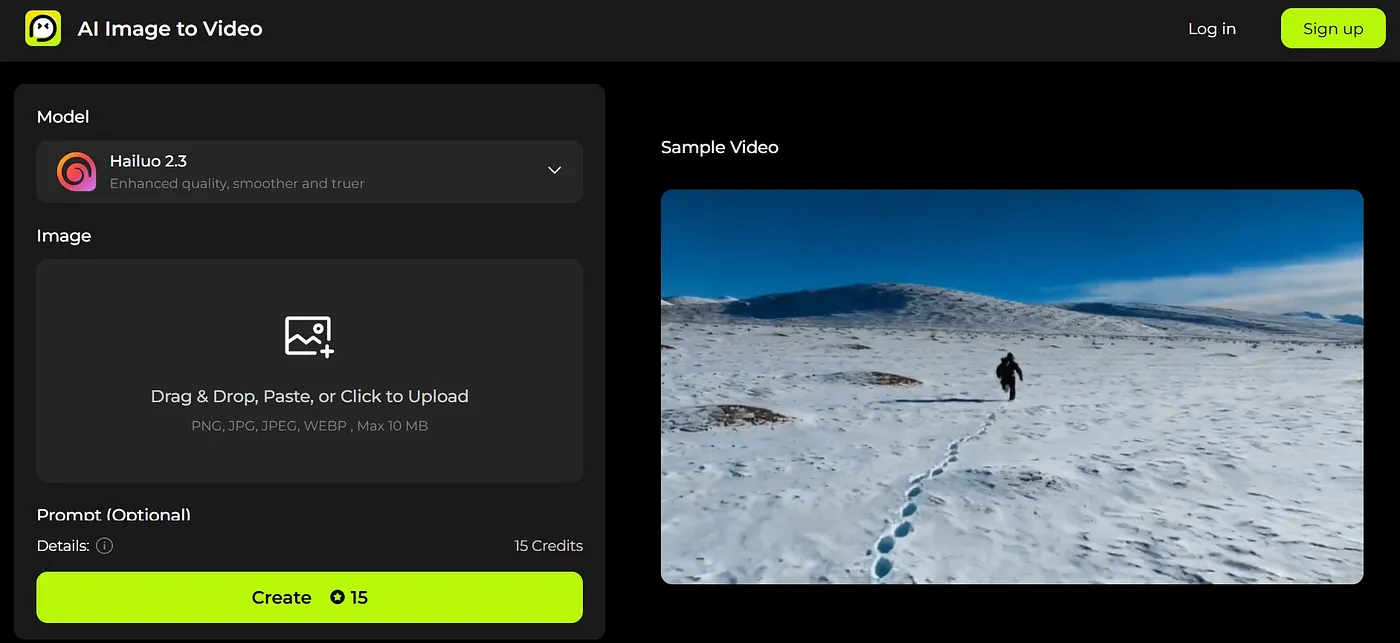
AI Image to Video turns still images into animated videos on the web. It uses next-generation AI models for fluid motion and scene-aware effects, and it accepts image and text prompts together for more creative control. Sample videos show the kinds of outputs and animations it can produce.
Is AI Image to Video free?
AI Image to Video is free with daily limits, and its pricing page lists only a Free plan at $0. Free users can create up to two videos a day. The reviewer warns that the free tier also carries limits on features and speed, and that advanced effects and longer durations are not part of it.
Does AI Image to Video require a login?
No login is required to use AI Image to Video. Users create videos by uploading images or pasting URLs directly, and prompts can combine an image with text to steer the animation. The tool runs on the web.
Does AI Image to Video add watermarks to its videos?
No. AI Image to Video generates HD videos without watermarks, and the reviewer notes there are no restrictions on exports. Free users also get their daily videos without watermarks, which Toolio lists among the tool's main strengths alongside its support for image and text prompts.
What are the downsides of AI Image to Video?
The main limit of AI Image to Video is the free allowance of only two video creations a day. The reviewer also flags limits on features and speed in the free tier, and says the tool is not for budget-conscious content creators. Alex scored it 3.9 out of 5 after real use, on 3 Oct 2026.