
AI Passport Photo Maker
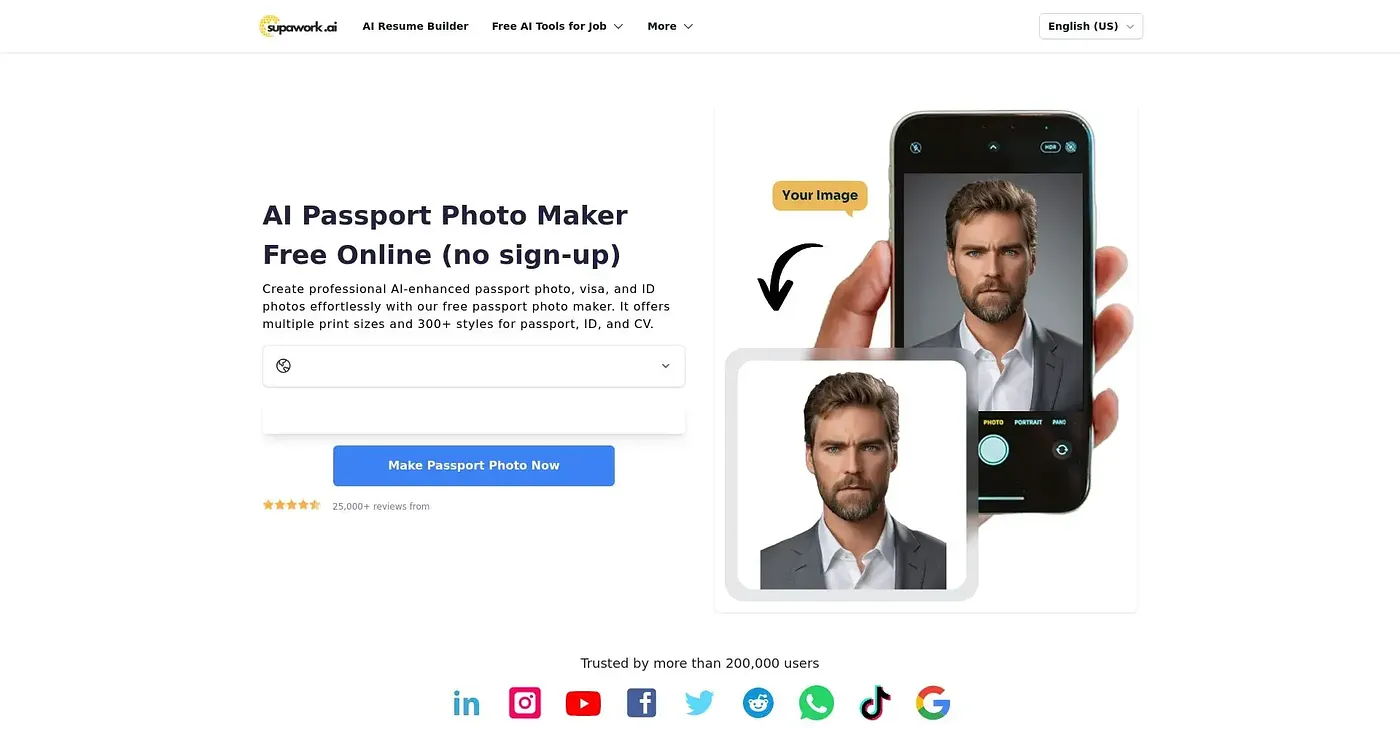
Easily create professional passport photos, free of charge.
At a glance
3.9 out of 5
Scored by Alex after real useOur verdict
Generate compliant and stylish passport photos quickly for travel or identification. Skip it if you need frequent modifications beyond basic adjustments.
✓What it does well
✕Where it falls short
Key features
Questions about AI Passport Photo Maker
Is AI Passport Photo Maker free?
AI Passport Photo Maker is listed as free on the vendor's site, with limited features. It generates professional passport photos without charge, and no sign-up is required, since photos are created directly on the website without an account.
How does AI Passport Photo Maker work?
A user uploads a photo to AI Passport Photo Maker, chooses a style and downloads the result instantly. The tool automatically replaces the background with white for compliance and tailors the final image to different countries' passport photo standards. Over 300 styles cover passport, ID and CV photos.
What are the limits of AI Passport Photo Maker?
AI Passport Photo Maker offers only basic enhancements, without advanced cropping or retouching. It supports only standard print sizes, with no custom sizes available, and the reviewer suggests skipping it for anyone who needs frequent modifications beyond basic adjustments.
Who is AI Passport Photo Maker for?
AI Passport Photo Maker suits travelers and anyone who needs an ID photo, producing compliant and stylish passport photos quickly for travel or identification. Advanced photo editors are not its audience. Toolio scores it 3.9 out of 5, from Alex after real use on 5 Oct 2026.
What are some alternatives to AI Passport Photo Maker?
Toolio lists AI Face Swapper as an alternative to AI Passport Photo Maker, noting that it swaps faces instantly but requires uploads. AI Passport Photo Maker itself runs on the web and has been listed on Toolio since November 2024.