
AI Photo Editor - Chrome Extension
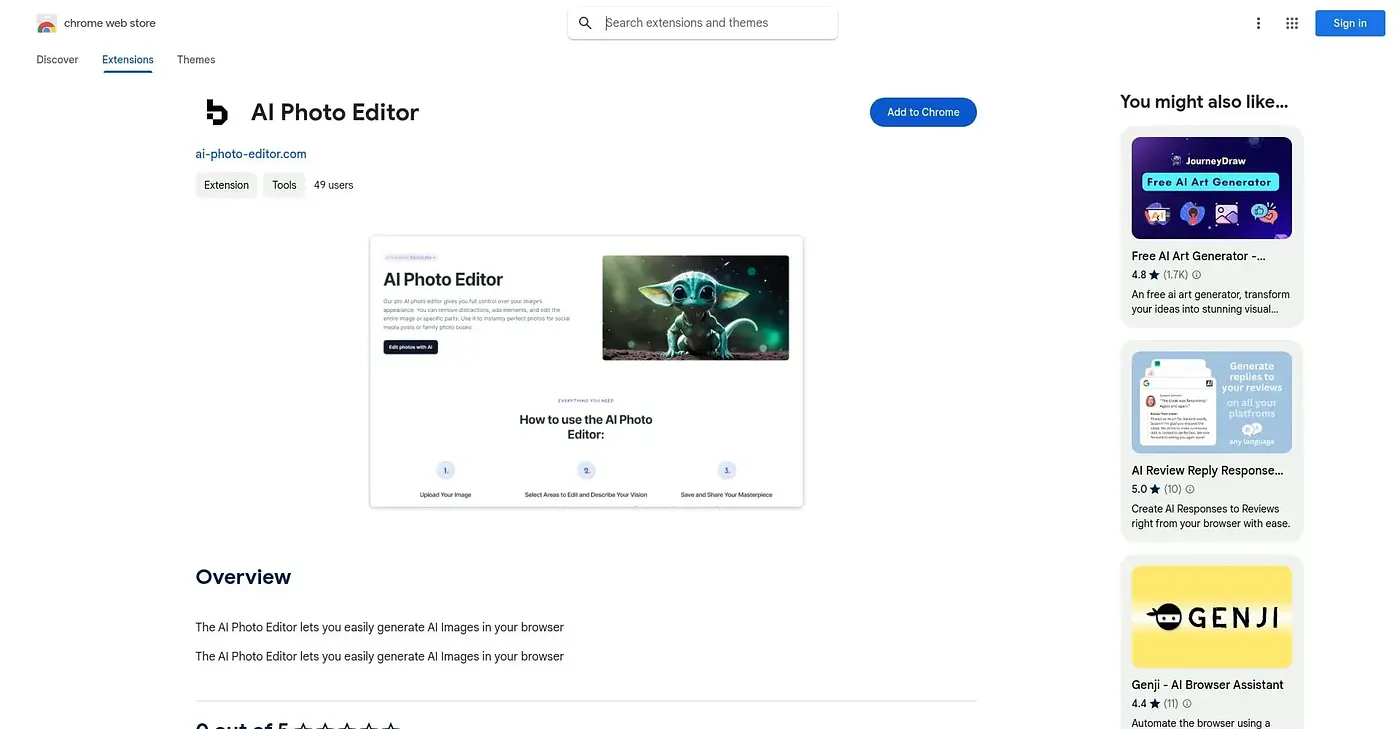
Generates images from prompts in-browser, with basic color and overlay editing after.
At a glance
Starts at
Free
The vendor's site is offline, so no current price was found.
Free tier
Yes
Platforms
Chrome
Best for
Casual users wanting quick AI images in-browser
Not for
Professionals needing high-resolution, advanced editing tools
4.1 out of 5
Scored by Alex after real useOur verdict
AI Photo Editor generates images from text prompts directly in the browser, then lets users adjust colors, textures and overlays with a simple set of editing tools. Beginners experimenting with AI images fit best. Image quality and editing depth stay basic, making it less suited to advanced or professional work.
✓What it does well
In-browser image generationIt generates images from text prompts without leaving the browser.
Editing toolsUsers can adjust colors, textures and overlays on generated images.
Beginner-friendly interfaceIt is designed to be approachable for first-time users.
✕Where it falls short
Basic editing toolsEditing options stay basic, limiting fine control over the final image.
Image quality limitsImage quality can fall short of what advanced users may need.
Chrome onlyIt only works as a Chrome browser extension, with no other platform support.
Key features
Prompt-based image generationIt generates images directly from typed prompts.
Color and texture adjustmentUsers can adjust colors, textures and overlays.
In-browser workflowIt works entirely inside the Chrome browser.
Beginner tutorialsIt offers quick tutorials to help new users get started.