Airbrush AI
Airbrush AI generates stunning images quickly.
At a glance
4.0 out of 5
Scored by Alex after real useOur verdict
Great for quick image generation but lacks advanced features and upselling can be annoying.
✓What it does well
✕Where it falls short
Key features
Questions about Airbrush AI
What can Airbrush AI create?
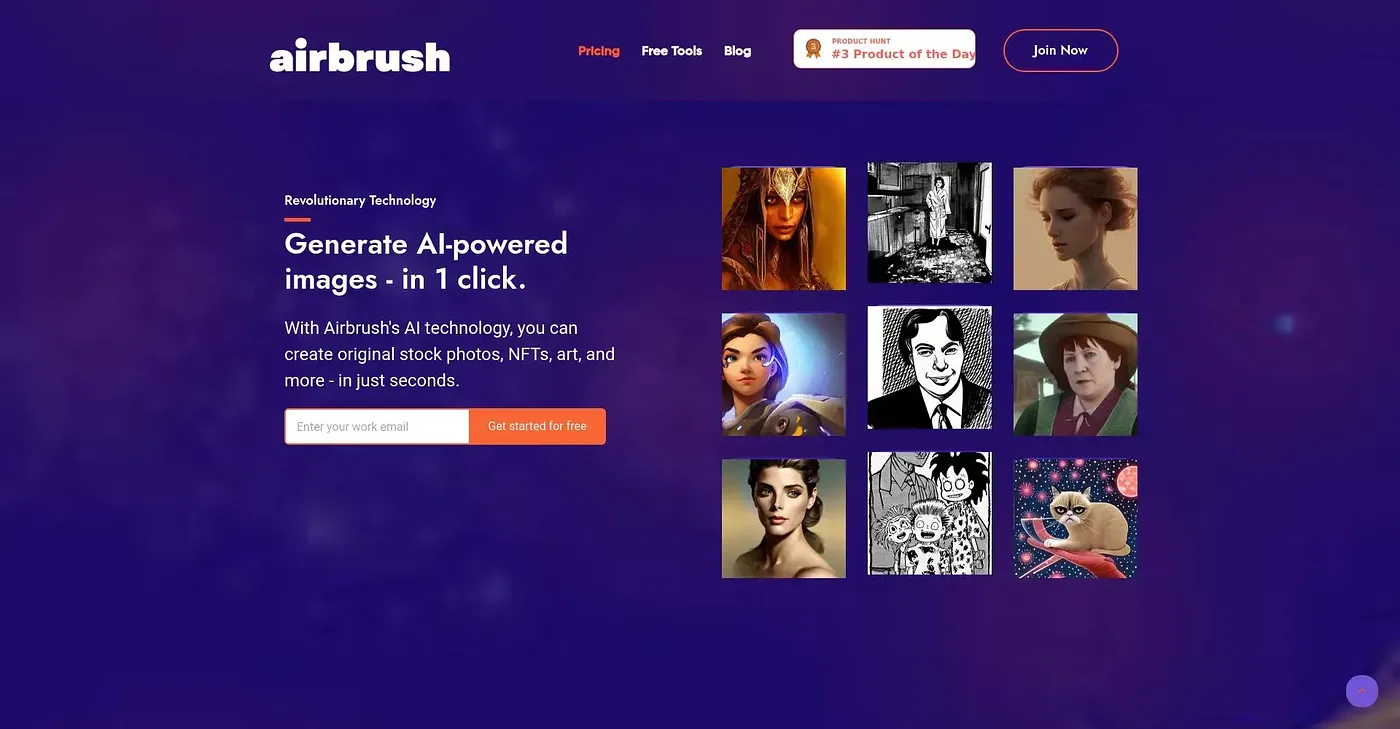
Airbrush AI generates AI art, photorealistic images, anime and more in seconds, with no design skills needed. It includes multiple AI engines, such as Stable Diffusion and DALL-E style art, and supports resolutions up to 4096x4096px after upsizing.
Is Airbrush AI free?
Airbrush AI has a limited free plan, but it comes with no image credits. Paid access starts at $9 per month and includes 500 Image Credits, upscaling and blog article cover images. Advanced features and higher credit limits require a subscription.
What are the downsides of Airbrush AI?
The reviewer says Airbrush AI lacks advanced features and that its upselling can be annoying. It does not offer advanced editing options after generation, and upscaling is basic, reaching a maximum of 4x resolution. Designers needing advanced editing tools are advised to look elsewhere.
Who is Airbrush AI best for?
Airbrush AI suits artists, marketers and social media creators who want quick image generation on the web. Toolio scores it 4.0 out of 5, rated by Alex after real use, with quick generation and multi-resolution support among its listed strengths.
What are some alternatives to Airbrush AI?
Toolio lists AI Describe Image and Artroom AI as alternatives to Airbrush AI. AI Describe Image extracts editable text from photos, scans and PDFs in over 20 languages with no signup needed, while Artroom AI generates images with advanced algorithms but falls short on free tiers.