
AniFusion
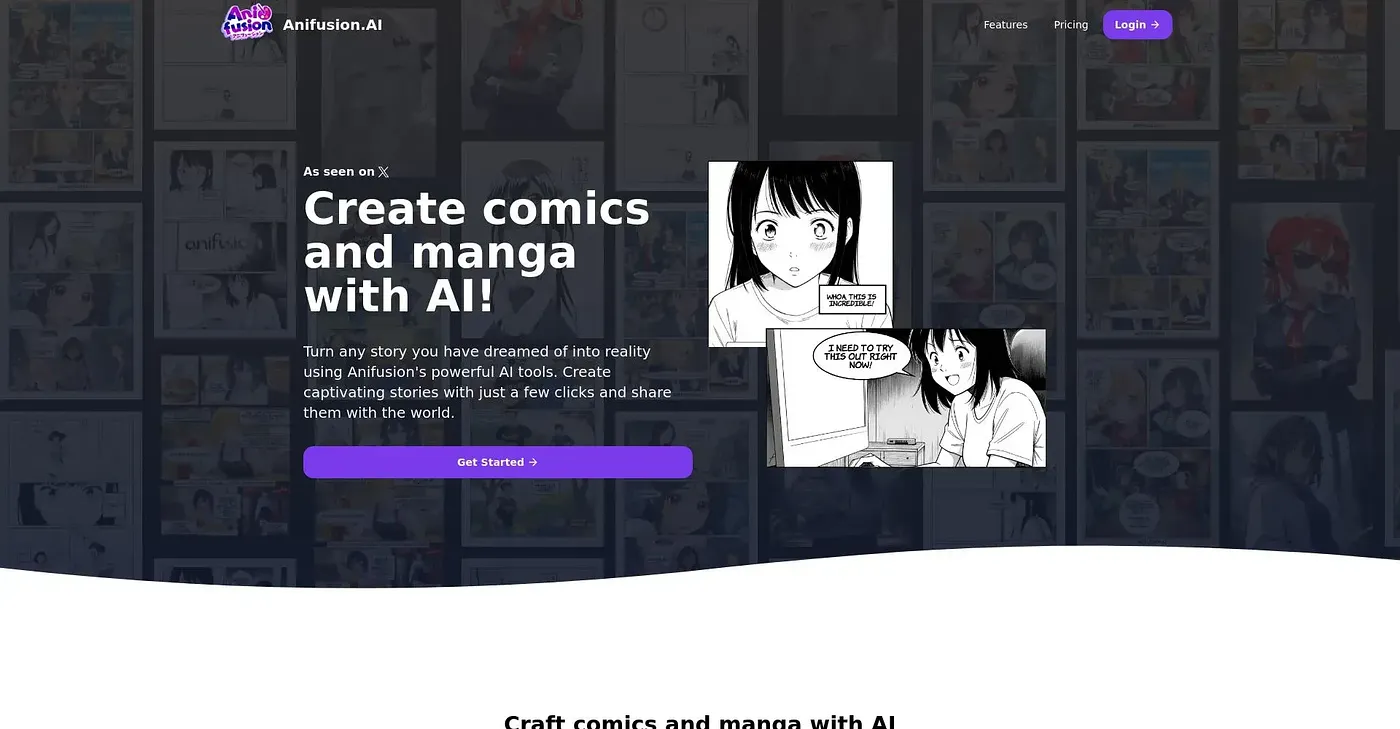
Create manga pages with built-in layouts, characters, and editing tools.
At a glance
4.5 out of 5
Scored by Alex after real useOur verdict
AniFusion is great for those just starting out but lacks advanced customization options. Good value for basic needs; skip if you need more control.
✓What it does well
✕Where it falls short
Key features
Questions about AniFusion
What does AniFusion do?
AniFusion creates manga pages with built-in layouts, characters, speech bubbles and editing tools. Users describe each panel in plain language and AI generates the art, then refine pages on a built-in canvas editor. Pages can use comic panel presets or a custom layout.
How much does AniFusion cost?
AniFusion has a free plan at $0 per month. Paid plans are Creator at $9 per month and Pro at $24 per month, with varying credit limits. Some premium tools, such as additional poses or high-resolution exports, require extra credits beyond the free plan.
What art styles does AniFusion support?
AniFusion works in various styles, including Ghibli, American comic book and Dragon Ball. It also has a sketch-to-image tool that converts sketches into detailed images for character designs or background art. Results depend heavily on the available AI models, which may vary in detail.
Who should use AniFusion?
Toolio lists AniFusion as best for beginners who want to create comics easily, and not for advanced character designers. The reviewer calls it good value for basic needs, but it lacks advanced character design and detailed pose control beyond basic gestures.
What are some alternatives to AniFusion?
Toolio lists Aiface Studio, an AI image creator, and AI Art Generator, which generates and edits AI art with custom styles, as alternatives to AniFusion. AniFusion itself holds a Toolio score of 4.5 out of 5, given by Alex after real use.