
Apollo AI Chrome Extension
Summons AI suggestions inside any textbox by typing a short slash command.
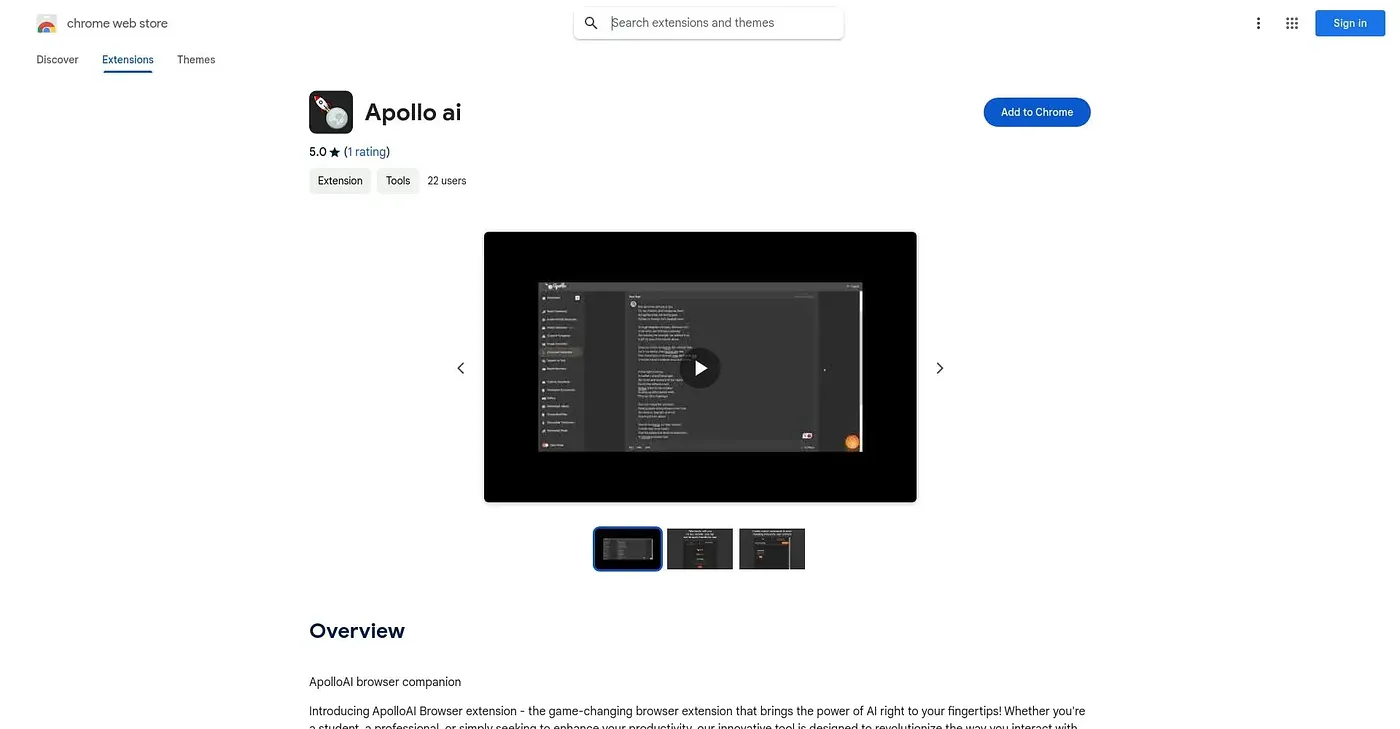
At a glance
4.1 out of 5
Scored by Alex after real useOur verdict
Apollo AI works inline: type a short command like /ap followed by a prompt in any textbox and it inserts a generated suggestion on the spot. Custom commands and templates let you tailor the tone and structure of what it produces. There is no dedicated interface beyond that slash command, so it stays a lightweight add-on rather than a full writing tool.
✓What it does well
✕Where it falls short
Key features
Questions about Apollo AI Chrome Extension
What does Apollo AI Chrome Extension do?
Apollo AI Chrome Extension brings AI writing suggestions into any textbox in Chrome. A user types a short slash command such as /ap followed by a prompt, and the extension inserts a generated suggestion on the spot, so there is no need to switch to another app.
Is Apollo AI Chrome Extension free?
Yes, Apollo AI Chrome Extension is free to use. Toolio lists a free plan at $0, and no paid plan was found on the Chrome Web Store in September 2026. The extension runs only in the Chrome browser.
Can you customize the responses from Apollo AI Chrome Extension?
Apollo AI Chrome Extension supports custom commands and reusable templates, so its responses can match a writer's own tone and structure. It also stores personalized instructions that shape future responses, and users can define custom commands for tasks they repeat often.
What are the downsides of Apollo AI Chrome Extension?
Apollo AI Chrome Extension has no standalone app or dashboard, only the inline slash command, so it stays a lightweight add-on rather than a full writing tool. Users also need to remember its command syntax, and the reviewer notes it carries only a single rating so far.
Who should use Apollo AI Chrome Extension?
Apollo AI Chrome Extension suits writers who want AI help without leaving the page they are typing in. It is not a good fit for anyone who wants a dedicated AI writing app with a full interface. Alex scored it 4.1 out of 5 after real use.