
Apowersoft
Apowersoft offers a range of multimedia tools for free and paid versions, but it can be cumbersome to navigate. It's best suited for basic users.
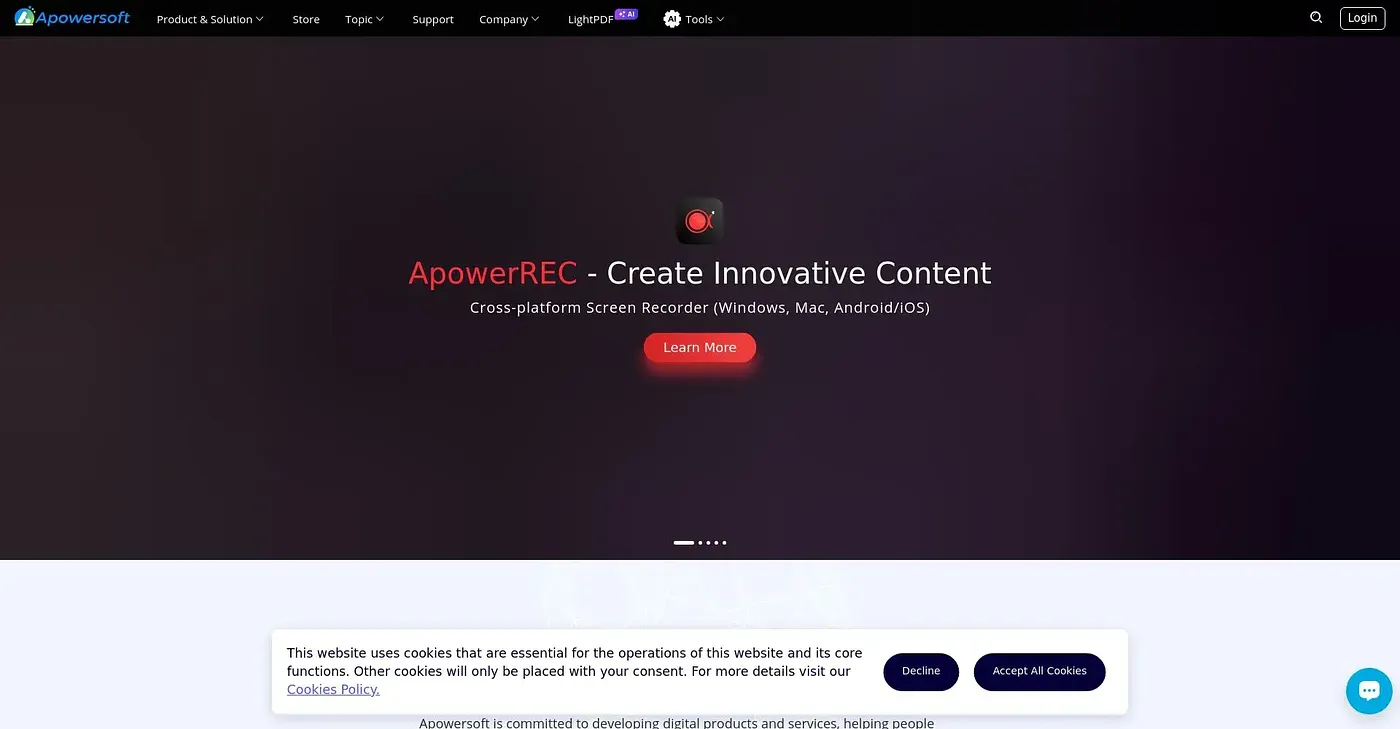
At a glance
Starts at
Free
No paid plan found on the vendor's site, September 2026.
Free tier
Yes, limited
Platforms
Web, macOS, Windows, iOS, Android
Best for
Basic users
4.0 out of 5
Scored by Alex after real useOur verdict
Apowersoft provides various multimedia editing and conversion tools with a focus on simplicity. However, it may lack advanced features that power-users need.
✓What it does well
Free ToolsProvides free versions of many tools like screen recorder and PDF editor.
Cross-platformAvailable on multiple platforms including Windows, macOS, iOS, and Android.
Basic EditingEasy-to-use basic editing features make it accessible for new users.
✕Where it falls short
Limited FeaturesPaid versions only offer advanced functions; free version is quite limited.
Navigation ComplexityToolset can be overwhelming and hard to navigate, even for experienced users.
Pricey UpdatesSome features like AI services are only available in premium versions at extra cost.
Key features
Multi-monitor CaptureSupports recording multiple screens simultaneously for screen capture.
Cloud StorageOffers cloud storage solutions like RecCloud for sharing and managing files.
Data Recovery ToolsProvides tools to recover lost data from devices such as iPhone/iPad.
Cross-platform CompatibilitySupports recording multiple screens simultaneously