
Ask Ben - Chrome Extension
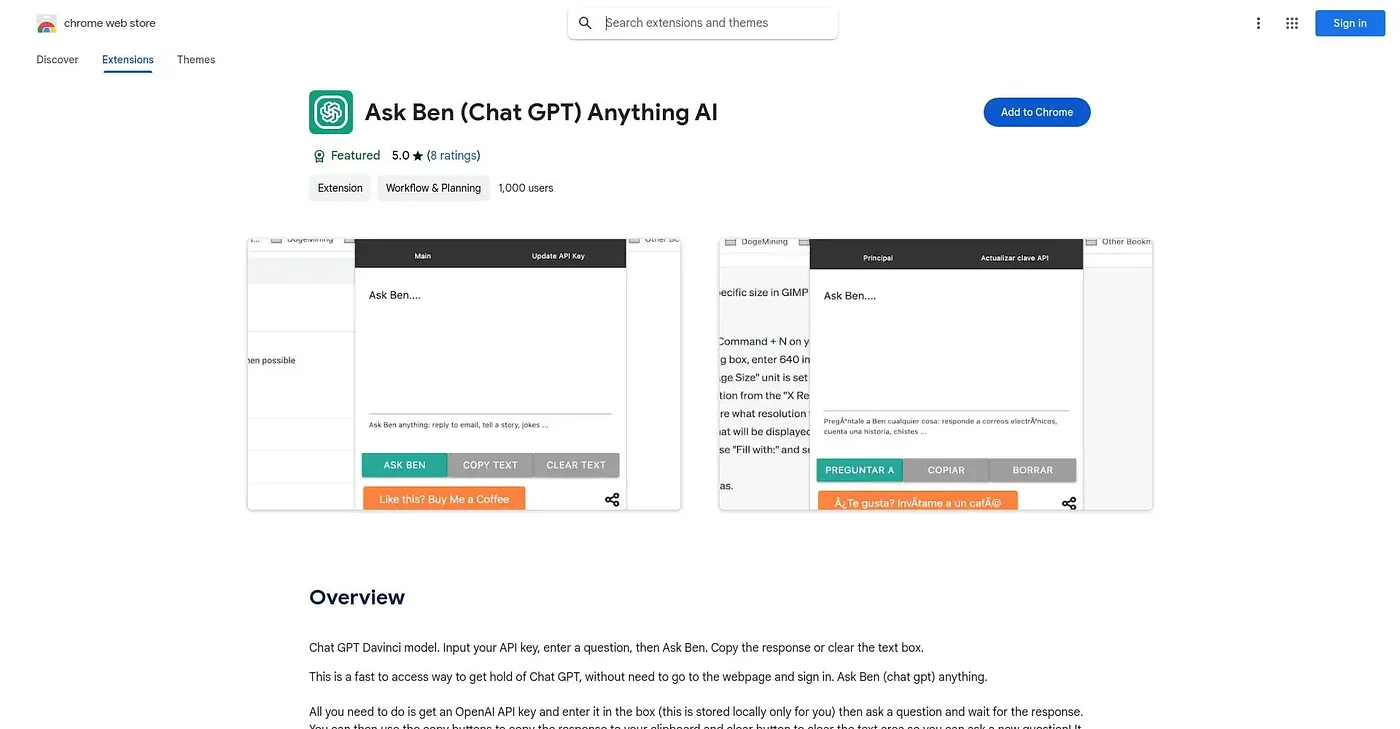
A Chrome extension that connects your own API key to GPT-3's Davinci model for quick Q&A.
At a glance
Starts at
Free
The vendor's site is offline, so no current price was found.
Free tier
Yes
Platforms
Chrome
Best for
Developers wanting a lightweight GPT interface via API key
Not for
Users without their own OpenAI API key
3.9 out of 5
Scored by Alex after real useOur verdict
Ask Ben connects to the ChatGPT Davinci model through a user-supplied API key, giving a simple chat window with one-click copy and clear controls. Developers and businesses who already have an API key and want a lightweight way to query it will find the setup quick. Response quality depends on that API's performance, and occasional incorrect answers mean the output still needs a human check.
✓What it does well
Direct API accessIt connects to the ChatGPT Davinci model using a user-supplied API key.
Simple query interfaceUsers can type a question and receive a structured response from the Ben assistant.
One-click response toolsCopy and clear buttons make it fast to reuse or reset an answer.
✕Where it falls short
Requires your own API keyIt only works after entering a personal API key, with no built-in access included.
Occasional wrong answersResponses can be incorrect, so answers need a manual check before relying on them.
Depends on API uptimePerformance depends entirely on the connected API's availability, which can cause delays or failures.
Key features
API key setupUsers enter their own API key to connect the extension to the model.
Davinci-based chatIt queries the ChatGPT Davinci model to answer typed questions.
Copy responseA one-click option copies the assistant's answer to the clipboard.
Clear text boxA one-click option clears the query box to start a new question.