
Ask ChatGPT Extension
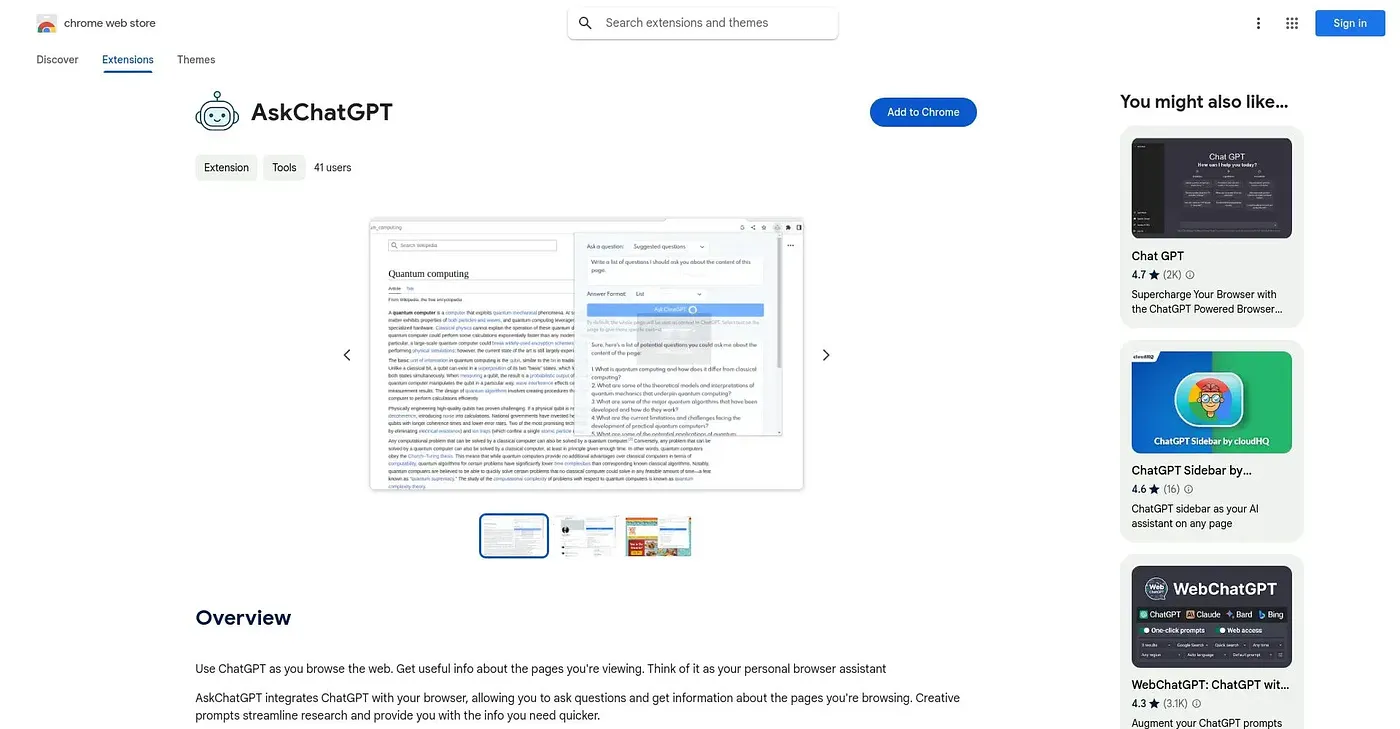
It answers questions about the page you're on. Response length can be adjusted to taste.
At a glance
3.9 out of 5
Scored by Alex after real useOur verdict
Ask ChatGPT Extension answers questions about the webpage a user has open and can summarize or gather information on a topic without leaving that page, with adjustable response length. Casual research and quick page-level insight are where it's most useful. Complex or highly specific queries can trip it up, and it can feel disruptive if it doesn't mesh well with normal browsing.
✓What it does well
✕Where it falls short
Key features
Questions about Ask ChatGPT Extension
What does Ask ChatGPT Extension do?
Ask ChatGPT Extension answers questions about the webpage a user has open. It can summarize topics or gather information without leaving the page, offers research prompts inside the browsing session and lets users adjust how long or detailed its responses are.
Is Ask ChatGPT Extension free?
Ask ChatGPT Extension is listed on Toolio at $0 with a free tier and no paid plan. The vendor's site is offline, so no current price was found. The extension runs only in Chrome.
Can you change the response length in Ask ChatGPT Extension?
Yes. Ask ChatGPT Extension lets users set responses shorter or longer, choosing how detailed or concise answers should be. The reviewer lists adjustable response length among its strengths, alongside page-specific insights and in-page research.
What are the limitations of Ask ChatGPT Extension?
Ask ChatGPT Extension can struggle with complex or highly specific questions, sometimes returning incomplete answers. Poor integration with a page can disrupt browsing rather than keep it smooth, and the tool is only available for Chrome.
Who should use Ask ChatGPT Extension?
Ask ChatGPT Extension suits readers who want quick, page-specific summaries while browsing, and the reviewer says casual research is where it is most useful. Anyone with complex, highly specific research questions is better off with a different tool.