
AskPaper – Research Chatg Chrome Extension
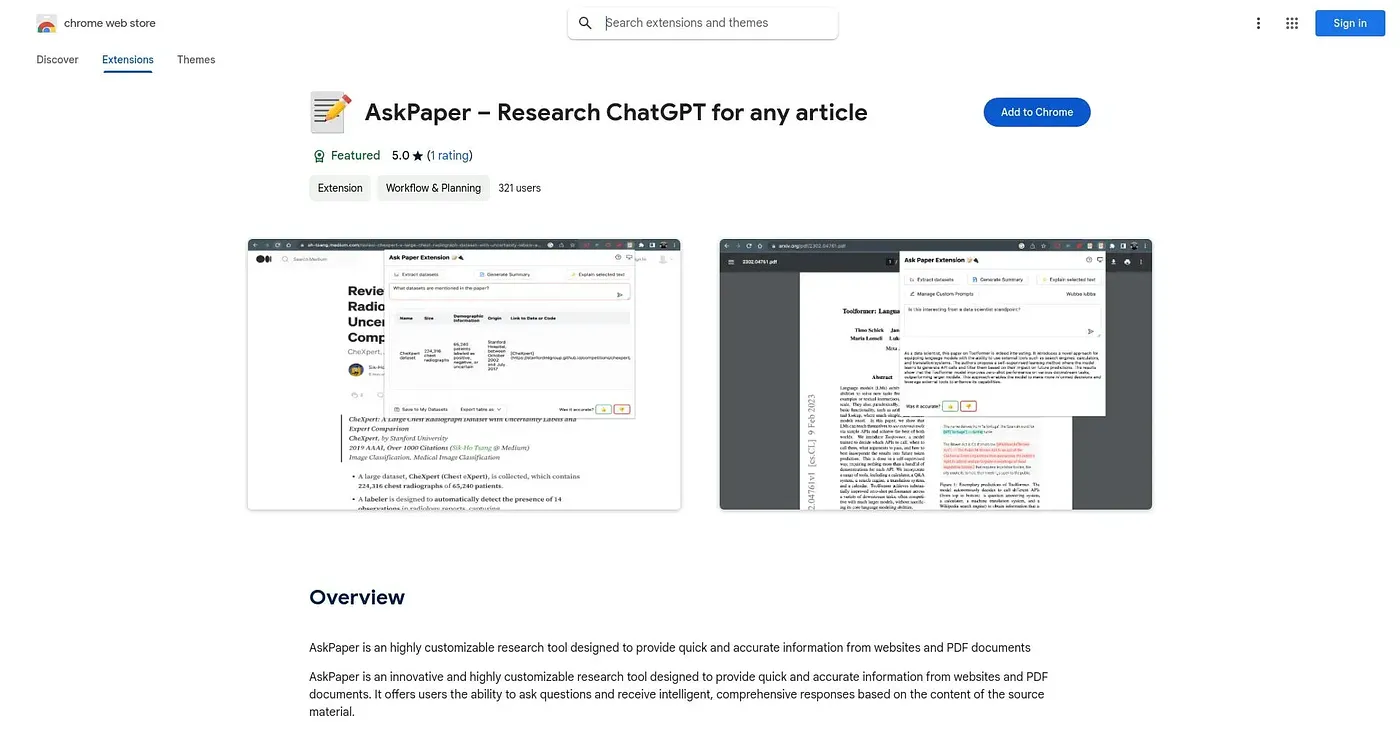
Answers direct questions about a webpage or PDF instead of making you search the whole document.
At a glance
Starts at
Free
The vendor's site is offline, so no current price was found.
Free tier
Yes
Platforms
Chrome
Best for
Students and researchers questioning PDFs and web pages
Not for
People overwhelmed by extensive settings menus
3.9 out of 5
Scored by Alex after real useOur verdict
AskPaper answers direct questions about webpages and PDF documents, with settings to focus on specific topics or document types across both formats in one place. Students and professionals digging through research material get quick answers without scanning full documents themselves. Complex or layered questions can be difficult, and the tool sometimes fails to answer them accurately, and the range of customization options can feel like extra complexity a casual user doesn't need.
✓What it does well
Direct document Q&AUsers can ask direct questions about webpages or PDFs and get relevant answers quickly.
Topic-focused customizationSettings let users focus the tool on specific topics or document types.
Multi-format supportIt handles both online content and PDF documents within the same extension.
✕Where it falls short
Struggles with complex queriesComplex or layered questions can be difficult, and the tool sometimes fails to answer them accurately.
Overwhelming settingsThe range of customization options can feel like extra complexity a casual user doesn't need.
Chrome onlyIt only runs as a Chrome extension, without support for other browsers.
Key features
Query response engineIt answers direct questions posed about a webpage or PDF's content.
Topic and format settingsUsers can adjust settings to focus on chosen topics or document types.
PDF processingIt reads and answers questions about PDF documents.
Webpage processingIt reads and answers questions about the content of a webpage.