
AudioStrip
Remove or isolate vocals with ease. Ideal for quick edits, not complex projects.
At a glance
3.9 out of 5
Scored by Alex after real useOur verdict
AudioStrip excels at basic vocal isolation tasks but lacks advanced features needed for serious editing work.
✓What it does well
✕Where it falls short
Key features
Questions about AudioStrip
What does AudioStrip do?
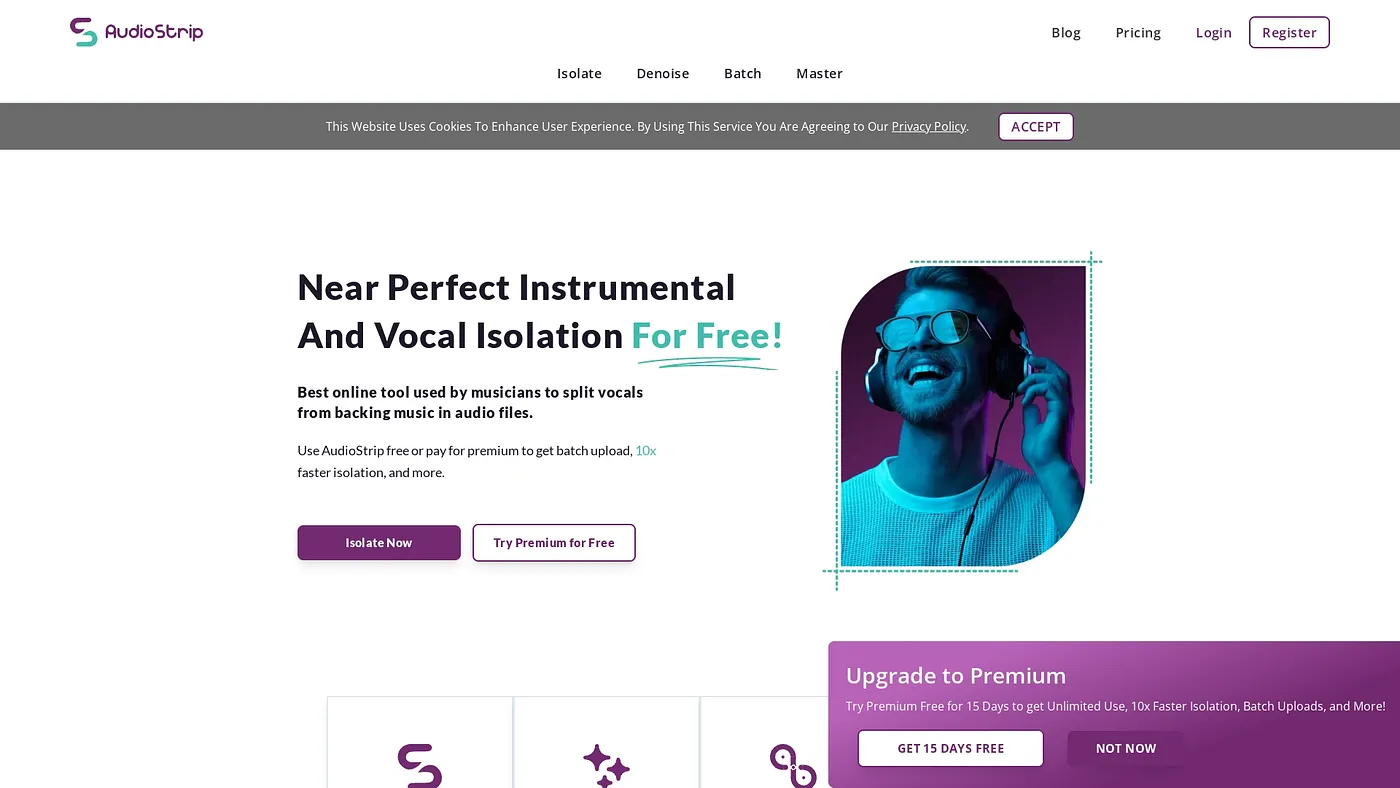
AudioStrip removes or isolates the vocals in a song, and the reviewer finds it quick and easy for that basic task. It runs in a web browser with a simple, intuitive interface, so there is no software to install.
Is AudioStrip free?
Yes. AudioStrip is listed as free on the vendor's site, and no paid plan is listed. The reviewer notes the free version comes with limitations and ads, which makes it fine for occasional use but unsuitable for professional projects.
Can AudioStrip be used offline?
No. AudioStrip is available only online and cannot be downloaded, so it needs an internet connection every time. It works through a web browser, which means nothing has to be installed, but there is no offline option.
Is AudioStrip good enough for professional audio editing?
The reviewer says AudioStrip handles basic vocal isolation well but lacks the advanced features needed for serious editing work. It does not support advanced editing or isolating multiple tracks at once, so it suits content creators and hobbyists rather than professional project makers.
How does Toolio rate AudioStrip?
Toolio scores AudioStrip 3.9 out of 5, a score given by Alex after real use on 3 Oct 2026. The rating reflects a fast, free and simple vocal remover held back by limited functionality, ads in the free version and no offline use.