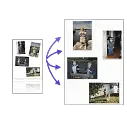
Auto Cropper
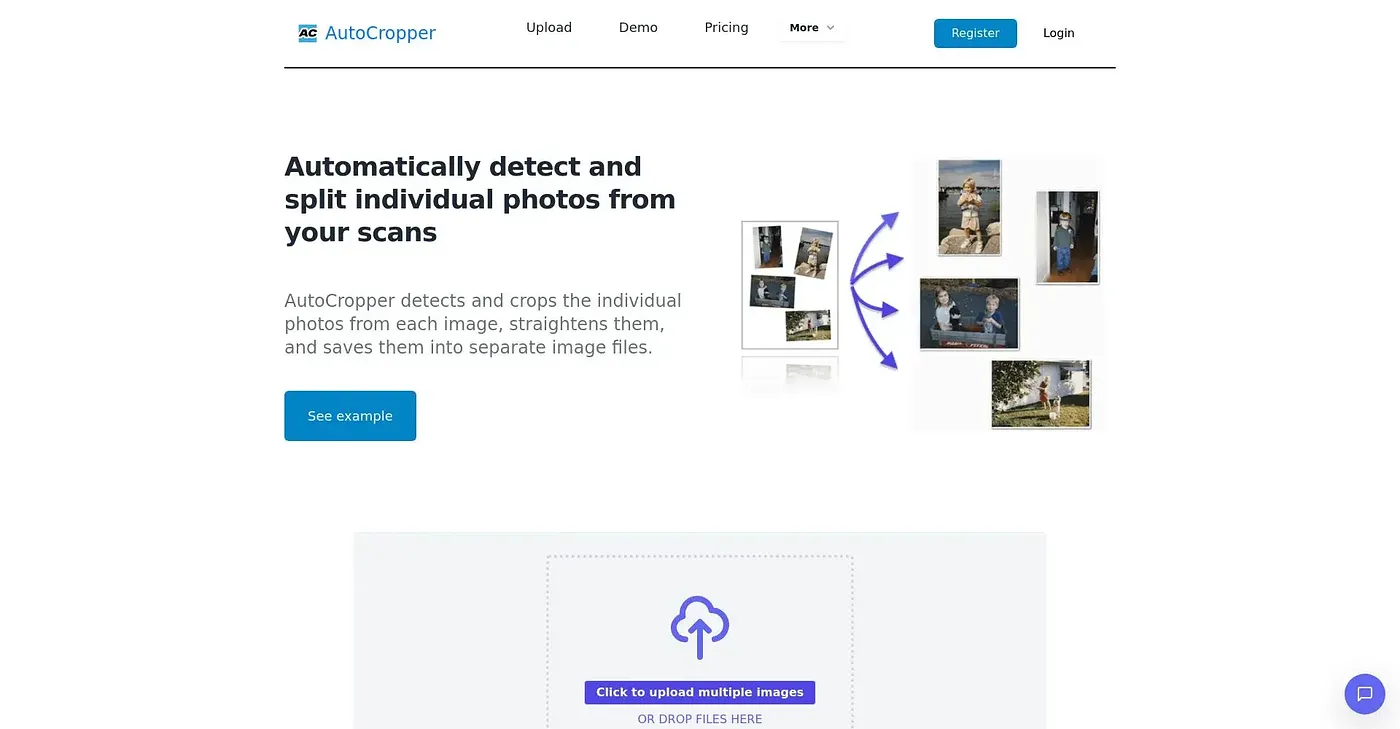
Crops multiple images with one upload, but limited to 5 scans per day.
At a glance
Starts at
$7 per month billed annually at $84/year (Pro plan)
Price as published by the vendor, September 2026.
Free tier
Yes, limited
Platforms
Web
Best for
Digitizing photo collections or document archives.
Not for
Large-scale commercial operations
4.5 out of 5
Scored by Alex after real useOur verdict
AutoCropper excels at splitting scanned pages into individual photos. It’s fast and effective for batch processing. Those scanning manually or dealing with large volumes will benefit most; others might find it lacks advanced features.
✓What it does well
FastAuto-detects and crops photos quickly, even from complex scans.
User-friendlyDrag-and-drop interface makes uploading and managing batches simple.
No software installation requiredWorks directly in your web browser for immediate use.
✕Where it falls short
Limited daily scan quotaFree plan caps at five scans per day, insufficient for large projects.
Basic features onlyFree version lacks advanced tools and commercial-use rights.
No mobile app supportCurrently available only via web browser; no desktop application or phone app.
Key features
Upload multiple scans at onceSupports batch processing for efficient scanning and cropping.
EXIF data preservationSaves hidden metadata like dates, titles, descriptions with each photo file.
Automatic rotation correctionDetects rotated photos and corrects them during the cropping process.
pdf supporthandles pdfs up to five pages