
BrainBuddy AI Assistant - Chrome Extension
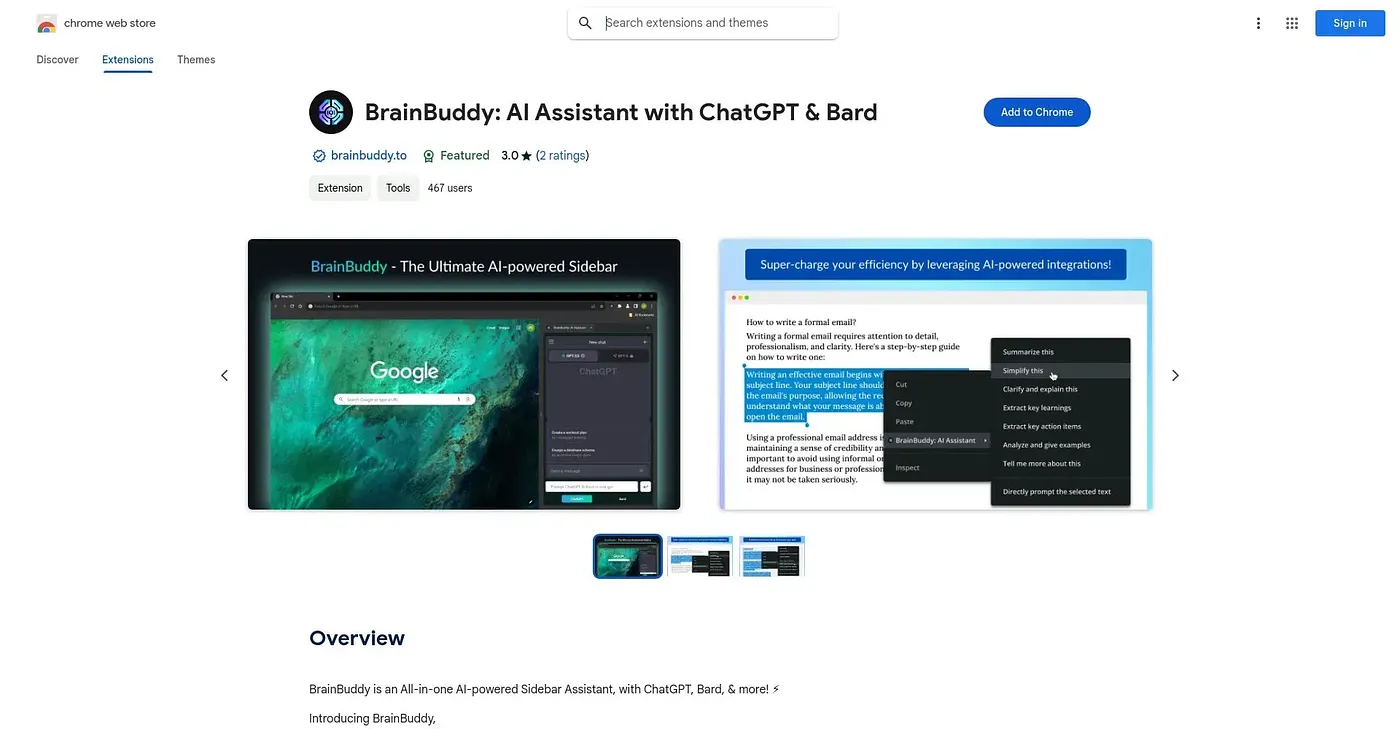
Prompts both ChatGPT and Bard at once from a browser sidebar so you can compare their answers.
At a glance
3.9 out of 5
Scored by Alex after real useOur verdict
BrainBuddy sends a single prompt to both ChatGPT and Bard at the same time, showing both answers side by side in a sidebar you open with a shortcut or floating button. Pre-defined actions and one-click prompts cut down on retyping the same requests. Its whole value rests on wanting two AI opinions at once, so anyone happy with a single chatbot gains little from the comparison.
✓What it does well
✕Where it falls short
Key features
Questions about BrainBuddy AI Assistant - Chrome Extension
What does BrainBuddy AI Assistant - Chrome Extension do?
BrainBuddy sends a single prompt to both ChatGPT and Bard at the same time and shows the two answers side by side in a browser sidebar. Pre-defined actions and one-click prompts cut down on retyping the same requests.
Is BrainBuddy AI Assistant - Chrome Extension free?
BrainBuddy AI Assistant is free, and no paid plan was found on the Chrome Web Store in September 2026. To work as intended, though, it requires access to both ChatGPT and Bard. It runs in Chrome.
How do you open BrainBuddy AI Assistant - Chrome Extension?
The BrainBuddy sidebar opens instantly with a keyboard shortcut or a floating button. Once open, the side panel displays the ChatGPT and Bard outputs next to each other so the answers can be compared.
Who should skip BrainBuddy AI Assistant - Chrome Extension?
BrainBuddy's whole value rests on wanting two AI opinions at once, so anyone happy with a single chatbot gains little from it. The reviewer also notes it compares surface-level answers rather than offering deep tuning of a single model. It suits researchers who want to compare ChatGPT and Bard answers.
What are some alternatives to BrainBuddy AI Assistant - Chrome Extension?
Toolio lists AI Caption Writer as an alternative, described as generating captions quickly but feeling limited. BrainBuddy itself holds a Toolio score of 3.9 out of 5, given by Alex on 3 Oct 2026 after real use.