
Brainyai Chrome Extension
Chats, searches and summarizes from a browser sidebar, with one-click shortcuts to explain or translate selected text.
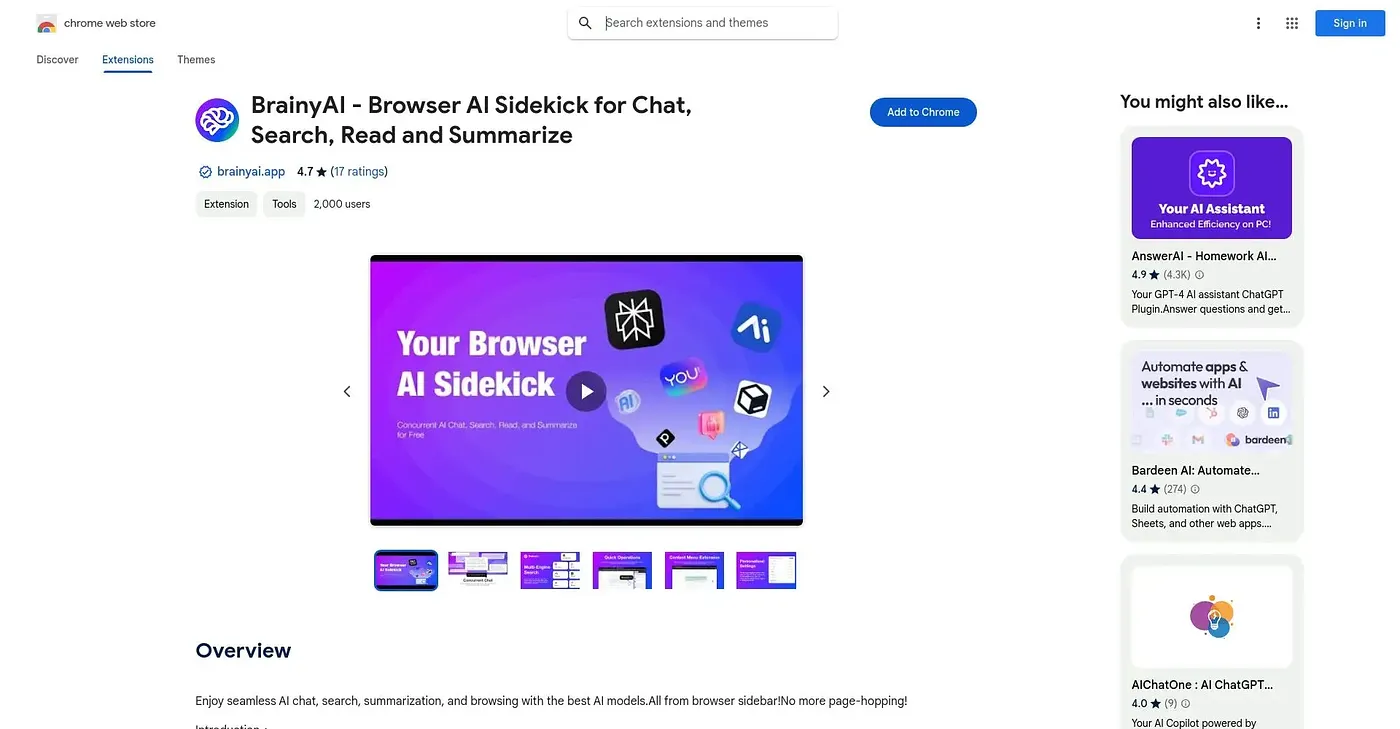
At a glance
Starts at
Free
No paid plan found on the Chrome Web Store, September 2026.
Free tier
Yes
Platforms
Chrome
Best for
People wanting chat, search and summarizing in one sidebar
Not for
Anyone wanting to build and save their own custom prompts today
4.7 out of 5
Scored by Alex after real useOur verdict
BrainyAI runs chat, multi-engine search and text explanations from a single sidebar, so selected text can be explained, translated or rephrased with one click. Data collection is opt-in, which is a reasonable privacy stance for a browser extension. Custom prompt management is still listed as an upcoming feature, so anyone wanting that today will have to wait.
✓What it does well
Sidebar chat and searchCombines AI chat and multi-engine search in one sidebar.
One-click text actionsExplains, translates or rephrases selected text in one click.
Opt-in privacyKeeps anonymous data collection opt-in rather than automatic.
✕Where it falls short
Custom prompts pendingLists custom prompt management as upcoming, not yet available.
Vague engine listNever names which specific search engines are included.
Large install sizeRequires an unusually large download for a browser extension, over 20MB.
Key features
Multi-engine searchSearches across multiple AI-powered search engines.
Customizable shortcutsExplains, translates or rephrases text with custom shortcuts.
Interactive AI chatHolds real-time conversations for instant answers.
Regular updatesReceives continuous updates based on user feedback.