
BrowserGPT
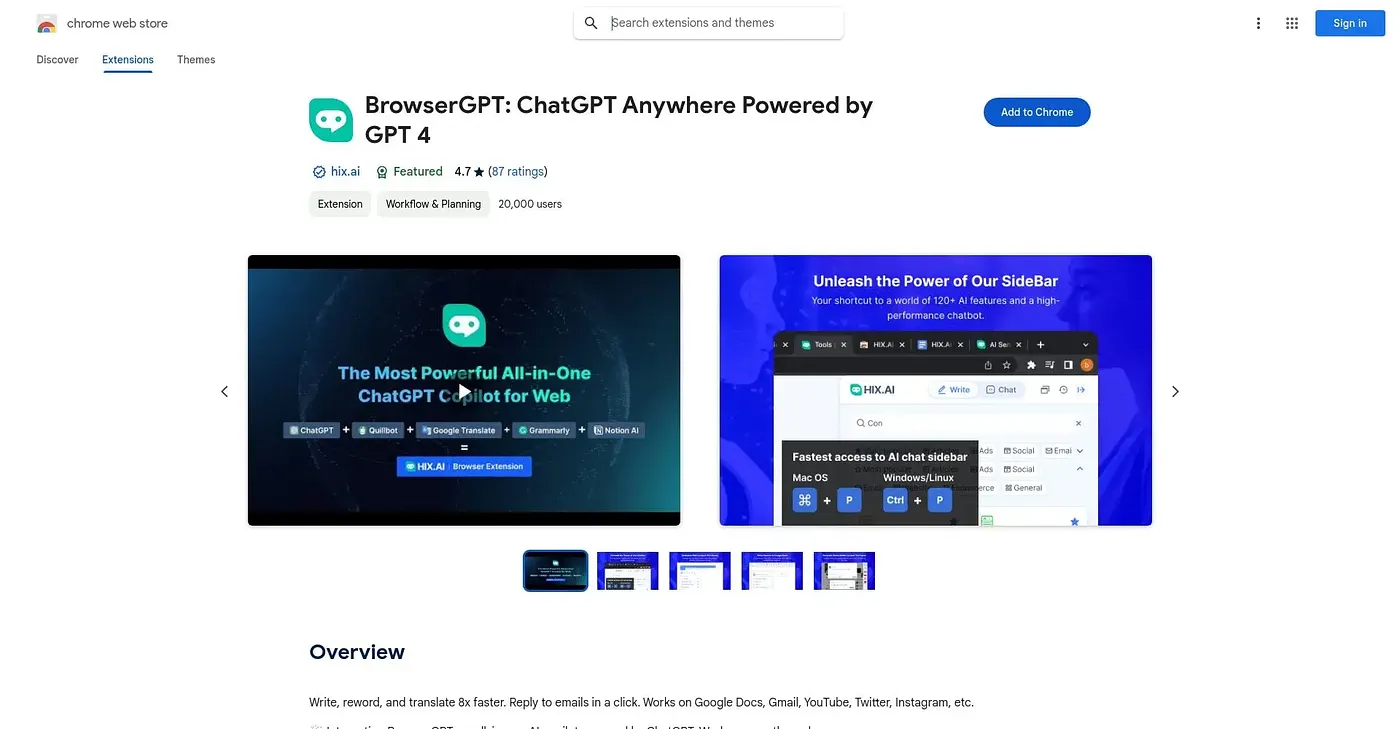
Drafts, rewrites and translates text everywhere you type, from Gmail to Google Docs to social posts.
At a glance
4.3 out of 5
Scored by Alex after real useOur verdict
BrowserGPT layers ChatGPT-3.5/4 on top of Google Docs, Gmail, social platforms and search engines, drafting and rewriting text with over 100 writing tools, a dozen copywriting formulas and dozens of languages to choose from. A remembered-conversation chatbot sidebar sits alongside it for anything that doesn't fit a quick inline edit. With so many overlapping tools and formulas on offer, it can take a while to find the one you actually need.
✓What it does well
✕Where it falls short
Key features
Questions about BrowserGPT
What can you do with BrowserGPT?
BrowserGPT drafts, rewrites and translates text everywhere the user types, from Gmail to Google Docs to social posts and search engines. It layers ChatGPT-3.5/4 on top of those sites with over 100 writing tools, and a chatbot sidebar remembers past conversations.
Is BrowserGPT free?
Yes. BrowserGPT is listed as free on the Chrome Web Store, and no paid plan is listed. It runs in Chrome, and Toolio scores it 4.3 out of 5, a score given by Alex after real use.
Does BrowserGPT support copywriting formulas?
Yes. BrowserGPT applies copywriting formulas such as PAS and AIDA to structure writing, with a dozen formulas available in total. It also writes and translates across more than 50 languages and drafts social posts with hashtag suggestions.
What are the downsides of BrowserGPT?
The reviewer notes that BrowserGPT packs in so many overlapping tools and formulas that it can take a while to find the right one, with no clear starting point for beginners. It also builds no models of its own, relying entirely on ChatGPT, and does not work offline.
Who is BrowserGPT for?
Toolio lists BrowserGPT as best for people who write across many web apps and want one AI copilot. It is not for anyone who only writes inside a single dedicated app, since its strength is working inside Docs, Gmail and social apps.