
C2PA Remover
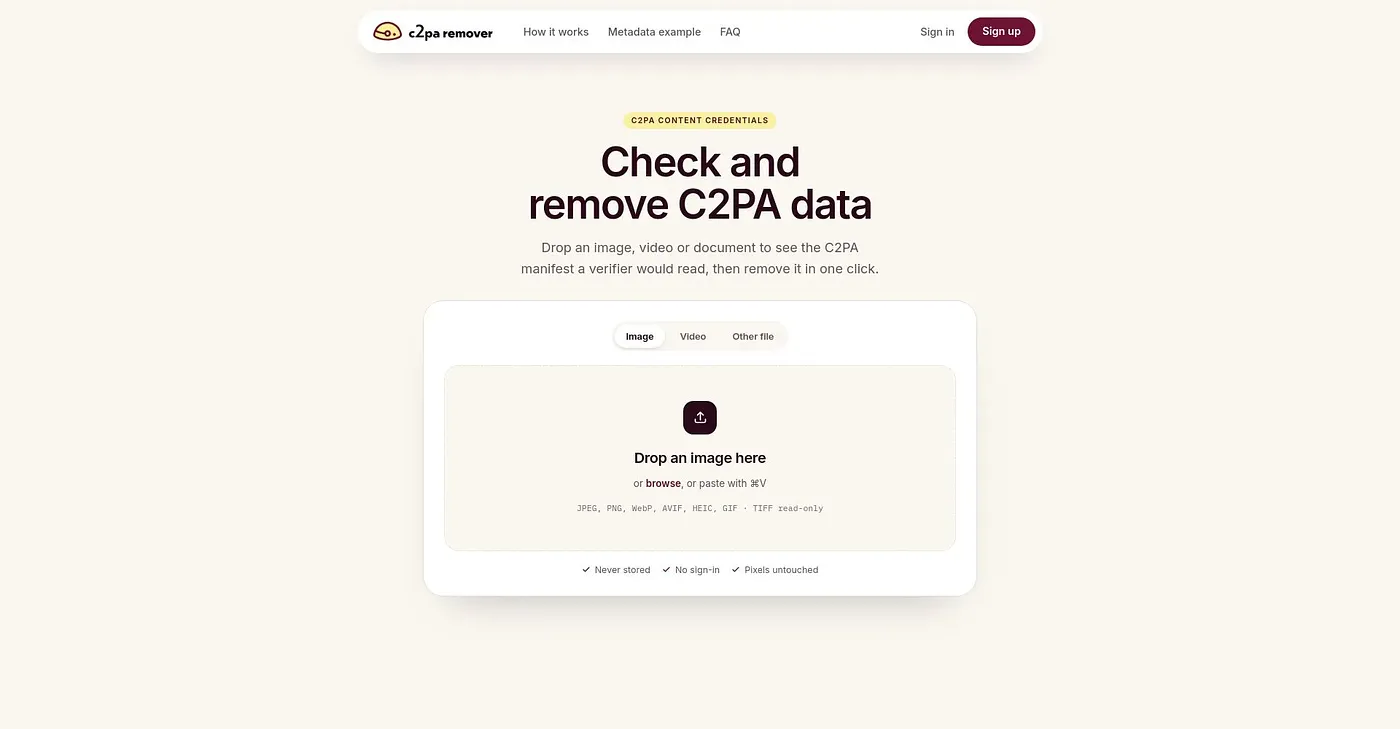
Remove C2PA metadata in one click.
At a glance
4.1 out of 5
Scored by Alex after real useOur verdict
This tool allows you to remove C2PA metadata from files quickly. It’s ideal for those who need to clean up images or videos but isn’t suitable if you want detailed transparency about edits.
✓What it does well
✕Where it falls short
Key features
Questions about C2PA Remover
What does C2PA Remover do?
C2PA Remover strips C2PA metadata from image and video files in one click. Files can be dragged and dropped or pasted in, and the reviewer notes that the original image quality stays unchanged after removal. Toolio lists it as best for content creators, photographers and filmmakers.
How much does C2PA Remover cost?
C2PA Remover has no free tier. The Basic Plan costs $9.99 per month and includes all features for image and video files, while the Pro Plan costs $45 per year billed annually and adds support for more file types.
Which file formats does C2PA Remover support?
C2PA Remover works with JPEG, PNG, WebP, AVIF, HEIC, GIF and more. TIFF files are read-only, so the tool inspects them but does not modify them, and Toolio lists it as not for TIFF file owners. Not every image or video format is supported.
Does C2PA Remover store your files?
No. C2PA Remover does not store any data, and files are processed on the user's device only. The reviewer counts this privacy focus among its strengths, alongside one-click removal and unchanged image quality.
What are the drawbacks of C2PA Remover?
C2PA Remover does not show what the C2PA metadata contains before deleting it, so the reviewer says it does not suit anyone who wants detailed transparency about edits. It supports only some image and video formats and leaves TIFF files unmodified. Alex scored it 4.1 out of 5 on 3 Oct 2026.